
When affiliate commission dropped across a site, the cause usually falls into one of four groups: a change in the merchant's rate or program terms, a tracking or attribution fault, higher reversals (refunds, cancellations, rejected leads), or a change in the links themselves, such as dead pages, unavailable products and redirects that no longer reach a monetized destination. The fastest way to find which group applies is to compare clicks against commissions by program and by page, then test the links on the pages that lost the most.
TL;DR
- A drop in clicks points to traffic or link-liveness problems. Steady clicks with falling commissions point to rate, conversion, attribution or reversal problems.
- Check the merchant's current public terms and rate table before anything else, because rate and eligibility changes are documented and dated.
- Links that return a normal 200 OK can still be commercially unhealthy: unavailable products, generic homepage redirects and tracking paths that may no longer earn.
- Evidence (click logs, order IDs, dated screenshots, terms) determines whether an affiliate manager can act on a dispute.
- Classify every link as Broken, Needs Attention or Healthy, and fix in that order.
Table of Contents
- Step 1: Establish whether the drop is widespread or local
- Step 2: Separate traffic problems from conversion problems
- Step 3: Check the merchant's rate and terms
- Step 4: Account for reversals and cancellations
- Step 5: Test the links on older content
- Perspective
- Step 6: Build the evidence file before contacting anyone
- Step 7: Keep disclosures in order while repairing
- Where a link audit fits
- FAQ
- Sources
Step 1: Establish whether the drop is widespread or local
The first question is scope. A program-wide decline implies a terms, rate or reporting change at the merchant. A decline confined to particular pages implies a content, ranking or link problem. A decline confined to particular orders implies reversals.
Build a simple table from the affiliate dashboard and site analytics, covering equal periods before and after the drop (for example, the 60 days preceding versus the 60 days following the first visible decline):
| Metric | Source | What a change suggests |
|---|---|---|
| Outbound clicks per page | Site analytics or link-click tracking | A fall points to traffic loss or links that no longer receive clicks |
| Clicks reported by the program | Affiliate dashboard | A gap versus site-side clicks points to redirect or tracking loss |
| Approved conversions | Affiliate dashboard | A fall with steady clicks points to conversion or attribution |
| Net commission | Affiliate dashboard | A fall with steady conversions points to rate changes |
| Reversal and cancellation rate | Affiliate dashboard | A rise points to refunds, returns or rejected leads |
| Program share of total affiliate income | Combined reports | Concentration shows how exposed the site is to one merchant |
Two definitional traps distort this comparison. Reports organized by order date and reports organized by validation date will not agree for the same period. Gross commission, approved balance and paid amount are also different quantities. Reconcile definitions before concluding anything; the affiliate reporting discrepancies guide covers the common causes and the reconciliation sequence.
Step 2: Separate traffic problems from conversion problems
The diagnostic split is direct. If outbound clicks decreased, the cause lies in traffic, placement or link liveness. If clicks held steady while commissions fell, the cause lies downstream of the click: conversion, attribution, reversals or rate.

For the second case, group the data by program, traffic source, device and, where used, subID. Concentration is informative. A decline limited to mobile suggests a tracking or landing-page fault on that device class. A decline limited to one subID points to a specific placement. A decline across all sources for a single merchant points to the merchant.
Attribution faults deserve their own pass. Typical technical causes include missing parameters after a redirect, stripped tracking strings from link shorteners or cached pages, and attribution windows that differ from what the merchant's current settings specify. The AMP affiliate links checklist and the shortened affiliate links audit describe how those two link types lose parameters.
Step 3: Check the merchant's rate and terms
Rate and eligibility changes are the most documented cause of a sudden drop, and they are checkable.
Amazon Associates. In the U.S. program, fixed commission rates by category currently range from 0% to 10% according to Amazon Associates Central. Qualifying-product rules also changed: effective April 14, 2026, qualifying products must be shipped, streamed or downloaded and paid for within 180 days, and referrals from paid or boosted ads are disqualified, with limited exceptions. A publisher whose earnings rested on indirect purchases or on promoted posts should compare affected periods against that effective date. Payment timing also affects how a drop looks: Amazon typically pays about 60 days after the end of the month in which income was earned, so a reporting period and a payment period seldom line up.
Network programs. On Awin, affiliates can view commission rates for joined programmes and track rate changes over time in the Commission Rates timeline. Other networks offer comparable rate histories or terms pages. Capture the effective date of any change and compare it with the date the decline started.
Direct programs. Merchants running their own programs can shorten cookie windows, exclude product categories or change tiers. Use the current agreement and official program documentation, never an old review, a screenshot or an email summary, as the reference.
If the program is no longer commercially workable after a rate cut, the replacement decision is separate from the repair decision. The replacement framework for dead affiliate programs uses an intent-first, three-label approach, and publishers weighing alternatives can also review digital product affiliate programs as one category of offer to evaluate.

Step 4: Account for reversals and cancellations
Commission statuses can change after the initial estimate. Canceled, returned or refunded orders reduce net earnings, and invalid-lead flags can remove commissions that appeared in an earlier report. For this reason an approved commission is not necessarily final; some recently approved items remain provisional until the merchant's reversal window closes.
To test this explanation, export reversed or declined actions and group them by program, source, device and subID. Three patterns are common:
- Reversals concentrated in a product category. Typically returns or stock problems at the merchant.
- Reversals concentrated in one traffic source. Typically lead-quality flags or fraud filters.
- Reversals spread evenly with no change in rate. Typically ordinary refund behavior, and a cue to model a reversal buffer rather than to chase individual items.
A reversal analysis explains lost net income on conversions that occurred. It cannot explain conversions that never occurred, which is where link health enters.
Step 5: Test the links on older content
This is the diagnostic step most often skipped. Older posts continue to receive search traffic, and the affiliate links inside them age silently. A conventional link checker flags 404 responses and stops. Commercial failure frequently occurs behind a healthy status code:
- Unavailable or discontinued products. The page loads with 200 OK but displays an out-of-stock, discontinued or "no longer available" state.
- Redirects to generic destinations. The link resolves to a merchant homepage or category page instead of the product the anchor describes.
- Unverifiable tracking paths. The affiliate parameters present in the original link are absent from the final URL, or the redirect chain passes through a path that cannot be confirmed as still attributable.
- Dead or migrated programs. The merchant closed its program or moved networks, and the old link structure remains in place.
A practical manual sequence for a priority page:
- List every monetized anchor on the page, with its destination URL.
- Request each URL and record the status code, the full redirect chain and the final landing URL.
- Compare the final URL against the intended product or category.
- Inspect the rendered page for availability signals (out of stock, discontinued, region restrictions).
- Confirm that the affiliate identifier or tracking parameters survive to the final URL, or that the redirect path is one the program documents.
- Assign each link a classification: Broken (confirmed failure), Needs Attention (loads, but shows a commercial warning sign that requires manual review), or Healthy (no issue found).
The distinction between Broken and Needs Attention matters. A Broken classification rests on verified evidence, such as a 404, a confirmed unavailable product or a confirmed redirect to a generic homepage. Needs Attention covers items where the evidence is suggestive but incomplete, for example a tracking path that may no longer earn commission. Classification of this kind does not establish that income was lost, and it does not verify commission crediting; it identifies where the publisher should look first. For deeper method, see how to test, classify and prioritize non-earning affiliate links and evidence-first affiliate link testing.
Prioritize by exposure: pages with the highest recent organic traffic and the most monetized anchors first, then pages whose links belong to the program that lost the most commission. Links that receive clicks but convert poorly may be failing after the click rather than before it; low-converting affiliate links are a separate diagnostic.
Perspective
Across the audits we review, the pattern we see most is not a single dramatic failure. It is a long tail of links that still load and still receive clicks, but no longer lead to a purchasable product or to a destination that matches the anchor.
That is why we do not stop at 404s. A link returning 200 OK can be commercially unhealthy, and a publisher reading a dashboard sees only lower commission, not the reason. Our position is that the reason should be shown as evidence, link by link, with a clear boundary between what is confirmed Broken and what Needs Attention.
We are equally clear about what an audit does not do. We do not verify commission crediting, we do not promise revenue recovery, and we do not repair links. We identify and classify; the publisher decides what to change. A prioritized list of verified findings replaces guesswork about where to start, and every audit begins with a free sample so the evidence can be judged before purchase.
Michael N.
Step 6: Build the evidence file before contacting anyone
An affiliate manager can confirm offer-side changes quickly, but the result of that conversation depends on the data the publisher brings. Before opening a ticket or disputing reversals, store the following in one folder:
- Click logs with timestamps for the affected period
- Dated screenshots of the program's terms and rate table
- Order IDs, with their current status
- The specific pages and links involved
- The merchant's effective dates for any terms change
Then segment the cause (technical, policy or volume) and state it in the request: which program, which period, which pages, what changed and what the data shows. A request that names a rate effective date and attaches approved-performance evidence is far easier to review than a general complaint. If the issue appears systemic across a merchant's affiliates, escalate through the network rather than through an individual manager.
Step 7: Keep disclosures in order while repairing
Repair work often touches many pages at once, and it is a convenient moment to confirm compliance. The FTC's guidance states that endorsement disclosures must be clear and conspicuous, and a disclosure that sits away from the link or is hard to notice does not meet that standard. The six-step FTC affiliate disclosure audit shows how to check placement on each template. Publishers who also changed networks should review affiliate program migration, which reconciles conversions rather than clicks alone.
Where a link audit fits
The steps above are sufficient for a handful of pages. On a site with hundreds of posts, the manual request-and-inspect cycle becomes the bottleneck, and the data needed to decide where to begin is exactly what is missing.
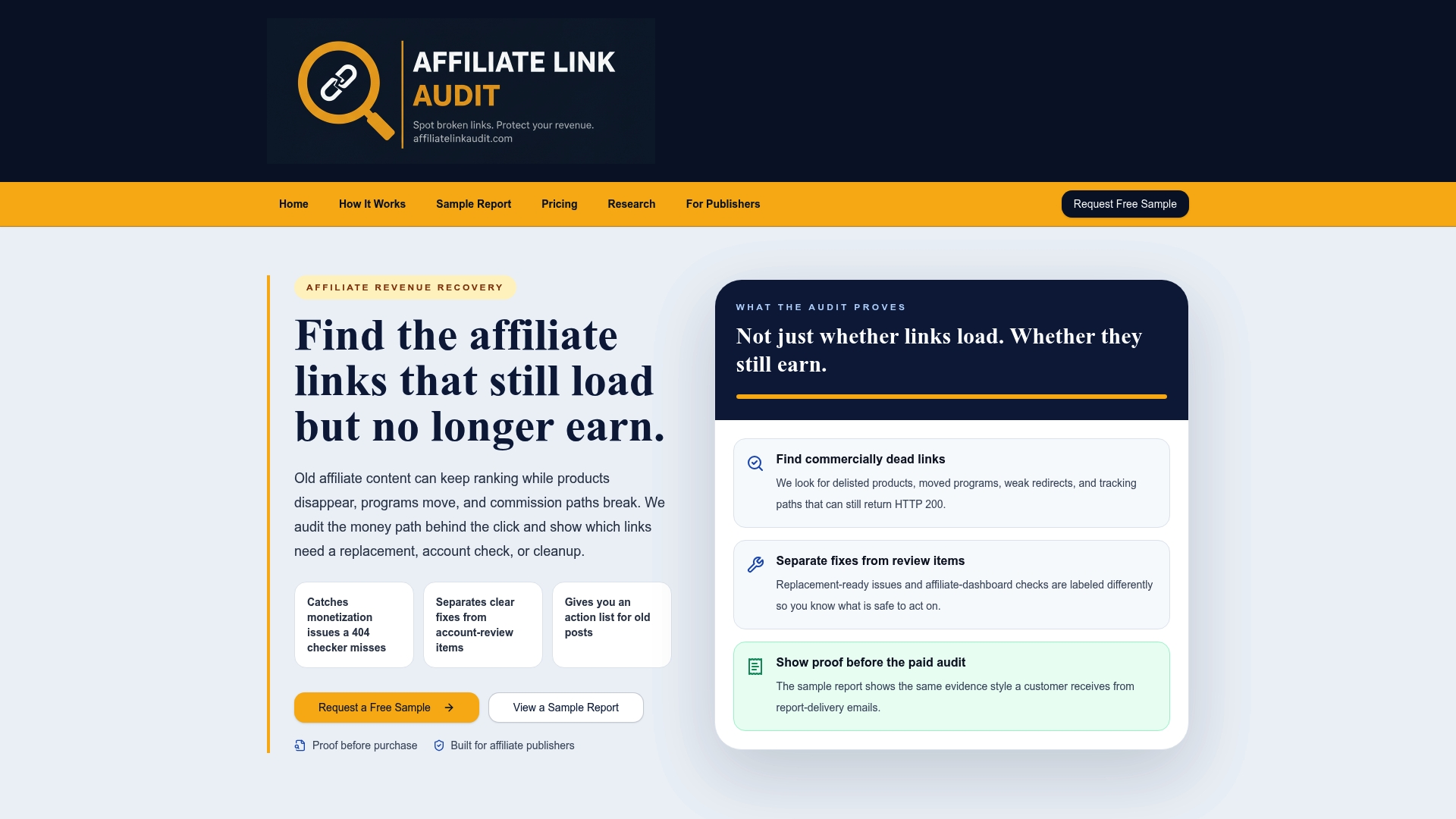
Affiliate Link Audit offers manual and semi-automated audits that detect broken, outdated and non-earning affiliate links, evaluate the commercial viability of links that still load, classify findings as Broken, Needs Attention or Healthy, and deliver a prioritized action plan with suggested replacements. The plan separates clear fixes from items that require manual review. The Full Audit is $97, one-off, and the free sample report shows the evidence format before any purchase.
For context on how affiliate links perform across publisher domains, the Affiliate Link Health Benchmark 2026 sets out the methodology and findings.
FAQ
How can I tell if my affiliate commission dropped because of a rate cut or because of broken links?
Compare clicks and commissions by program. If clicks are steady and commission per conversion fell on a date matching a published rate or terms change, the merchant is the likely cause. If clicks on specific pages declined, or the links resolve to unavailable products or generic homepages, link health is the more probable cause.
Why do approved commissions sometimes disappear later?
Orders can be canceled, returned or refunded after the commission was first reported, and merchants can also reject leads that fail validation. Reports based on order date and reports based on validation date will also show different totals for the same month. Treating recent approvals as provisional until the reversal window closes avoids misreading the trend.
Does a link that loads normally still earn commission?
Not necessarily. A 200 OK response confirms only that a page was served. The page may show a discontinued product, the link may redirect to a generic homepage, or the tracking path may no longer be attributable. Such links warrant a Needs Attention classification and manual review.
What should I send an affiliate manager when commissions drop?
Send the program name, the affected period, the pages involved, click logs, order IDs with statuses, and dated screenshots of the terms. State the date the change began and what the data shows. Specific evidence allows the manager to confirm or rule out an offer-side change quickly.
Does Affiliate Link Audit fix links or recover lost commission?
No. The audit identifies and classifies links as Broken, Needs Attention or Healthy and supplies evidence and a prioritized action plan. It does not repair links, verify commission crediting or promise revenue recovery; the publisher decides what to change.
Sources
- Amazon Associates Central: commission income rates
- Amazon Associates Central: updates to the Associates program (effective April 14, 2026)
- Amazon Associates Central: program policies and payment timing
- Awin: how to view programmes' commission rates
- FTC: Endorsement Guides, what people are asking
- Digital product affiliate programs for creators and publishers
Recommended
- Affiliate Fixes: Publishers Should Rank Revenue Risk, Not Errors
- Stop Losing Commissions: Evidence First Affiliate Link Testing for Publishers
- Audit Affiliate Links Weekly to Stop Hidden Commission Losses for Publishers
- Publishers: $97 Affiliate Monetization Audit Prioritizes Revenue Fixes
This article was produced with AI assistance and reviewed for accuracy. Findings language ("Broken," "Needs Attention," "Healthy") reflects Affiliate Link Audit's evidence-based classification system.