

An affiliate monetization audit finds which affiliate links are Broken, which Need Attention, and which are Healthy. It then hands back a prioritized repair plan ranked by estimated revenue exposure. The deliverable includes hop-forensics evidence, meaning seeded-click traces and dashboard notes, not just a scan result. Verification requires at least one real click through the link and a follow-up check on commission data in the affiliate dashboard.
TL;DR:
- High-traffic pages with broken affiliate links should be fixed within one to two weeks to prevent revenue loss.
- Seeded click traces and hop-forensics are essential for verifying redirect integrity and tracking parameter survival at each hop.
- An audit focuses on commercial usefulness of a 200 OK response, not just link accessibility, highlighting hidden tracking and product issues.
- Regular re-audits and monitoring help detect product deactivations, URL changes, and compliance violations, avoiding long-term revenue leaks.
- Fixing duplicate or conflicting links involves consolidating tags and removing redundancies to ensure accurate attribution and tracking.
Table of Contents
- What Does an Affiliate Monetization Audit Cover?
- How Do You Run an Affiliate Monetization Audit Step by Step?
- How Do You Prioritize Which Links to Fix First?
- What Tools Catch Redirect Chains and Tracking Loss?
- What Does a Sample Audit Report Actually Look Like?
- From Audit to Fixed Links: What Happens Next?
- Monitoring Links Beyond the Redirect Problem
- Are Your Affiliate Links Still Compliant With Program Terms?
- Does Site Speed Affect Affiliate Link Performance?
- How Do You Catch Duplicate or Conflicting Affiliate Links?
- What Automated Crawlers Miss About Broken Affiliate Links
- Get a Prioritized Audit Instead of Guessing What to Fix
- Sources
- FAQ
What Does an Affiliate Monetization Audit Cover?
An affiliate monetization audit examines five layers that a basic broken-link checker never touches: tracking-tag survival across redirects, the full hop sequence from anchor to merchant, whether the destination page still matches what the article recommended, disclosure and markup compliance, and a sampling pass to confirm what the crawler reported. A crawler sees a 200 OK and moves on. An audit asks whether that 200 OK is still commercially useful.
The scope typically breaks into:
- Tag survival: confirming the SubID or affiliate tag set at the source link is still present at the final merchant URL.
- Redirect-chain integrity: mapping every hop between the anchor and the destination to find where a parameter drops.
- Destination correctness: checking that the landing page sells the exact product or generation the article describes, not a discontinued SKU or a generic category page.
- Disclosure and markup: verifying rel="sponsored" usage and disclosure placement against Google's outbound link guidance.
- Sampling verification: seeding test clicks and checking the affiliate dashboard the following day.
The output is a prioritized spreadsheet with evidence attachments and classifications, and it comes with a real limitation worth stating plainly: an audit identifies commercially unhealthy links and documents the evidence behind each finding. It does not verify actual commission crediting or guarantee recovered revenue. The publisher decides what to fix and in what order; the audit's job is to remove the guesswork from that decision.
How Do You Run an Affiliate Monetization Audit Step by Step?
A publisher-grade audit follows a specific sequence, and skipping steps is how teams end up chasing false positives for weeks.
- Pull rendered hrefs from the live page, not the CMS draft. Plugins, shortcodes, and JavaScript link wrappers frequently rewrite the href at render time, so an inventory taken from stored content misses the actual outbound URL a visitor clicks.
- Group links by tracking tag and count distinct tags per domain. Centralizing tag values into a single source of truth makes tag drift visible immediately. If one merchant domain shows six different tag variants across your site, that is your highest-leverage early signal.
- Run seeded SubID hop traces using
curl -Iwithout the-Lflag, so each redirect returns its own response instead of following automatically. Log theLocationheader and query string at every hop, then repeat the request hop by hop until you reach the final merchant page. - Validate destination content against the article. Check for soft 404s, search-results pages standing in for the recommended product, or a newer product generation replacing the one your article reviewed.
- Sample real clicks and confirm commission rows in the affiliate dashboard the next day. A dropped SubID is a lead, not proof of a payout failure, since some networks still attribute through cookies set at an earlier hop.
- Check disclosure placement and rel="sponsored" markup against FTC endorsement guidance, which requires disclosures to sit near the recommendation, not buried on a separate policy page.
- Run special passes for wrappers, link shorteners, in-app browsers, and AI-generated bulk content, since AI-drafted articles can silently substitute or strip affiliate parameters even when the visible link text looks correct.
Pro Tip: Seed a unique SubID per audit batch, something like auditrun2026a, so you can isolate your own test clicks in the dashboard from live reader traffic when you check for commission rows.
How Do You Prioritize Which Links to Fix First?
Not every dead link deserves the same urgency. A homepage redirect on a page pulling 40,000 monthly visits matters more than a stale link buried in a post nobody reads, so exposure has to drive the queue.
Estimate exposure with a simple formula: page traffic multiplied by estimated earnings-per-click, or a value-per-1,000-visits figure pulled from your own historical dashboard data. Rank the resulting list using classification weight first, then exposure within each tier.
- Broken links on high-traffic pages get top priority regardless of exposure size, since they earn zero revenue every day they stay live.
- Needs Attention items rank by exposure score, since these are the links most likely to be quietly leaking commission.
- Healthy links get logged but scheduled for periodic re-verification, not immediate action.
- Assign each fix to an owner: the CMS editor for a simple anchor swap, the link-wrapper developer for a redirect-chain fix, the affiliate network contact for a tracking dispute, or merchant-side escalation when the product itself is discontinued.
A workable cadence looks like immediate fixes within one to two weeks for Broken links on top-exposure pages, a 30 to 60 day window to clear the Needs Attention backlog, and a quarterly review to catch new drift before it compounds.
What Tools Catch Redirect Chains and Tracking Loss?
Hop forensics does not require expensive tooling, but it does require discipline about which tool tests which layer.
curl -Iwith a seeded SubID is the workhorse: it returns headers without following redirects, so you capture theLocationvalue and query string at every hop instead of only the final destination.- Redirect-tracer browser extensions work well for a quick visual pass but should be cross-checked with
curloutput, since some extensions silently follow meta-refresh redirects that command-line tools flag separately. - Test the wrapper or shortener itself, not just the CMS href, since a link shortener's own redirect table can go stale independently of anything in your content.
- Cross-context device tests matter: desktop, mobile browser, and in-app browsers (Instagram, Facebook) sometimes route affiliate traffic through different logic entirely, and regional routing differences can send the same link to different merchant pages depending on visitor location.
- Monthly tag-count monitoring with an alert threshold catches systemic tag mismatches before they spread across hundreds of posts.
Pro Tip: Run your curl trace twice, several hours apart. Some merchant redirect infrastructure behaves differently under load, and a hop that resolves cleanly at 9 AM can drop the SubID during a traffic spike at 2 PM.
What Does a Sample Audit Report Actually Look Like?
A finished report reads as a spreadsheet, not a narrative. Each row documents one affiliate link with enough evidence attached that a publisher can act without re-running the trace themselves. Reviewing a sample affiliate revenue audit report before commissioning full work is the fastest way to know what you're paying for.
Core columns typically include: source page, anchor text, destination URL, tracking tag, a redirect-chain summary, the classification (Broken, Needs Attention, or Healthy), an exposure estimate, a recommended fix, and an assigned owner.
Evidence attached to each row includes hop-log excerpts, screenshots of the final destination, seeded-click dashboard notes, and timestamps for any items flagged for network escalation.
Industry benchmarking on link decay suggests older affiliate content accumulates dead or degraded links at a meaningful rate the longer it sits unmaintained, which is why treating outbound links as an editorial maintenance task rather than a one-time setup matters for any site older than a year or two.
Classification drives the response: Broken items get scheduled for immediate repair, Needs Attention items go into a review queue with a re-test date, and Healthy items get logged and left alone until the next cycle.
From Audit to Fixed Links: What Happens Next?
An audit report is only useful if it turns into completed fixes on a schedule.
- Fix Broken links on your highest-exposure pages within one to two weeks. These are earning nothing while they sit unresolved.
- Move Needs Attention items into a 30 to 60 day review cycle, re-testing each one with a fresh seeded trace before marking it resolved.
- Re-run seeded traces and reconfirm dashboard rows after every fix, since a dropped parameter needs dashboard confirmation before you treat it as resolved, not just a visual check that the link now loads.
- Set governance triggers: a monthly tag-count check, plus a mandatory re-audit after any site migration, plugin update, or hosting change, since these events are the most common cause of sitewide tag drift.
Monitoring Links Beyond the Redirect Problem
Redirect breakage gets most of the attention, but a meaningful share of dead affiliate revenue comes from issues a redirect trace won't catch. A merchant can quietly discontinue a product while leaving the URL live and returning a 200 status on a "similar items" page. A link can point to a real, in-stock product that has simply changed price tiers or bundle contents since the article was published, making the recommendation technically live but factually wrong.
Ongoing monitoring needs a rhythm separate from the one-time audit. A quarterly spot check of your top 50 highest-traffic monetized pages catches most of the drift before it compounds, since older, high-traffic content is exactly where merchants are most likely to have refreshed their catalog since your last review. Set a calendar reminder rather than relying on memory. Automated uptime monitors help with true outages, but they say nothing about whether the product on the page is still the one your article describes.
Cross-reference your affiliate network's own product-deactivation notices when they're available. Some networks send merchant-level alerts when a program shuts down or a product line gets pulled. Treat those emails as an audit trigger, not background noise, and log the response as part of your monthly tag-count review rather than reacting piecemeal each time a merchant email arrives.
Are Your Affiliate Links Still Compliant With Program Terms?
Every affiliate program carries terms of service that go beyond simple link mechanics, and violations are one of the more common, least visible reasons commissions stop flowing even when the link itself works fine.
Common violation triggers include: promoting a product through a prohibited channel (email, certain paid ad placements), using a brand's trademarked terms in ways the program restricts, or failing to update links after a program changes its cookie duration or commission structure. A merchant can deactivate your account without notifying you clearly, and the link keeps loading. It just stops earning.
Disclosure compliance sits inside this same review. The FTC's guidance is specific: disclosures need to be clear, conspicuous, and placed near the recommendation itself, not tucked into a general site policy page. A label like "affiliate link" alone may not satisfy the standard; explicit language such as "I get commissions for purchases made through links in this post" is the kind of phrasing the FTC's own examples favor.
Build a periodic terms review into your audit cadence: reread each program's current terms of service annually, since networks update these more often than publishers check them, and confirm your disclosure language and placement still match current guidance rather than whatever was compliant when the post first went live.
Does Site Speed Affect Affiliate Link Performance?
Technical performance shapes affiliate revenue in ways that have nothing to do with the link itself. A slow-loading page increases the odds a visitor abandons before ever reaching the monetized recommendation, and a redirect chain with multiple hops adds latency on top of whatever your hosting already costs you in load time.
Each additional redirect hop adds a round-trip delay before the browser reaches the merchant page. On mobile connections, that compounding delay is often the difference between a completed click-through and a visitor who backs out before the destination finishes loading. Auditing your redirect chains for length, not just for tracking integrity, serves a dual purpose: shorter chains lose fewer parameters and load faster.

Server response time on the page hosting the affiliate content matters too. If your CMS or link-wrapper plugin makes a synchronous call before rendering the outbound href, a slow plugin can delay the entire page, not just the link. Auditing plugin performance alongside link health catches cases where a well-tracked link sits on a page too slow to convert.
Preferring a single branded redirect hop under your own control, rather than stacking a shortener on top of a network redirect on top of a merchant redirect, reduces both leakage risk and load time simultaneously. It also gives you one centralized point to update destination mapping when a merchant changes its URL structure, instead of hunting through hundreds of individual posts.
How Do You Catch Duplicate or Conflicting Affiliate Links?
Duplicate affiliate links create a quieter problem than broken ones: they don't fail visibly, but they can split or corrupt tracking attribution in ways that are hard to spot without a deliberate check.
The most common pattern is the same product linked twice on one page under two different tags, often the result of a writer adding a manual link on top of an automated comparison-table plugin that inserts its own. Whichever link the visitor clicks may not be the one your reporting expects, and reconciling which tag actually earned the commission becomes guesswork.
A second pattern shows up after site redesigns or content updates: an old affiliate link stays embedded in a cached template or a widget while a newer version gets added to the body content, so two live tracking paths point to the same product with different SubIDs. Grouping links by destination URL, not just by source page, during your tag-count audit surfaces these overlaps quickly, since a single merchant URL appearing under multiple distinct tags across your site is the clearest signal something needs consolidating.
Fixing duplicates usually means picking one canonical tag per product per page and removing the redundant instance, then documenting the decision so a future content update doesn't reintroduce the conflict. This is exactly the kind of finding that belongs in the Needs Attention category rather than Broken, since the link works, but the attribution behind it is unreliable until resolved.

What Automated Crawlers Miss About Broken Affiliate Links
Automated link checkers report a clean bill of health on plenty of links that earn nothing, because a 200 OK response tells you the server responded, not that the SubID survived or that the product still exists. That gap is the entire reason hop-level tracing matters more than uptime monitoring for revenue purposes.
Centralizing tag values and testing real clicks, not just crawling URLs, catches what automation misses. Bulk AI publishing raises the stakes further: gate any large content run with a pre-publish link inventory and a spot-check trace, because a generation pipeline that silently substitutes one product URL for another can quietly break dozens of posts before anyone notices the pattern.
— Michael N.
Get a Prioritized Audit Instead of Guessing What to Fix
Reading through every step above is useful, but running it manually across hundreds or thousands of posts is where most publishers stall out. Affiliate link audit exists for exactly that gap: it goes further than a standard link checker by finding links that return a normal 200 OK but are commercially broken, whether that's an unavailable product, a redirect to a generic homepage, or a tracking path that no longer earns commission.
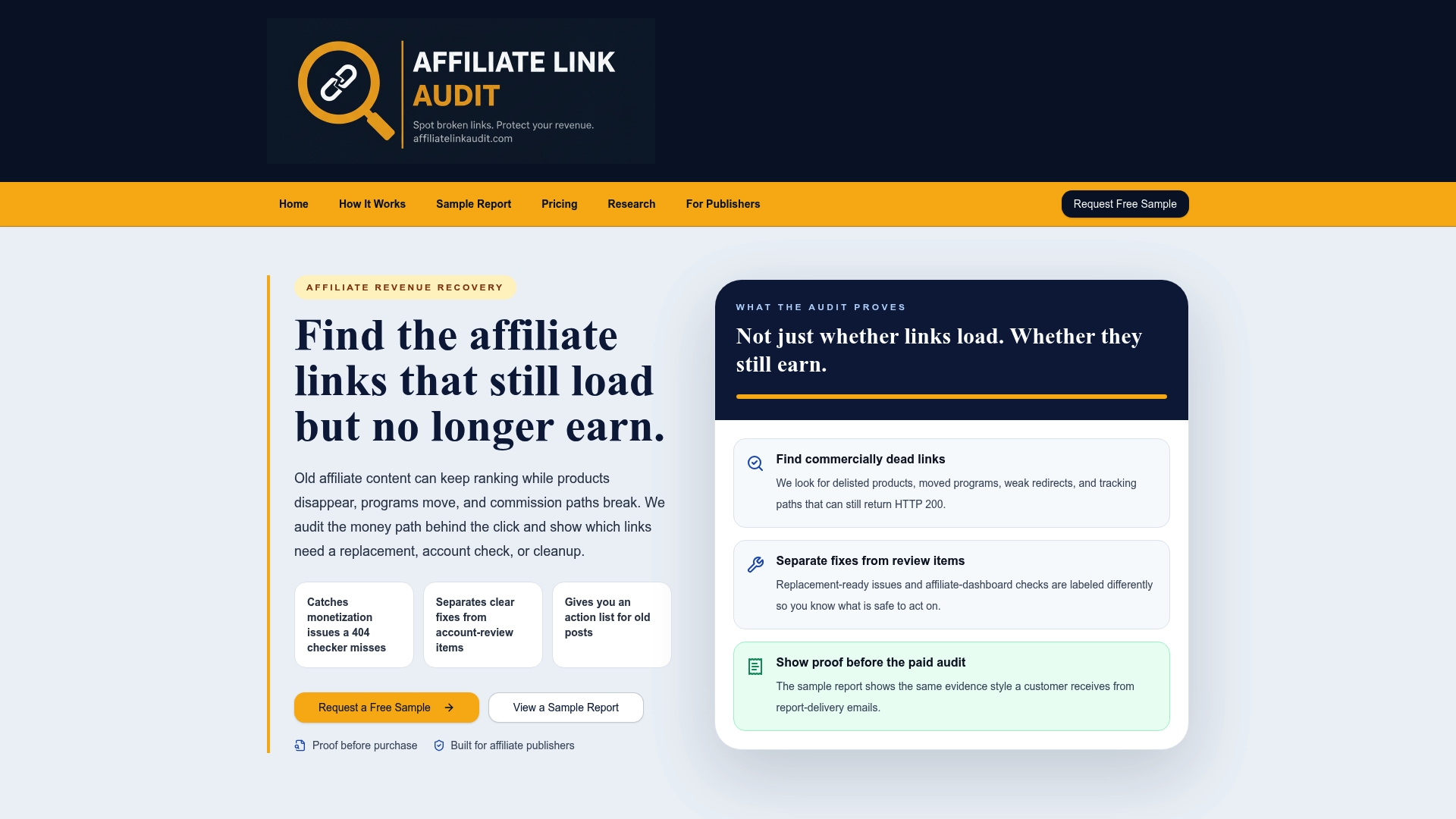
Every engagement separates confirmed Broken links from items flagged Needs Attention, so you know exactly which fixes are safe to make immediately and which need a closer look before you touch them. The audit identifies evidence and hands you a prioritized repair plan; it does not claim to verify actual commission crediting or automatically repair anything; that decision and that work stay with you.
You can see the format before committing anything: start with the free sample affiliate revenue audit report to review real evidence and column structure, then move to the Full Audit service, priced at $97 one-off, when you're ready for a complete scan of your site. Publishers managing large back catalogs can also review the audit service built for publisher workflows to see how the deliverable maps onto ongoing content operations.
Sources
For disclosure rules, see the FTC's endorsement guidance. For link markup, see Google's outbound link documentation. For hop forensics, see the Affiliate Link Health Benchmark 2026.
- FTC's Endorsement Guides: What People Are Asking
- Qualify outbound links (Google Search Central)
- Affiliate Link Audit: Find the Broken Links That Look Fine
- Affiliate Redirect Chain Commission Leakage Audit: Find Tracking Breaks
FAQ
What Is an Affiliate Monetization Audit?
It's a systematic review of every affiliate link on a site that checks tracking-tag survival, redirect-chain integrity, destination accuracy, and disclosure compliance. The output is a prioritized action plan classifying each link as Broken, Needs Attention, or Healthy.
How Is This Different From a Regular Broken Link Checker?
A standard checker only flags links returning error codes like 404. An affiliate monetization audit also catches links returning a normal 200 OK that are commercially broken, such as stripped tracking parameters or a redirect landing on a generic homepage instead of the recommended product.
How Much Does an Affiliate Link Audit Cost?
Affiliate link audit offers a Full Audit for $97 one-off, available directly through its ordering page. A Free Sample report is also available at no cost so you can review the evidence format before purchasing.
Can an Audit Guarantee I'll Recover Lost Commissions?
No audit can guarantee recovered revenue or verify actual commission crediting, since that data sits inside the merchant and network's own systems. An audit provides evidence, seeded-click traces, hop logs, and dashboard notes, that you or your network can use to investigate and decide what to fix.
How Often Should I Re-Audit My Affiliate Links?
A quarterly review catches most new drift, with monthly tag-count checks as a lighter ongoing monitor between full audits. Trigger an immediate re-audit after any site migration, plugin update, or hosting change, since these events are common causes of sitewide tag mismatches.
Recommended
- Affiliate Link Audit for Publishers
- Affiliate Link Health Benchmark 2026
- Travel Publisher Link Health Research
This article was produced with AI assistance and reviewed for accuracy. Findings language ("Broken," "Needs Attention," "Healthy") reflects Affiliate Link Audit's evidence-based classification system.