

Affiliate reporting discrepancies are differences between the click, order, and commission figures produced by an affiliate network, a website analytics platform, and a merchant's own reports. Most of them are structural: each system counts a different event, applies a different attribution rule, and processes revenue at a different stage. A smaller share originates on the publisher's own pages, in links that load normally but no longer send traffic through a valid tracking path. This guide separates the two groups and gives a repeatable order of checks.
TL;DR
- Clicks, sessions, and visits are different units. A network may record every tracking-link click while analytics records one session, so a gap in raw click counts is expected.
- Attribution rules, return-day windows, cookie restrictions, and device switching explain most gaps in orders and commissions, and none of them indicate a fault by themselves.
- Earnings views may include pending amounts while payout views reflect a later processing stage, so compare like with like before escalating.
- Test the tracking link, the click report, and the conversion tag in that order, then check whether the page still points to a live, purchasable destination.
- Contact the program or network with a narrow date range, order references, and click references, not a monthly total.
Table of Contents
- What counts as a reporting discrepancy
- Why dashboards, analytics, and merchant reports disagree
- Attribution windows, devices, privacy settings, and reversals
- The discrepancy that originates on the page
- A diagnostic sequence for isolating the cause
- Worked example: clicks stable, orders falling
- When to contact the program or network, and what to include
- Separating confirmed breaks from items for review
- Where a link audit fits
- Perspective: why reconciliation fails before it starts
- FAQ
- Sources
What counts as a reporting discrepancy
A discrepancy exists when two systems that describe the same traffic return different totals for the same period. Rakuten Advertising's U.S. Publisher Help Center describes these variations as a consequence of systems counting events differently, and it lists clicks, sales, orders, transactions, and attribution timing as the figures that most often fail to match.
Three populations of data are usually compared:
- Network or program dashboards, which record tracked clicks, conversions, and commission states.
- Website analytics, which record sessions, channel assignments, and on-site events.
- Merchant or advertiser reports, which record orders, returns, taxes, and shipping on the merchant's side.
Each population was built for a different purpose. A variance between two of them is a prompt to identify which definition differs. It is not, by itself, evidence of lost or misattributed commission.
Why dashboards, analytics, and merchant reports disagree
Clicks are not sessions
The most common source of variance in click totals is unit definition. Rakuten notes that three successive clicks can be three affiliate clicks but only one visit in some third-party analytics tools. impact.com's documentation draws the same line: it records tracking-link clicks, whereas Google Analytics records sessions after the visitor lands, so repeated clicks and session rules produce different totals.
Bot and invalid traffic handling
Filtering policy differs by system. Rakuten states that its reports do not filter bot clicks, while other systems may filter them or treat clicks as visits. A network showing more clicks than analytics is therefore a normal pattern for some platforms, not an indicator of tracking failure.
Attribution and channel assignment
Attribution disputes typically reflect different credit rules. impact.com explains that last-click attribution can credit a partner for a conversion inside the configured referral window even when Google Analytics reports that conversion as direct. Rakuten's guidance supports the same reading: an affiliate cookie may retain credit after a later search visit receives the analytics platform's last-referrer credit.
Platforms also differ in purpose, data-collection method, channel-assignment rules, and attribution model; Partnerize covers these differences and adds that revenue can diverge because of shipping and tax treatment. For a broader view of how measurement methods and channel-assignment rules differ across marketing platforms, a guide to cross-channel attribution methods sets out the underlying logic.
A reference table of common mismatches
| Metric compared | Typical source of difference | First check |
|---|---|---|
| Network clicks vs. analytics sessions | Repeated clicks collapse into one session; bot filtering differs | Compare unique visitors, not raw clicks |
| Network conversions vs. analytics conversions | Last-click credit vs. last-referrer credit; referral window | Review each platform's attribution model |
| Network orders vs. merchant orders | Return-day window, reversals, cross-device purchases | Match order references for a short period |
| Earnings vs. payout totals | Pending vs. confirmed amounts; processing stage | Filter by commission status |
| Network revenue vs. merchant revenue | Shipping, tax, and returns treated differently | Confirm which revenue field each report uses |
Attribution windows, devices, privacy settings, and reversals
Return-day windows
A purchase made outside the advertiser's return-days window may not be recognized as a Rakuten-referred customer. Window settings are also contract-specific: impact.com states that referral-window settings are locked to the contract that was active when the tracked action occurred. A publisher comparing reports across a period in which terms changed may therefore see two window lengths applied to what looks like one program.
Reporting delay is a separate factor. For impact.com's Amazon Seller integration, conversion or traffic data may take up to two days to appear, and the attribution window is fixed at 14 days. Comparing a same-day analytics export against a network report can show a gap that closes without any intervention.
Cookies, browsers, and devices
Privacy controls affect systems unevenly. impact.com notes that cookie restrictions can affect Google Analytics while its additional browser fingerprinting may still identify traffic, producing different results across the two. Avada's documentation lists expired cookies, device switching, missing referral parameters, browser blockers, and coupon overrides as causes of missing or differently attributed conversions, and Avada suggests coupon codes as a fallback when cookies are blocked or customers change devices.
Rakuten adds a technical list: blocked or deleted cookies, unsupported JavaScript, users leaving before code executes, and conflicts with unrelated code can each prevent click or sale tracking.
Pending, confirmed, and paid amounts
Commission figures change state over time. Awin's publisher app documentation indicates that commission data can include both confirmed and pending amounts, and that earnings and payout views represent different processing stages. A publisher who compares a pending-inclusive earnings total with a payout total will observe a variance that reflects timing, not a missing transaction.
The discrepancy that originates on the page
The causes above sit in platform logic. A second category sits in the publisher's own content: the monetized anchor no longer leads to a path that can produce a tracked, purchasable outcome. Standard link checkers detect only a subset of these cases, because they test for an error status such as 404. Many commercially unhealthy links return 200 OK.
The patterns that matter for reporting are:
- Unavailable or discontinued products. The page loads, but the item cannot be bought, so clicks register and conversions do not.
- Redirects to a generic homepage. The tracking path resolves, then the visitor lands on a page unrelated to the anchor's promise.
- Tracking paths that cannot be verified. The affiliate identifier is absent, truncated, or stripped in the redirect chain, so credit may not attach.
- Older content that still draws qualified traffic. Click volume in the network dashboard stays steady while conversion volume declines, which resembles an attribution discrepancy but has a link-level cause.
This category matters in reconciliation because it produces a pattern that looks like a platform mismatch: clicks present, orders absent. Affiliate Link Audit classifies findings of this type as Broken, Needs Attention, or Healthy, and it keeps confirmed Broken links separate from items that require manual review. The classification is evidence for the publisher's decision. It does not verify commission crediting, and it does not quantify lost income. For related diagnostics, see the guides on missing affiliate IDs, non-earning affiliate links, and GA4 affiliate tracking.
A diagnostic sequence for isolating the cause
The order below moves from the cheapest, most common explanation to the least common. Each step eliminates a category before the next begins.
- Fix the comparison basis. Select one program, one date range, and one unit. Rakuten advises comparing attribution models and reports for a limited period, such as one or two days, and understanding the key differences between the models of the platforms involved.
- Reconcile definitions. Confirm whether each figure is a click, a session, a visit, an order, or a transaction, and whether it includes pending commission. Many gaps close at this step.
- Test the tracking link. Trackdesk recommends testing a tracking link and checking whether a new click appears in the click report. If it does not, the fault lies in the link or its redirect path.
- Follow the redirect chain. Record the final landing URL, the HTTP status at each hop, and whether the affiliate identifier survives to the destination. Note whether the final page is the intended product or a generic page.
- Test the conversion tag. Trackdesk's guidance is to test a conversion with the script on the thank-you page and review the conversion error log. This applies where the publisher controls the tag.
- Account for the customer's path. Consider return-day windows, device changes, blockers, and coupon overrides, using the causes listed earlier.
- Escalate with evidence. If clicks and orders remain unexplained after the checks above, contact the program or network.
For publishers running AMP pages, six specific checks apply before any link is changed, and the guide on affiliate tracking that is not working places the audit step ahead of any repair.
Worked example: clicks stable, orders falling
Consider a hypothetical publisher whose network dashboard shows a stable click count on a four-year-old comparison article, while orders have declined across the same period. The publisher's analytics report fewer sessions than the network reports clicks.
The first gap, clicks versus sessions, is explained by the unit difference described above and requires no action. The second pattern, stable clicks with declining orders, is not explained by unit differences, because a unit difference would apply equally to earlier periods. At that point the reconciliation moves to the link level: whether the destination products remain available, whether any anchor now resolves to a generic homepage, and whether the tracking path still carries the affiliate identifier. Each finding is then recorded as Broken, Needs Attention, or Healthy, with the evidence attached, so that the publisher can decide what to change and in what order.
The example is illustrative and not a reported result.

When to contact the program or network, and what to include
Contact the network when the diagnostic sequence has ruled out unit definitions, attribution rules, window length, and link-level faults, and a specific order or click remains unaccounted for. Rakuten directs publishers with order-reporting issues to its support team. A request is resolved faster when it is specific and traceable.
Include the following:
- The program name, advertiser, and a narrow date range
- Click references and timestamps from the click report
- Order references, order dates, and the order status shown in each system
- The tracking link as published on the page and the final landing URL after redirects
- The attribution model and window you believe applied
- Screenshots or exports of the figures being compared
Awin's documentation on manual commission indicates that untracked transactions can be reconciled through a manual commission request, with an order reference and, where supplied, a click reference added. Whether such a request is available, and its eligibility terms, are set by each program, so the program's own publisher help pages govern.
Separating confirmed breaks from items for review
Not every anomaly can be resolved from the outside. A link that returns 200 OK and lands on a live product page may still carry a tracking path the publisher cannot verify without network-side data. Treating such items as confirmed breaks overstates the evidence; treating them as healthy understates it. A defensible audit uses three states:
| Classification | Meaning | Publisher action |
|---|---|---|
| Broken | Verified issue, such as a dead destination, a removed product, or a redirect to a generic page | Replace or remove the anchor |
| Needs Attention | Ambiguous or unverifiable, such as an uncertain tracking path or a changed destination | Review manually, then decide |
| Healthy | No issue found in the tested path | No change required |
This separation prevents a reconciliation from being polluted by guesswork, and it gives the publisher a prioritized list instead of a total of unexplained variance. Guidance on prioritizing broken affiliate links and on evidence-first link testing expands on the method.
Where a link audit fits
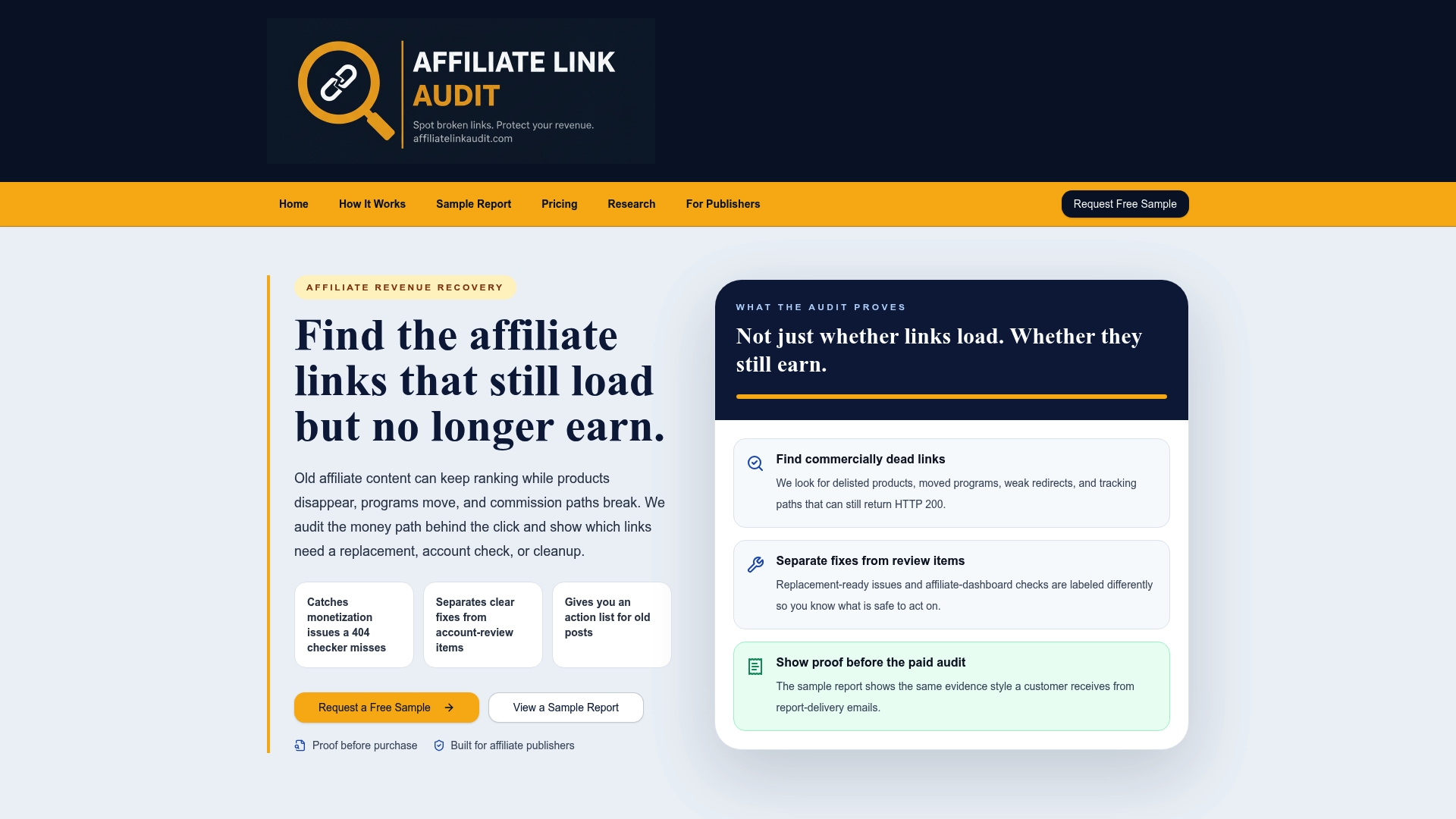
For publishers whose discrepancy pattern points to the page rather than the platform, Affiliate Link Audit offers a Full Audit at $97, a one-off purchase. It detects broken, outdated, and non-earning links, evaluates links that still load, classifies findings, and returns a prioritized action plan with suggested replacements. Every audit begins with a free sample report, priced at $0, so the evidence can be reviewed before any purchase; a sample report is available to view. The service identifies and prioritizes. It does not repair links, and it does not verify commission crediting.
Publishers managing multiple domains can review the audit for publishers and the affiliate link health benchmark for context on how link health is measured.
Perspective: why reconciliation fails before it starts
In our work, the most common error in discrepancy analysis is treating every gap as a single problem. A publisher sees one number that does not match another and assumes a tracking fault, when the gap often reflects two systems answering different questions. We separate the analysis into two layers. The first layer is definitional: units, windows, attribution rules, and processing states. The second layer is physical: whether the link on the page still leads somewhere that can produce a tracked purchase.

The second layer is the one that standard checkers underserve. A status code of 200 confirms that a page responded. It does not confirm that the product exists, that the visitor reached the product, or that the tracking path remained intact. For that reason we classify findings as Broken, Needs Attention, or Healthy, and we keep the evidence visible so the publisher can judge it. We do not claim to know what a network credited, and we do not estimate lost revenue. Those figures sit in network and merchant systems that we do not see.
Our recommendation is narrow: resolve the definitional layer first, because it is free, then examine the link layer where clicks persist and orders do not.
— Michael N.
FAQ
Is it normal for network clicks to exceed analytics sessions?
Yes. Networks record tracking-link clicks, while analytics tools record sessions after the visitor lands, so repeated clicks can collapse into one session. Rakuten also states that its reports do not filter bot clicks, which widens the gap further. A difference in raw counts alone is not evidence of a fault.
Why do my earnings and payout totals not match?
The two views often represent different processing stages. Earnings can include pending commission, while payouts reflect amounts that have completed processing. Filter by commission status before comparing, and check the network's own documentation for how each view is defined.
How long should I wait before contacting a network about a missing order?
The waiting period depends on the program, because return-day windows and reporting delays are set by each program and network. Some integrations show data after a delay of up to two days. Check the program's terms first, then contact support with order and click references for a narrow date range.
Can a link that loads normally still cause a discrepancy?
Yes. A link can return a normal status while pointing to an unavailable product, a generic homepage, or a tracking path that cannot be verified. Clicks then register while orders do not, which resembles a platform mismatch. A link-level review separates this cause from attribution differences.
Sources
- Internal Analytics versus Rakuten Reports, Rakuten Advertising Publisher Help Center
- Discrepancies in Reporting Data, Rakuten Advertising Publisher Help Center
- impact.com and Google Analytics Tracking: What You Need to Know
- Referral Window Explained, impact.com Help
- Amazon Seller Program Explained, impact.com Help
- Navigating the Maze: Understanding Google Analytics vs Affiliate Platform Reporting, Partnerize
- How to use the Awin for Publishers app
- Manual commission, Awin documentation
- Troubleshooting Clicks and Conversions, Trackdesk Help
- Troubleshooting, Avada Docs
Recommended
- Affiliate Fixes: Publishers Should Rank Revenue Risk, Not Errors
- Publishers: 5 Tests to Find, Classify, and Fix Missing Affiliate IDs
- Affiliate Redirect Chains: How to Trace and Audit Them
- Duplicate Affiliate Links: What They Are and How to Audit Them
This article was produced with AI assistance and reviewed for accuracy. Findings language ("Broken," "Needs Attention," "Healthy") reflects Affiliate Link Audit's evidence-based classification system.