
You find broken affiliate links by combining a site crawl, an analytics cross-check, and targeted link testers, then prioritizing fixes by traffic and conversion potential. A crawl surfaces HTTP errors, analytics identifies which broken paths actually carry revenue, and single-link testers confirm whether a link that loads is still commercially functional. A free sample audit can demonstrate this prioritized output before any commitment to a full report.
TL;DR:
- Prioritize fixing broken affiliate links on high-traffic pages that generate substantial revenue, using traffic and conversion data rather than error presence alone.
- Conduct a two-pass audit combining automated HTTP error checks with manual verification of final destinations to prevent silent failures like product discontinuations or redirect drops.
- Use tools capable of redirect-path tracing, parameter detection, and scheduled scans to catch complex redirect issues that standard link checkers may miss.
- Ensure affiliate link disclosures remain clear and conspicuous, placed immediately adjacent to the link, to comply with FTC guidelines during fixes and updates.
- Implement regular monitoring scans—monthly for small sites, weekly for medium ones, daily for large publishers—and route alerts to responsible owners for ongoing link health management.
Table of Contents
- Where to look: crawls, analytics, and content sources to check
- Tools and workflows that actually test affiliate links
- Triage and prioritization: rank broken links by revenue risk
- Fixes: concrete technical and content actions to repair or replace links
- Monitoring and automation: scan cadence, alerts, and verification
- Compliance note: disclosure placement and FTC basics
- What an expert audit looks like
- A quick word on routine maintenance
- Get a prioritized fix list from Affiliate Link Audit
- Sources
- FAQ
Where to look: crawls, analytics, and content sources to check
Locating broken affiliate links starts with scope, since a full-site crawl treats a contact page the same as a monetized "best of" roundup that drives most of a site's commission. An effective workflow separates discovery from verification and applies more scrutiny where the revenue is concentrated.
- Run a site crawl scoped to pages containing affiliate anchors, filtering for HTTP error codes rather than scanning every URL indiscriminately.
- Cross-reference crawl results against analytics to flag which broken paths sit on high-traffic pages or inside active conversion funnels.
- Scan channel-level content outside the CMS, including YouTube descriptions, social bios, and email newsletters, since these links often bypass site-wide crawlers entirely.
- Export outbound links to a CSV and sort by last-checked date to catch links nobody has touched since publication.
- Run a second, manual pass on links that return a 200 OK status to confirm the destination still sells the product referenced in the content.
That fifth step matters because an automated sweep alone misses silent failures: a link can resolve normally while pointing to a discontinued product or a generic homepage redirect. A two-pass audit, automated for HTTP errors and manual for commercial verification, catches both categories rather than just the obvious ones.
Pro Tip: Sort your crawl export by organic sessions before you start fixing anything, so the first link you touch is the one actually losing money.
Tools and workflows that actually test affiliate links
Not every link checker tests what affiliate marketers need tested. A tool that only confirms a 200 status code will miss a redirect chain that quietly strips the tracking parameter partway through, which is often where commission attribution actually breaks.
- Redirect-path tracing, showing every hop between the published link and the final landing page, not just the end result.
- Parameter-stripping detection, flagging when an affiliate ID or subID disappears somewhere in the redirect chain.
- Scheduled scans, so checks run automatically rather than depending on someone remembering to run them.
- Device and geo simulation, since some merchants serve different redirect behavior by region or device type.
Single-link checkers work well for spot-checking a handful of high-value links after a suspected problem. Full-site crawlers make more sense for the initial discovery pass across hundreds or thousands of URLs. A manual redirect check, opening the link in a browser with developer tools active, lets you read the full chain of redirects and confirm the tracking parameter survives to the final URL. Redirect behavior itself, including how a shortened or intermediate link can drop parameters, is a known mechanic of URL shortening systems, not a flaw unique to any one merchant.
Tooling generally falls into four categories: single-link testers, site-wide crawlers, CMS-level link management plugins, and managed audit services that combine automated scanning with manual commercial verification.
Triage and prioritization: rank broken links by revenue risk
Finding every broken link is not the goal. Finding the ones costing real revenue, and fixing those first, is. A five-year-old post with three visits a month can wait; a "best of" list ranking on page one cannot.
- Score each finding using page traffic and historical conversion data, not just the presence of an error.
- Filter out bot-driven and crawler traffic before scoring, since inflated click counts on a dead link create false urgency.
- Classify each finding as Broken, Needs Attention, or Healthy, and route each category to a different action: immediate fix, manual review, or no action.
- Work the Broken list in order of estimated traffic value, then move to Needs Attention items during the next review cycle.
Consider a "best of" list link that suddenly redirects to a merchant's homepage instead of the product page. The HTTP status reads 200 OK, so a status-only scanner reports nothing wrong, yet the link no longer earns commission on that specific product. Classifying it as Needs Attention rather than ignoring it is what catches the loss.
Pro Tip: Weight your scoring by conversion rate, not just pageviews. A low-traffic page with a high historical conversion rate can outrank a popular page that never converted well.

Fixes: concrete technical and content actions to repair or replace links
Once a link is classified, the fix depends on what broke and why. Treating every broken link the same way, usually with a blanket redirect to the homepage, tends to create more problems than it solves.
- Issue a 301 redirect when a genuinely equivalent replacement page exists; remove the link entirely when no suitable replacement does.
- Avoid soft-404 redirects to the homepage, since Google's guidance on 404 handling recommends a proper 404 or 410 response for content that no longer exists, rather than redirecting everything to a page unrelated to the original link.
- Replace dead-product links with an in-stock alternative from the same merchant, or switch to a different merchant when the original product line is discontinued.
- Restore stripped tracking parameters, then click through manually to confirm the parameter survives the full redirect chain to the final destination.
- Centralize link metadata through a link shortener or a CMS-level link management plugin so future updates apply in one place rather than across dozens of individual posts.
Pro Tip: After restoring a tracking parameter, wait a full day before declaring it fixed. Some merchant systems cache redirect rules and won't reflect the change immediately.
Monitoring and automation: scan cadence, alerts, and verification
A one-time audit only proves a site is healthy on the day it ran. Ongoing monitoring is what catches the next merchant redesign or expired product before it sits broken for months.
- Small sites can run monthly scans; medium-sized sites benefit from weekly checks; enterprise publishers with high-traffic pages should scan daily on their top revenue pages.
- Set alerts for redirect-path changes, parameter loss, and new 404s appearing specifically on high-traffic URLs.
- Route scan reports into the existing content workflow and assign a named owner for remediation, rather than letting reports sit unread.
- Pair automated checks with a periodic manual review of the highest-revenue links, since automation alone won't catch a product swap that keeps the same URL.
Compliance note: disclosure placement and FTC basics
Fixing a broken link is also a natural moment to confirm the disclosure next to it still meets current standards. The FTC's guidance on endorsements and disclosures states that affiliate relationships must be disclosed clearly and conspicuously, visible to the reader at the same time as the link itself.
- Place the disclosure immediately before or beside the affiliate link or button, not buried in a footer or a separate policy page.
- Avoid vague language; a disclosure that simply says "affiliate link" without context can leave the relationship unclear to an average reader.
FTC guidance is explicit on timing: the disclosure must be seen at the same time as the link, meaning a disclosure placed far from the link it describes may not satisfy the requirement.
What an expert audit looks like
A structured audit organizes findings the same way every time, so a publisher can act on them without decoding a spreadsheet of raw status codes. Audit tools often classify every finding as Broken, Needs Attention, or Healthy, distinguishing a confirmed dead link from one that loads but shows signs of commercial breakage, such as an out-of-stock product or a homepage redirect.
- Evidence screenshots documenting the exact state of each flagged link at the time of the scan.
- A prioritized fix list ordered by estimated revenue impact, separating clear fixes from items needing manual review.
- Suggested replacement links for dead or discontinued products, where a reasonable alternative exists.
- A free sample report showing the format and depth of findings before any purchase.
An audit identifies and prioritizes commercially unhealthy links and provides evidence for each one. It does not verify actual commission crediting, guarantee revenue recovery, or confirm lost income, and it does not automatically fix or repair links; the publisher decides what to act on and implements the change.
A quick word on routine maintenance
Recurring checks catch the failures a one-time scan misses, the redirect that changes quietly six months later. Set a cadence, assign an owner, and treat link health as ongoing maintenance rather than a single project.
— Michael N.
Get a prioritized fix list from Affiliate Link Audit
A crawl tells you something is wrong. A full audit tells you which links are actually losing commission and what order to fix them in, backed by evidence rather than a raw error list.
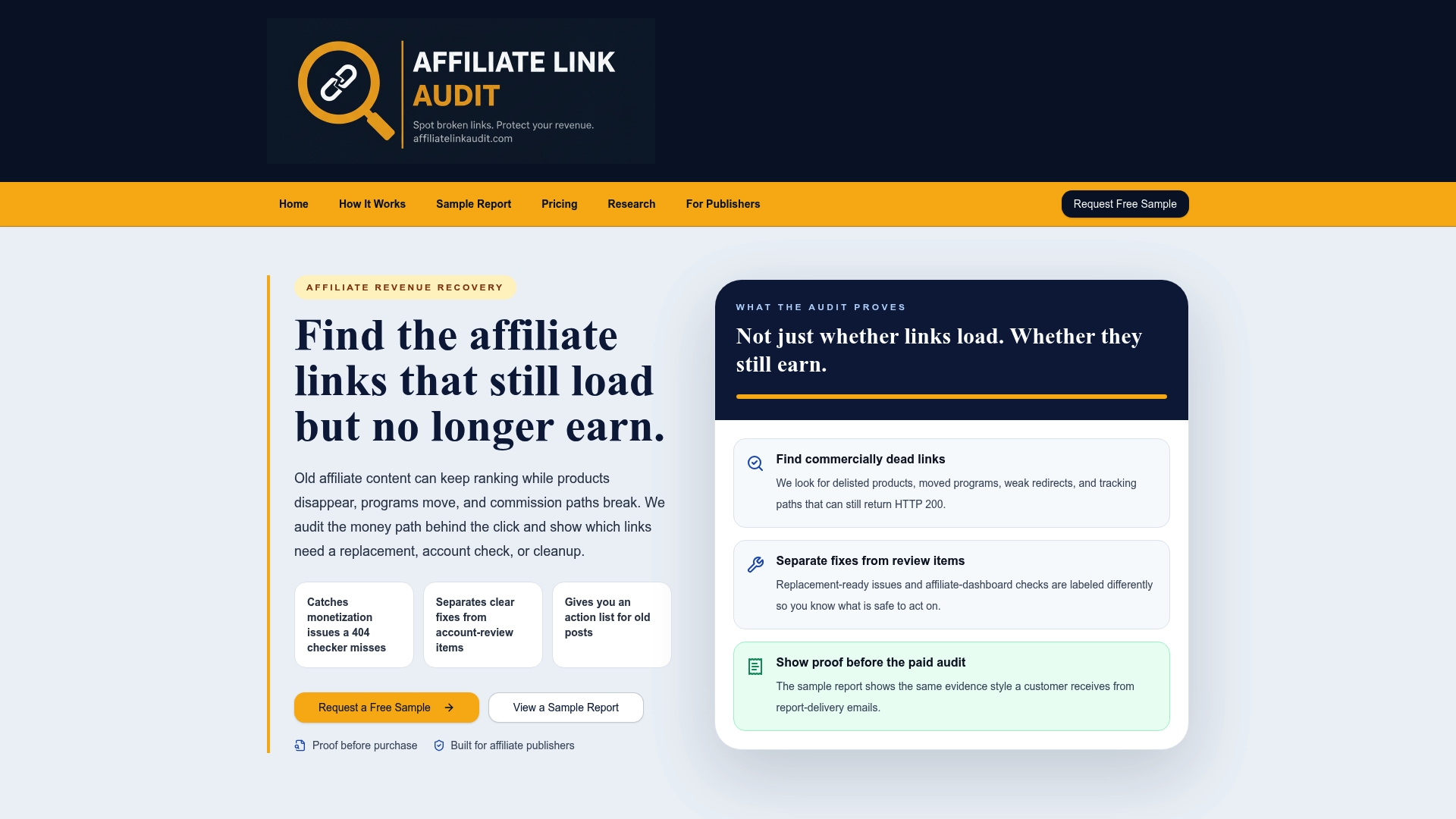
- Start with the free sample report to see the evidence and prioritization format firsthand.
- Move to the Full Audit, priced at $97 per audit, when you want the complete classification across your site.
- Every finding arrives labeled Broken, Needs Attention, or Healthy, so you know exactly what to act on first.
Publishers who manage a large back catalog of content can also review the audit offering built for publishers directly.
Sources
For disclosure rules, see the FTC's guides on endorsements and testimonials. For backlink and link-report mechanics, see Google's Links report documentation. Deeper link-health metrics appear in the Affiliate Link Health Benchmark 2026.
- FTC's Endorsement Guides: What People Are Asking | Consumer Advice
- 404 (Page Not Found) errors - Search Console Help
FAQ
Where can I find broken links on my site?
Run a site crawl scoped to your affiliate content, then cross-check the results against your analytics to see which broken links sit on your highest-traffic pages. A manual follow-up pass on links that return a 200 OK status catches product pages and redirects that load fine but no longer function commercially.
Can I use ChatGPT for affiliate marketing?
ChatGPT can help draft content, organize link inventories, or summarize audit findings, but it cannot check whether a live URL is currently broken or commercially functional. Verifying actual link status still requires a crawler, a link tester, or manual review of the destination page.
Where can I get traffic for my affiliate links?
Traffic generation for affiliate content typically comes from organic search, email lists, and social channels built around the content itself, rather than from any single tool or shortcut. Keeping existing affiliate links functional matters just as much as driving new traffic, since a broken link wastes clicks a page already earns.
How do I know if an affiliate link is commercially broken, not just a 404?
A commercially broken link returns a normal 200 OK status but points to an out-of-stock product, a generic homepage redirect, or a redirect chain that has silently dropped its tracking parameter. Confirming this requires opening the link manually and checking the destination page and the full redirect path, not just the status code.
How often should I check my affiliate links?
Cadence depends on site size: small sites can check monthly, medium sites benefit from weekly scans, and larger publishers should monitor their highest-traffic pages daily. Pairing automated scans with periodic manual verification on top revenue pages catches the silent failures that status-only checks miss.
Recommended
- Find Revenue Leaks in Old Affiliate Content
- Affiliate Link Audit for Publishers
- Sample Affiliate Revenue Audit Report
This article was produced with AI assistance and reviewed for accuracy. Findings language ("Broken," "Needs Attention," "Healthy") reflects Affiliate Link Audit's evidence-based classification system.