

When affiliate tracking is not working across a site, the issue is usually not an attribution failure but a population of links that have gone broken or commercially non-earning while still returning a normal page. The first operational step is triage: sort every affected link into one of three states, Broken, Needs Attention, or Healthy. From there, a prioritized audit, or a free sample scan, becomes the fastest route to a repair plan.
TL;DR:
- Top traffic pages should be prioritized for fixes, as resolving links on high-traffic pages yields greater revenue recovery.
- Use a structured checklist to verify each affiliate link’s status, including redirect behavior, tracking parameters, and surrounding content quality.
- Automated scans help identify anomalies but must be supplemented with manual review and evidence capture to avoid false positives.
- Browser restrictions like cookie blocking and ad blockers can cause tracking failures, but many issues stem from URL structure changes or homepage redirects.
- The audit process provides proof like HTTP traces and screenshots, improving accuracy in diagnosing link health rather than relying on status codes alone.
Table of Contents
- 1. Build a checklist to detect Broken, Needs Attention, and Healthy links
- 2. Turn findings into a prioritized fix list
- 3. What a professional audit workflow actually delivers
- 4. Recognize the failure patterns behind most broken links
- 5. Common technical issues causing affiliate tracking failures
- 6. How different affiliate tracking methods work and where each one breaks down
- 7. How to test and troubleshoot affiliate links with available tools
- 8. How browser privacy settings and ad blockers affect tracking
- 9. Best practices for keeping affiliate links accurate over time
- 10. How affiliate network problems surface and how to raise them with support
- Why audit-first beats automated-only scanning
- What a free sample and full Affiliate Link Audit cover
- FAQ
- Sources
1. Build a checklist to detect Broken, Needs Attention, and Healthy links
A reliable diagnostic pass treats each affiliate link as a claim to verify, not a hyperlink to trust. The checklist below reflects the checks an auditor runs before assigning a classification.
- Check the HTTP status code and the final landing URL after all redirects resolve.
- Flag any link that lands on a generic merchant homepage instead of the original product page.
- Follow the full redirect chain and record the final destination along with a timestamp.
- Note observable affiliate parameters and merchant redirect tokens present in the URL, without asserting that any commission actually credited.
- Verify link metadata, including whether
rel="sponsored"orrel="nofollow"is present, per Google Search Central's outbound link guidance, and check where disclosure text sits relative to the link. - Assess whether the surrounding page still adds value (original testing, pricing, comparisons) or whether it has become thin affiliate content.
- Capture reproducible evidence: a timestamped crawl log entry, an HTTP redirect trace, and a screenshot of the final landing page.
A link that returns a 200 status but lands on a brand's homepage, with no product in sight, belongs in Needs Attention or Broken depending on whether a clear replacement product exists. A link that resolves correctly, carries intact tracking parameters, and sits on a page with real editorial content is Healthy and needs only periodic monitoring.
Pro Tip: Screenshot the final landing page every time, even for links that look fine. A redirect that behaves correctly today can change the moment a merchant updates its URL structure.
2. Turn findings into a prioritized fix list
Not every broken link deserves the same urgency. A dead link buried in a post with negligible traffic matters far less than one sitting in a page that still ranks and converts. Prioritization criteria typically include traffic to the page, historical conversion behavior, topical fit between the link and the surrounding content, the editorial effort a fix will require, and the realistic revenue opportunity if the link is repaired.
- Rank pages by traffic and known conversion history first, since a fix on a dormant page returns little value regardless of how broken the link is.
- Map each classification to an action: Broken links get replaced or removed, Needs Attention links get a manual review before a decision, and Healthy links move to a monitoring schedule.
- For high-traffic pages, start with the fastest fix: swap in a working product link, redirect to a relevant category page when the exact product is gone, or refresh the surrounding anchor text and disclosure so the recommendation still reads accurately.
- Separate editorial fixes (rewriting a sentence, updating an anchor, adding a disclosure) from engineering fixes (server-side redirect rules, bulk URL migrations), since the two carry very different time and cost profiles.
- Schedule a manual verification pass for ambiguous cases: complex multi-hop redirects, network-level tracking changes, or merchant pages that have been redesigned but still technically load.
Editorial fixes are usually same-day work: a content editor replaces a link and updates the surrounding sentence. Engineering fixes, such as rebuilding a redirect map after a site migration, often take longer and may need developer time, which is why prioritization by traffic and revenue opportunity matters before any fix work begins.
Pro Tip: Fix the top 10 pages by traffic before touching anything else. A perfect classification of 500 links is worth less than a fast fix on the five pages actually driving clicks.
3. What a professional audit workflow actually delivers
A repeatable audit moves through three stages: an automated crawl across the site to flag link anomalies, evidence capture for each flagged link, and a manual verification pass for anything ambiguous. This is the structure behind a sample affiliate revenue audit report, which shows the scope, sample size, and example findings a reader can expect before committing to a full scan.
- An automated crawl surfaces candidates: non-200 responses, redirect chains, and homepage landings, often using proxies for ad verification to achieve consistent remote crawl footprints.
- Evidence capture attaches an HTTP trace, a timestamp, and a screenshot to each candidate.
- A manual verification pass resolves ambiguous cases, such as a redirect that technically resolves but lands somewhere commercially useless.
- Findings are classified into Broken, Needs Attention, or Healthy, since that classification is what determines the action, not the raw HTTP status alone.
- Deliverables typically include a prioritized spreadsheet, proof screenshots or HTTP traces for each flagged link, suggested replacement links, and editorial notes explaining the reasoning.
A limitation worth stating plainly: an audit identifies links that are commercially unhealthy, discontinued products, homepage redirects, unverifiable tracking, and supplies evidence for each one. It does not verify actual commission crediting with the merchant or guarantee that fixing a link recovers any specific amount of revenue. The publisher reviewing the evidence decides what to fix and in what order.
4. Recognize the failure patterns behind most broken links
Most broken or non-earning affiliate links trace back to a small number of root causes, and recognizing the pattern speeds up both diagnosis and remediation.
- A discontinued product SKU redirects to the merchant's generic homepage instead of returning a 404, which hides the problem from simple status-code checks.
- A merchant redesign changes URL structure site-wide, breaking tracking paths across dozens of posts at once.
- An affiliate program or network change alters redirect behavior or parameter naming, silently degrading links that used to resolve cleanly.
- Thin or duplicative affiliate content that adds no independent value is flagged in Google's search quality and spam guidance, which specifically calls out added value like original reviews, testing notes, and price comparisons as what separates useful affiliate content from a poor search experience.
- Missing or poorly placed disclosure near the affiliate link is a compliance issue distinct from link health, and should be logged separately rather than folded into the Broken or Healthy classification.
The Affiliate Link Health Benchmark 2026 documents these failure patterns across audited sites and gives publishers a reference point for how common each one tends to be.
5. Common technical issues causing affiliate tracking failures
Separate from the commercial-health triage above, several technical conditions can interfere with how a tracking link behaves on arrival. Cookie blocking is the most frequent: a browser or extension strips or rejects the tracking cookie before it sets, so the click never attaches to the visitor's session. JavaScript errors on the landing page can prevent a tracking pixel or redirect script from firing at all, especially on pages that load tracking logic asynchronously. Server downtime at either the merchant or the affiliate network means the redirect simply times out, which a quick manual click might not catch if the retry happens to succeed.
Other technical culprits include expired or malformed tracking parameters in the URL, a redirect chain that drops a required token somewhere in the middle, and caching layers that serve a stale version of a page with an outdated affiliate link baked in. Each of these produces a link that looks fine on casual inspection but fails under real conditions, which is why an audit records the full redirect trace and timestamp rather than relying on a single successful click to clear a link as Healthy.
6. How different affiliate tracking methods work and where each one breaks down
Affiliate programs typically rely on one of three tracking methods, each with its own failure points. Cookie-based tracking drops a browser cookie when a visitor clicks an affiliate link, then checks for that cookie at checkout; it is the oldest and most common method, but it depends entirely on the visitor's browser accepting and retaining the cookie. Pixel-based tracking fires a small tracking image or script on a confirmation page to register a conversion, which works independently of cookies but fails if the page's JavaScript does not execute cleanly. Server-to-server tracking passes conversion data directly between the merchant's server and the affiliate network's server, bypassing the visitor's browser entirely, which makes it more resistant to browser-side blocking but dependent on both servers staying correctly configured and in sync.

None of these methods is immune to failure. Cookie-based tracking is vulnerable to browser privacy settings and short cookie windows. Pixel-based tracking is vulnerable to ad blockers and script errors. Server-to-server tracking is vulnerable to misconfiguration on either server and offers less visibility to the publisher when something breaks. An audit does not attempt to verify which of these systems credited a commission; it documents whether the link itself resolves correctly and whether tracking parameters survive the redirect chain intact.
7. How to test and troubleshoot affiliate links with available tools
Browser developer tools are the fastest way to inspect a single link's behavior. Opening the Network tab before clicking a link shows every redirect hop, the HTTP status at each step, and whether any request fails or times out. This reveals problems a casual click would miss, such as a redirect that silently drops a tracking parameter partway through the chain.
Affiliate network dashboards provide a second layer of visibility, typically showing click counts and reported conversions at the network level. Comparing dashboard click counts against known site traffic can surface a tracking gap, though the dashboard will not explain why a specific link is failing. For that, pairing dashboard data with a manual developer-tools trace on the actual link is more reliable than trusting either source alone. Browser extensions that log redirect chains can also help when checking links at scale, but any finding worth acting on should be confirmed with a direct trace rather than taken from a single automated pass.
8. How browser privacy settings and ad blockers affect tracking
Modern browsers increasingly restrict third-party cookies by default, which directly affects cookie-based affiliate tracking since many tracking cookies are set in a third-party context during the redirect. Ad blockers go further, often blocking tracking pixels and scripts outright, which can prevent a pixel-based conversion from ever firing even though the purchase genuinely happened.
These restrictions are not something a publisher can fix through better content or faster redirects. They sit at the browser or extension level, outside the publisher's control. The practical mitigation is architectural rather than editorial: favor tracking methods less dependent on third-party cookies where the affiliate program supports them. Treat any mismatch between click volume and reported conversions as a signal to check with the network, rather than an automatic indictment of the link itself. An audit's job in this context is narrower: confirm the link's own redirect and parameters are intact, since that is the one variable within editorial control.
9. Best practices for keeping affiliate links accurate over time
Clean URL parameters are the foundation of reliable tracking. Affiliate links should carry their tracking parameters consistently, without extra query strings or redirects added later that might strip or duplicate them. When a link must pass through an internal redirect, such as a site's own link-cloaking system, that redirect should pass the full destination URL and its parameters through unmodified.
Redirect handling deserves particular attention during any site migration or URL restructuring, since bulk redirects are where affiliate parameters most often get dropped. A sensible practice is to audit a sample of affiliate links immediately after any migration, rather than waiting for a traffic or revenue drop to surface the problem. Keeping a record of each link's intended destination, separate from the live site, also makes it easier to spot drift when a merchant changes its URL structure without notice.
10. How affiliate network problems surface and how to raise them with support
Sometimes a link that appears correctly configured still fails to track, and the cause sits on the network's side: a merchant feed update, a tracking platform migration, or a temporary outage affecting redirect servers. These issues are harder to diagnose from the publisher side because the failure is invisible in a simple browser test; the link resolves normally, but the tracking handshake between the network and the merchant does not complete.
When a network-level issue is suspected, the most useful approach is to document the specific link, the exact timestamp of a test click, and the redirect trace captured from developer tools, then raise that evidence directly with network support rather than describing the problem in general terms. Specific, timestamped evidence gets resolved faster than a report that simply says tracking "seems off." For links suspected of network-level problems, this kind of documentation is also exactly what separates a Needs Attention classification, pending network confirmation, from a Broken one.

Why audit-first beats automated-only scanning
Automated link checkers are useful for a first pass, but they generate false positives constantly: a 404 on a page nobody reads is not the same problem as a homepage redirect on a page driving real traffic. Classifying by commercial health rather than status code alone keeps a publisher from spending a week chasing irrelevant dead links while a handful of high-traffic pages quietly earn nothing.
Disclosure observations deserve their own lane entirely. A link can be fully functional and still carry a disclosure placement problem under FTC guidance, and conflating that compliance question with link health muddies both issues. Manual verification, applied selectively to ambiguous cases, is what turns a noisy automated scan into a list worth acting on.
— Michael N.
What a free sample and full Affiliate Link Audit cover
We built Affiliate Link Audit around the same classification system described above: every link we scan gets sorted into Broken, Needs Attention, or Healthy, with evidence attached to each finding rather than a bare status code. We detect links that are commercially unhealthy, discontinued products, homepage redirects, unverifiable tracking, and hand over that evidence; we do not verify actual commission crediting with the merchant, and the publisher decides what to fix.
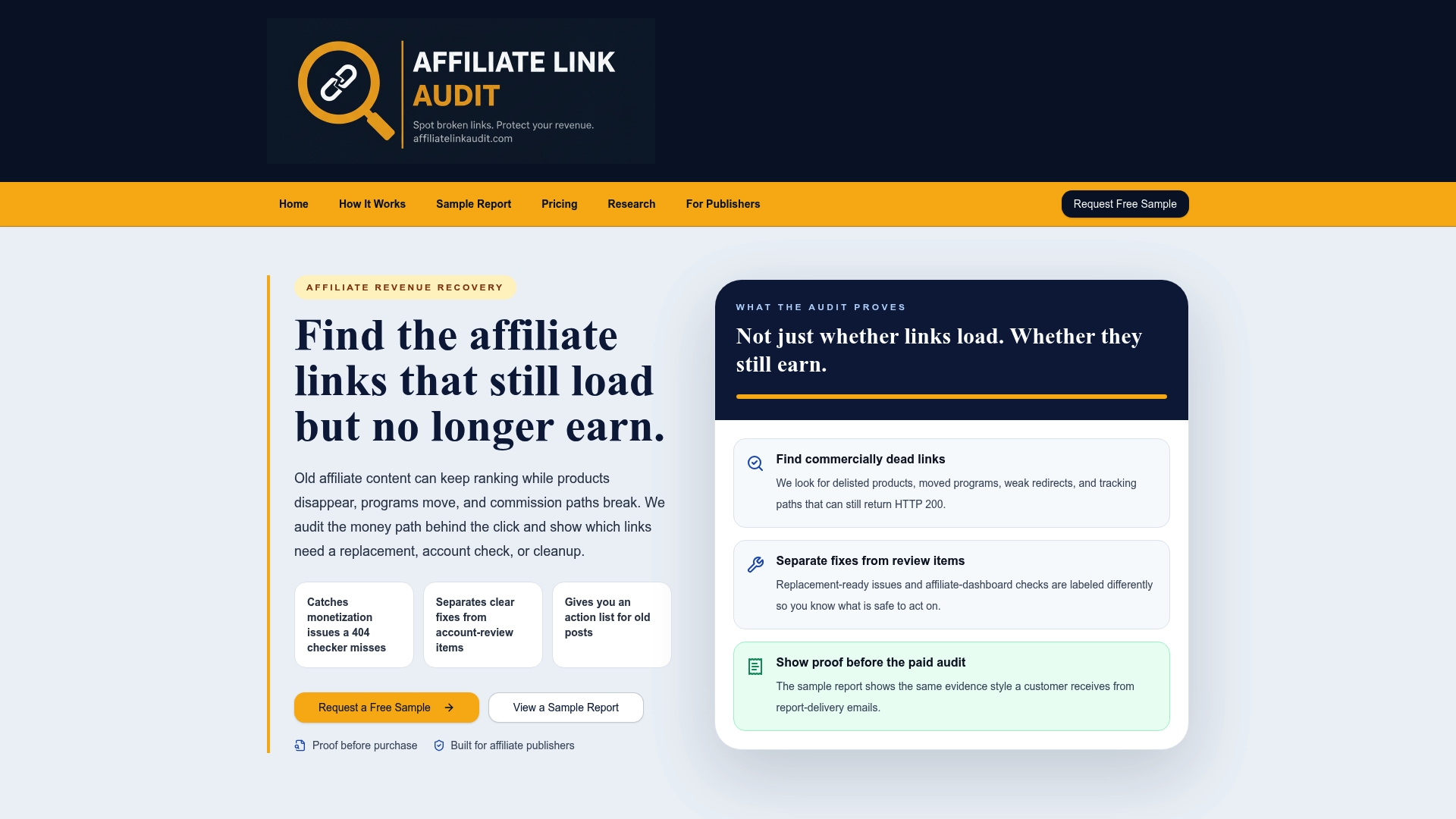
- Our free sample report shows the exact evidence format and spreadsheet layout you receive before you pay for anything.
- Our Full Audit delivers a prioritized action plan with suggested replacement links, separating clear fixes from items that need your manual review.
- Every finding includes proof such as an HTTP trace, a screenshot, or both, so you can verify the reasoning rather than take a classification on faith.
If you run a content site with affiliate links accumulated over several years, start with the free sample to see what the evidence looks like, then move to the Full Audit when you're ready for a complete, prioritized list.
FAQ
What does "affiliate tracking not working" mean in this context?
Here, it refers to affiliate links that are broken or commercially non-earning, including dead links, homepage redirects, and discontinued product pages, rather than a technical attribution system failure. The fix starts with classifying each link as Broken, Needs Attention, or Healthy.
How do I know if an affiliate link is actually broken or just needs review?
A Broken link typically returns an error or lands somewhere with no viable product, while a Needs Attention link loads but shows signs of trouble, such as an unfamiliar redirect or a discontinued SKU redirecting to a homepage. Capturing the HTTP trace and a screenshot for each case makes the distinction easier to confirm.
Can an audit guarantee it will recover lost affiliate revenue?
No audit can guarantee commission crediting or confirmed revenue recovery, since neither the publisher nor an outside auditor can verify what a merchant's system credits internally. An audit identifies commercially unhealthy links and provides evidence; the publisher decides what to fix and when.
Do ad blockers and browser privacy settings explain all tracking failures?
They explain some, since browser restrictions on third-party cookies and ad blockers that strip tracking pixels both interfere with legitimate tracking attempts. They do not explain a link that redirects to a discontinued product page or a merchant homepage, which is a commercial-health issue rather than a privacy-setting issue.
What does a full Affiliate Link Audit actually deliver?
A Full Audit delivers a prioritized spreadsheet of findings classified as Broken, Needs Attention, or Healthy, along with proof screenshots or HTTP traces and suggested replacement links. A free sample report shows the same evidence format on a smaller scale before you commit to the full version.
Sources
For readers who want to verify the guidance referenced above directly: Google Search Central's outbound link qualification page covers rel="sponsored" and rel="nofollow" usage, and the FTC's Endorsement Guides Q&A covers disclosure placement requirements.
- Qualify outbound links for SEO | Google Search Central
- FTC's Endorsement Guides: What people are asking
Recommended
This article was produced with AI assistance and reviewed for accuracy. Findings language ("Broken," "Needs Attention," "Healthy") reflects Affiliate Link Audit's evidence-based classification system.