
Most ShareASale link problems on a publisher site now trace to one of three causes: the legacy link was retired in the move to Awin, the advertiser's link status is offline, or the link still loads but the tracking path no longer qualifies for commission. Each cause leaves a different signature, and only a page-by-page review of the monetized anchors on older content separates them. This article sets out how to recognize each signature, how to verify a replacement, and how to sort findings into Broken, Needs Attention and Healthy.
TL;DR
- ShareASale closed on October 6, 2025, so older posts may still carry legacy links that no longer behave as they did.
- Short links with no clicks in the 12 months before migration redirect to a page stating the link is inactive, and the stated remedy is a new Awin tracking link.
- A link that loads normally is not evidence that it tracks: a dirty destination URL, a changed parameter or an offline advertiser can each break attribution silently.
- Classify every link as Broken, Needs Attention or Healthy before editing, so the repair order follows evidence rather than guesswork.
Table of Contents
- What changed: ShareASale is now Awin
- Why a ShareASale link shows "This link is inactive"
- Why a link loads but does not track
- A diagnostic sequence for one link
- Classifying findings: Broken, Needs Attention, Healthy
- Prioritizing the repair queue
- Verifying a replacement link
- Cookie window and attribution limits
- A perspective on legacy network links
- Audit option for archives of any size
- FAQ
- Sources
What changed: ShareASale is now Awin
Awin, which owned ShareASale, moved its accounts onto the Awin platform and closed ShareASale on October 6, 2025. The ShareASale Payments FAQ records the final payout schedule: balances above $50 were paid on September 23 and balances under $50 on October 1, using the payment method on file. Balances from transactions older than three years were sent to the government as unclaimed property.
For a publisher with an archive, the payment history matters less than the link inventory. Every post written between roughly 2010 and 2025 may contain shareasale.com/r.cfm style links, product deep links, banner code or text-link snippets pasted into widgets and email templates. These were never updated by the network, because the publisher owns the page that contains them. The network can retire a redirect, but it cannot edit a sentence on a blog.
The practical consequence is a population of links that falls into three states:
- Links that now land on a visible inactive page.
- Links that redirect somewhere (a homepage, a fallback URL, a generic landing page) without an error.
- Links that resolve to the correct product page but may not carry a working tracking path.
The first state is easy to find with any status checker. The second and third return a normal response code, which is why they remain on pages for years.
Why a ShareASale link shows "This link is inactive"
There are two distinct mechanisms behind the inactive page, and the repair differs.
Retired short links
Awin's upgrade FAQ states that ShareASale short links with no clicks in the 12 months before migration no longer track and redirect to a page stating that the link is inactive. The FAQ instructs publishers to replace those links with Awin tracking links generated in the Toolbox section of the Awin platform.
The selection rule has a direct implication for older content: the links most likely to be retired are the ones attached to posts that stopped receiving clicks, which are precisely the posts a publisher is least likely to be reviewing.
Advertiser link status offline
The second mechanism is not a defect in the link at all. Awin's Link Status troubleshooting article explains that when an upgraded ShareASale advertiser's available balance falls below $0, Link Status switches to offline. Affiliate links then redirect to the fallback URL the publisher chose, or to a default inactive page if none was set. Links resume automatically once the balance is positive again.

Awin's Link Status help page lists what can trigger the condition: tracked transactions depleting funds, failed auto-deposit attempts or delayed manual deposits. It also states that Awin retries failed card payments on days 1, 3 and 7 after a failure.
Two details from the same documentation affect how a publisher monitors this:
- Link Status changes do not trigger automatic alerts. They can be checked in the Advertiser Directory, by testing links for the inactive page or
awin1.com/closedMerchant.htmlURLs, or through the Publisher API'slinkStatusfield. - The payment status traffic light does not update in real time, and an amber status may appear the next morning. The help page points to the Billing > Prepayment page for the real-time balance.
A link in this state is a temporary condition, not a permanent failure. It should be recorded as Needs Attention, with a note of the date observed, rather than deleted.
Why a link loads but does not track
A 200 OK response confirms only that a server returned a page. It does not confirm that the click was registered against the publisher's identifier, that the product is available, or that the advertiser's program is active. Four causes recur on legacy ShareASale content.
Dirty destination URLs
Awin's Link Builder troubleshooting article names the most common cause of a link not tracking: a destination URL containing UTM parameters, fragment identifiers or existing affiliate parameters such as awc= or awin1. The remedy is a clean direct page URL, with the generated link tested in a private or incognito window.
This matters during a manual migration. A publisher who copies a product URL from the address bar after browsing from a social campaign or a previous affiliate click will carry the old parameters into the new link. For the distinction between campaign tagging and network tracking, see the client's note on UTM versus affiliate tracking.
Renamed parameters
The Awin tools article for upgraded ShareASale publishers documents two renamed parameters: ShareASale's urllink becomes ued, and afftrack becomes clickref2, with afftrack values appearing as clickref2 in Awin reports. Templates, plugins or spreadsheets that still build links with the old parameter names will produce URLs whose sub-tracking no longer appears where the publisher expects it.
Advertiser-side tracking and duplicate transactions
Publisher-side checks cannot resolve every case. Awin's e-commerce plugin migration documentation states that ShareASale plugins are in maintenance-only mode: tracking continues, but updates and advanced features such as order auto-void and product feeds are unavailable. It also states that duplicate transactions during the transition are normal and can be rejected under Commission > Validate > Validate Pending Transactions, with issues checkable via Support > Integration > Tracking Diagnosis. These are advertiser tools, so a publisher who suspects an advertiser-side fault contacts the advertiser rather than editing the link.
Redirects that resolve to the wrong place
A retired or restructured program can send a click to a generic homepage, a search page or a different product, and still return 200 OK. A redirect chain that adds hops can also drop parameters along the way. The client's guide to tracing affiliate redirect chains describes how to read each hop, and the article on affiliate links that stop earning covers how to test and prioritize them.
A diagnostic sequence for one link
The following sequence applies to any single ShareASale or Awin link. It records evidence at each step, so the classification at the end is supportable.
- Record the link as published. Note the page URL, the anchor text, the full href and the position (body copy, table, widget, sidebar).
- Request it in a private window. A private window avoids cached cookies and logged-in sessions. Note the final landing URL and every intermediate hop.
- Check for the inactive signature. A visible inactive page, or a URL containing
awin1.com/closedMerchant.html, indicates a retired link or an offline advertiser. - Compare the landing page with the anchor's promise. An anchor that names a product should land on that product, in stock and purchasable. A homepage or category page is a mismatch.
- Inspect the destination for added parameters. UTM tags, fragments and old
awc=orawin1values point to the dirty-URL cause. - Check the advertiser's status. Use the Advertiser Directory in the Awin account, and for offline status, the Billing > Prepayment page referenced in the help documentation.
- Classify. Assign Broken, Needs Attention or Healthy with the evidence attached.
This sequence is practical for a dozen links. For several hundred links spread across years of posts, the time cost is the limiting factor, and the sorting step benefits from consistent criteria applied by a single reviewer.
Classifying findings: Broken, Needs Attention, Healthy
A three-term scheme keeps the repair queue honest. Each term has a defined evidentiary standard.
| Classification | Evidence standard | Typical ShareASale-era examples | Publisher action |
|---|---|---|---|
| Broken | Confirmed failure observed on request | Visible inactive page; dead merchant URL; error response | Replace with a current Awin tracking link or remove the anchor |
| Needs Attention | Link loads, but one or more signals are unverified or unhealthy | Redirect to a homepage; fallback URL in use; dirty destination parameters; offline status that may be temporary | Review manually, then decide |
| Healthy | Loads, lands on the matching product, and shows no failure signals | Product page matches the anchor; clean destination; advertiser active | Leave in place, recheck on a schedule |
The middle category is the one most workflows omit. A binary working/not-working view forces a judgment where the evidence does not support one. A link that lands on a generic homepage may be the result of a retired product, an offline advertiser using a fallback, or a deliberate merchant redirect, and the correct handling differs in each case.
A classification is also not a statement about revenue. A Healthy link has no observed failure signals; it is not confirmation that commissions were credited. Crediting is recorded in the publisher's own reports and the advertiser's validation, which the publisher is positioned to check.
Prioritizing the repair queue
Once classified, ordering the work by expected value avoids spending hours on posts nobody reads. Four inputs are usually sufficient:
- Traffic to the page. A Broken link on a page receiving steady organic visits wastes qualified clicks daily.
- Placement. A link in a comparison table, a first-screen button or a "best of" list receives more clicks than a footnote.
- Intent of the page. Review and buying-guide pages carry stronger commercial intent than informational posts.
- Replacement availability. A link with an obvious current replacement (the same advertiser, now on Awin) is a quick fix, while a discontinued product requires an editorial decision.
The client's guide to affiliate link cleanup describes why classification should precede editing, and its article on analytics setup for link health covers how to track click behavior in GA4 and GTM so that a failing link shows up in data rather than by chance.
Verifying a replacement link
Replacement is where many repairs fail quietly. A new link generated in the Awin Toolbox should be treated as unverified until it passes the following checks.
- Build it from a clean destination URL, with no UTM parameters, fragments or inherited affiliate parameters, as the Link Builder guidance specifies.
- Open it in a private window and confirm the landing page is the intended product and that no inactive page appears.
- Confirm the advertiser's status is active in the Advertiser Directory.
- Save the generated link yourself. The same documentation states that Link Builder does not store previously generated links once you leave the page, although unsaved links continue to track clicks and commissions while active.
- Watch performance afterward in Reports > Performance Over Time or the Transaction Report, as the Link Builder help describes.
Set a fallback URL for each advertiser as well. The Link Status article lists a homepage, similar product, search page or custom landing page as options, and advises contacting the advertiser about the expected return to green status and replacing links that remain offline for a while.
Cookie window and attribution limits
Some ShareASale-era merchants now run on Awin with last-click attribution and a cookie window measured in days. Under last-click, a later click from another publisher can take the credit, and browser limits on cookies written by JavaScript shorten the effective window for some visitors. A link in this condition is classified Healthy on the evidence of its destination, while attribution outcomes remain a matter for the publisher's reports. This is one reason a link audit reports on observable link behavior and does not assert commission outcomes.
A perspective on legacy network links
The migration created a category of link that older audit approaches handle poorly. A retired short link is simple to detect. A link that returns a normal response, lands on a homepage, and carries a tracking path nobody has examined since 2019 is not.
Our position is that these links should be separated by evidence rather than lumped together. Confirmed failures are labeled Broken. Links with unverified or unhealthy signals are labeled Needs Attention, with the observed behavior recorded so that the publisher can decide. Links with no failure signals are labeled Healthy. We identify and document; the publisher decides what to change, and the publisher's own network reports remain the record of what was credited.
For a site with years of ShareASale-era content, that separation turns an open-ended cleanup into a bounded, ordered list. It also prevents the two common errors: deleting links that were only temporarily offline, and leaving links in place that have been sending qualified readers to a generic page.
Michael N.
Audit option for archives of any size
The Affiliate Link Audit Full Audit costs $97 one-off. It detects broken, outdated and non-earning affiliate links, evaluates whether links that still load remain commercially viable, and classifies each finding by verified issue type. The report contains a prioritized action plan with suggested replacements, and separates clear fixes from items that need manual review. The audit identifies issues; the publisher makes the changes.
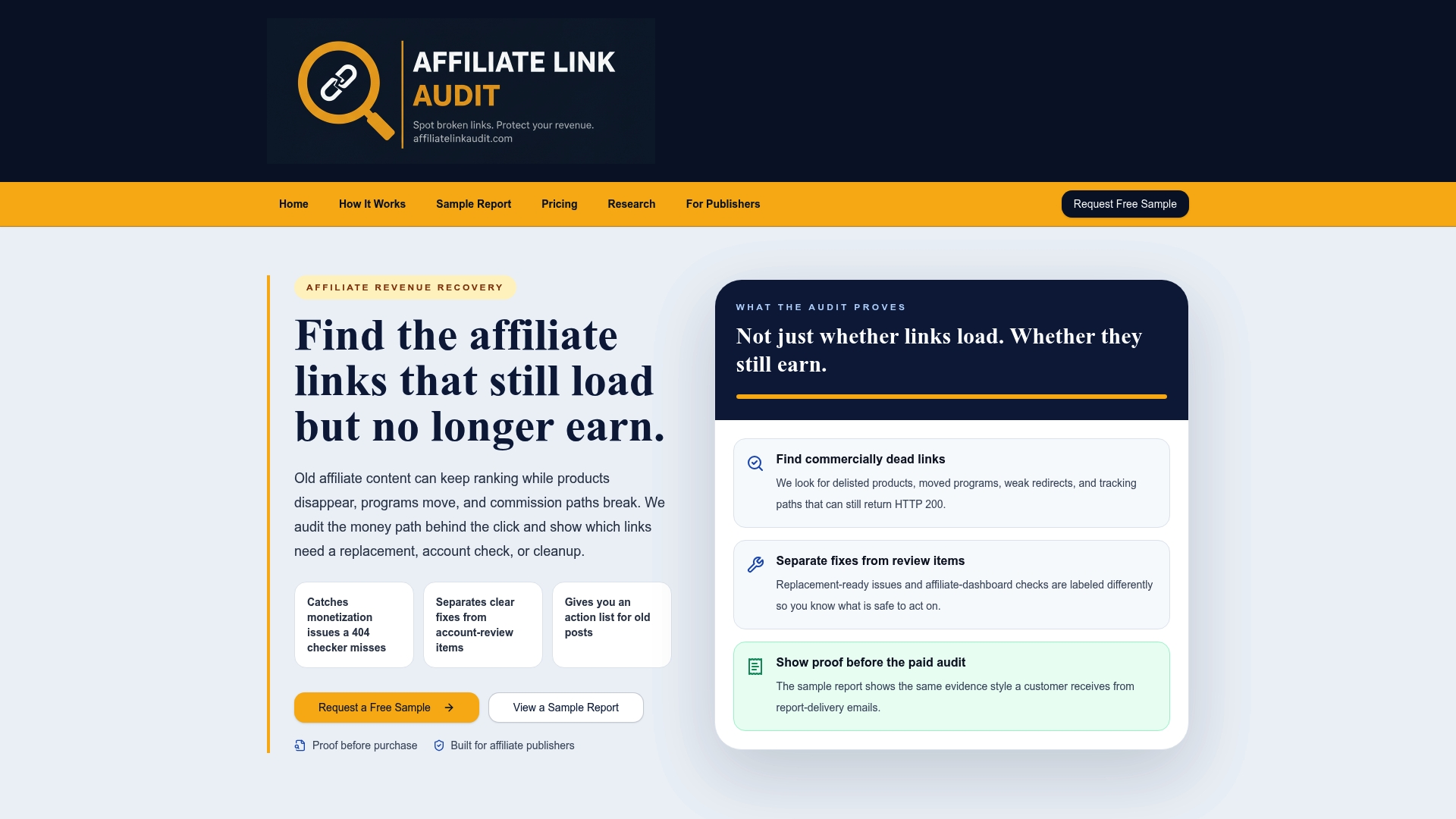
Every audit starts with a free sample report at $0, so the evidence format is visible before the full audit is purchased. The sample report shows the structure, and the page for publishers describes how the audit applies to content sites with older posts.
FAQ
Is ShareASale still working?
No. ShareASale closed on October 6, 2025, and its accounts were moved to the Awin platform. Legacy links that were not retired may still resolve through Awin, but any link with no clicks in the 12 months before migration redirects to an inactive page.
Why does my ShareASale link say "This link is inactive"?
Two causes are documented. The link may be a retired short link, or the advertiser's Link Status may be offline because its prepayment balance fell below $0. In the first case the link is replaced; in the second it resumes automatically once the balance is positive again.
Why do clicks register but commissions do not appear?
The documented first suspect is a destination URL carrying extra parameters, such as UTM tags or older affiliate values. Rebuild the link from a clean page URL and test it in a private window. If the link is clean, the advertiser's tracking or validation may be the cause, and the advertiser is the party to contact.
How should old links be ordered for repair?
Start with Broken links on pages that still receive traffic and place the link in prominent positions. Then review Needs Attention items, and leave Healthy links for scheduled rechecks. Traffic, placement, page intent and replacement availability are the four practical inputs.
Sources
- ShareASale Payments FAQ
- ShareASale to Awin platform upgrade FAQ
- Link Status: Troubleshooting inactive links
- Understanding Link Status
- Troubleshooting common issues with Link Builder
- Essential Awin tools and features for upgraded ShareASale publishers
- Updating to Awin's e-commerce plugins
Recommended
- Impact Affiliate Link Issues: Causes, Checks and Triage
- AMP Affiliate Links Not Working? Run 6 Checks Before Fixing
- Affiliate Links That Stop Earning: Test, Classify, Prioritize
- Stop Revenue Leaks for Publishers: Prioritize Broken Affiliate Links
This article was produced with AI assistance and reviewed for accuracy. Findings language ("Broken," "Needs Attention," "Healthy") reflects Affiliate Link Audit's evidence-based classification system.