
Impact affiliate link issues fall into a small number of categories: a tracking template that is missing a parameter, a redirect or blocking rule that strips tracking, a changed relationship with the advertiser, or a destination that still loads but no longer sells the product. The first two can be diagnosed from the platform's own documentation. The last two usually surface only when a publisher reviews the live destination of each monetized anchor. This article sets out the checks in order, adds the equivalent checks for Rakuten Advertising and Awin, and describes how to classify each finding as Broken, Needs Attention or Healthy.
TL;DR
- Impact.com documents that a missing {clickId} parameter in the Partner Tracking Template leaves the link loading but degrades attribution, so a working page is not evidence of a working link.
- Website changes, redirect rules, permitted deep-link domains, invalid Ad and Campaign IDs, and unaccepted parameters are the documented causes of broken tracking links.
- Rakuten Advertising and Awin each publish their own diagnostic steps, and their failure modes differ from Impact's.
- A prioritized inventory (Broken, Needs Attention, Healthy) lets a publisher decide what to repair first, by traffic and by evidence.
Table of Contents
- Why a link that loads can still be an Impact link issue
- The documented causes of broken Impact tracking links
- A five-step diagnostic sequence for a publisher
- Impact links after a Rakuten Advertising migration
- Rakuten Advertising link issues
- Awin link issues
- Classifying findings: Broken, Needs Attention, Healthy
- What to check on older content
- Perspective
- How the audit fits this problem
- Maintaining link health after the first pass
- FAQ
- Sources
Why a link that loads can still be an Impact link issue
An HTTP 200 response establishes only that a server returned a page. It does not establish that the page shows the recommended product, that the tracking identifier survived the redirect, or that the program still accepts the publisher's traffic. Impact.com's own troubleshooting documentation makes the same distinction: if the {clickId} parameter is not configured in the Partner Tracking Template, users can still reach the site, but tracking of the user journey and attribution is negatively affected. The same page notes that an unrelated external redirect may cause missing parameters or unexpected landing pages.
For a publisher with several hundred posts, this produces a specific population of risk: monetized anchors that return a normal response, pass a basic link checker, and still send readers to an unavailable product, a generic homepage or a path whose tracking cannot be confirmed. Typical visible signals include:
- a product page reading "not found" or "unavailable" under a 200 response;
- a redirect to a category page or homepage instead of the product;
- a tracking identifier that disappears or changes between the click and the landing page;
- a closed or paused program.
A detailed breakdown of this pattern appears in the guide to affiliate links that stop earning.
The documented causes of broken Impact tracking links
Impact.com lists several categories of cause in its troubleshooting article. Each corresponds to something a publisher or brand can inspect.
| Documented cause | What it means in practice | Where it is usually visible |
|---|---|---|
| Website changes interfering with the UTT | A theme, plugin, consent tool or tag change blocks the universal tracking tag | Performance by Day Report shows a drop on a specific date |
| Permitted deep-link domains | The destination domain is not allowed for deep linking | Link lands on an unexpected page or fails |
| Blocking or redirect rules | A rule at the server or CDN level drops or rewrites parameters | Final URL lacks expected parameters |
| Invalid Ad and Campaign IDs | The link references an ad or campaign that no longer exists | Link does not resolve as intended |
| Parameters not accepted | An appended parameter is rejected by the tracking setup | Landing page loads without attribution data |
The causes and the diagnostic order come from Impact.com's troubleshooting steps: locate the tracking option in the technical implementation plan, identify when the issue began using the Performance by Day Report, check for website changes that interfered with the UTT, identify potential causes, and contact support with a written summary. Impact.com also states that website updates can unintentionally break the tracking integration, and it points to the technical integration plan as the reference for how tracking tags should be set up.
Note the audience of that page: it is written for brands. Publishers typically cannot edit the brand's tag, so the publisher's practical role is narrower: detect the date a pattern changed, capture the evidence (final URL, redirect path, parameter state) and report it with specifics.
A five-step diagnostic sequence for a publisher
The following sequence applies to a single suspect link and scales to a full inventory.
- Record the link in an inventory. Capture the destination, program, tracking ID, host page, disclosure status and review date. Without a baseline, a change cannot be dated.
- Trace the redirect path. Follow the link from the monetized anchor to its final landing URL, noting every hop. The redirect chain tracing method describes how to record each hop and where parameters drop.
- Inspect the final URL and the page. Confirm the product is present and purchasable, not merely that the page loads. Confirm the expected identifiers are present, as covered in the missing affiliate parameters guide.
- Check program status and reporting. Confirm in the platform that the partnership is active and compare click counts with reported actions over a consistent period, allowing for reporting delays.
- Escalate with evidence. Where the cause lies on the brand's side, send support the date the behavior began, the link tested and the observed redirect path.
One caution applies at step 4. Click counts and revenue estimates alone do not demonstrate that a program credited a commission. Commission crediting can only be confirmed from the program's own reports for referrals, approvals, reversals and payments. An audit of link health therefore reports on observable link behavior and leaves the commission question to the publisher's platform data.
Impact links after a Rakuten Advertising migration
Publishers who moved from Rakuten Advertising to impact.com face a specific parameter risk. According to the partner migration FAQ, existing tracking links are redirected to impact.com and the partnership is not interrupted. However, the Rakuten Advertising u5 parameter expects a JSON object in standard Base64 encoding, while impact.com's audiences parameter expects a JSON array in base64url encoding. Copying existing u5 values into audiences unchanged will break tracking.
The link will still load in this scenario, which is why the defect is easy to miss. Any publisher with legacy links containing u5 values should sample those links specifically and review the encoding of the audiences parameter.
Rakuten Advertising link issues
Readers searching for Rakuten affiliate link issues tend to meet one of three situations.
Malformed link code. Rakuten Advertising's guidance on testing links lists copy-and-paste errors, web page editors that add amp; to every ampersand, and email applications that alter link code as possible causes of link problems. The same guide describes the check: hover over the ad to confirm the URL shows click.linksynergy.com and the publisher's encrypted ID (an 11-character alphanumeric code introduced by the id= parameter), then click to confirm the correct landing page. To confirm a click was counted, run the Sales and Activity Report or the Link Type Report. To test order tracking, place a test order through the affiliate link and review the Individual Item Report.
A changed advertiser relationship. Rakuten Advertising states that links that previously tested correctly may stop redirecting because the relationship with an advertiser changed, the program was placed on hold, or the advertiser has a technical issue. Publishers should check partnership status in the Advertisers section of the dashboard. If the advertiser removed the publisher from the program, the links no longer work. If the program is on hold, publishers are notified by email and links stop redirecting.
Automate behavior. The Automate overview states that when Automate cannot affiliate a link, the link does not break: the visitor is still redirected as expected, but the link carries no affiliate information. This is a clear example of a link that functions for the reader and fails commercially. Browser developer tools (console messages) and a performance report can show whether the click registered.

Awin link issues
Awin's documentation separates tracking failures into several categories.
Dirty destination URLs. Awin's Link Builder guide states that the most common cause of a link failing to track is an incorrect or "dirty" destination URL. Clean URLs are direct page URLs without added parameters. Dirty URLs contain tracking parameters (for example ?utm_source=google), fragment identifiers (for example #int=banner_1) or network and affiliate parameters (for example awc= or awin1).
Link status and fallback URLs. For advertisers upgraded from ShareASale, Link Status shows whether tracking is online or offline. When the advertiser's balance falls below $0, links redirect to the chosen fallback URL, which Awin advises advertisers to set (a homepage, similar product, search results page or custom landing page). Under the new prepayment model, payment status turns amber and links resume without a manual reset once the balance is positive. For a publisher, this means a link may redirect to a generic page temporarily through no fault of the publisher's markup.
Attribution rules. Awin's Tracking FAQs explain that a cookie is placed when a user clicks an Awin tracking link, that a purchase within the cookie period (typically 30 days) rewards the affiliate, and that when a user clicks multiple affiliate links, the sale is attributed to the last click. A lower-than-expected result therefore does not always indicate a defective link.
Test transactions. The same FAQ describes the Tracking Wizard (Support > Integration > Tracking Diagnosis). If the sale still does not track, support requires the test transaction details, recent website changes, domain changes, tag manager changes, the date and time of the last tracked order and the test link used.

Classifying findings: Broken, Needs Attention, Healthy
A large inventory cannot be repaired in one pass, so classification determines sequence. Affiliate Link Audit uses three terms, applied to observable evidence.
| Classification | Evidence threshold | Typical examples |
|---|---|---|
| Broken | Confirmed failure at the link or destination | 404 or error response; product page showing unavailable; redirect to a generic homepage; removed program |
| Needs Attention | Ambiguous or unverifiable signal requiring manual review | Tracking identifier absent after a redirect; parameter changed; stale price or availability text; unusual redirect chain |
| Healthy | Destination matches the recommendation and expected identifiers are present | Product available, tracking path intact on inspection |
The distinction between Broken and Needs Attention carries operational weight. A Broken item has a clear reason for the publisher to act. A Needs Attention item requires a person to look at the destination, the program rules or the platform report, and the publisher decides what to do. A Healthy label describes the state of the link at the time of inspection; it is not a statement about commission outcomes.
Within each class, ordering by traffic is the practical rule: a Broken link on a post receiving substantial qualified clicks outranks a Needs Attention link on a dormant page. The prioritization guide for broken affiliate links expands on this ordering.
What to check on older content
Older posts accumulate defects because the surrounding conditions change while the page does not. A repeatable review of legacy content covers:
- Product existence. Items discontinued, merged or replaced.
- Destination match. The landing page still corresponds to the anchor's promise.
- Identifier persistence. Tracking IDs survive each redirect hop; see the checks in missing affiliate ID testing.
- Domain handling. Tracking domains are not blocked by browsers, extensions or consent tools; see the tracking domain blocked diagnosis.
- Page templates. Alternate renderings of the same post can alter link output, as described in the AMP affiliate link checks.
- Analytics events. Click events fire consistently, as covered in the GA4 affiliate tracking rules.
Each finding should be logged with the post, the link, the observed behavior and the date, so that a later change can be compared against the baseline.
Perspective
Most link checkers stop at the status code, and that is where Impact link issues tend to hide. A link that returns 200 OK can still land on a generic homepage, show an unavailable product, or pass through a path where the tracking identifier is no longer present. None of those states produces an error a crawler would flag.
Our approach is to treat the monetized anchor as the unit of evidence. We trace the path, inspect the destination and classify the result as Broken, Needs Attention or Healthy. We separate confirmed failures from items that need a human decision, because a publisher acting on a mixed list wastes time on the wrong half of it.
We identify; we do not repair, and we do not verify commission crediting. The publisher holds the platform reports, the program relationships and the editorial judgment. Our contribution is a prioritized, evidence-backed list, so those decisions start from what the links actually do instead of what they appear to do.
Michael N.
How the audit fits this problem
A manual review of every monetized anchor across a mature content site is slow, and the Impact, Rakuten and Awin failure modes each require different inspection. Affiliate Link Audit offers manual and semi-automated audits that detect broken, outdated and non-earning links, evaluate whether links that still load remain commercially viable, and return a prioritized action plan with suggested replacements. The report separates clear fixes from review-needed items; the publisher carries out the changes.
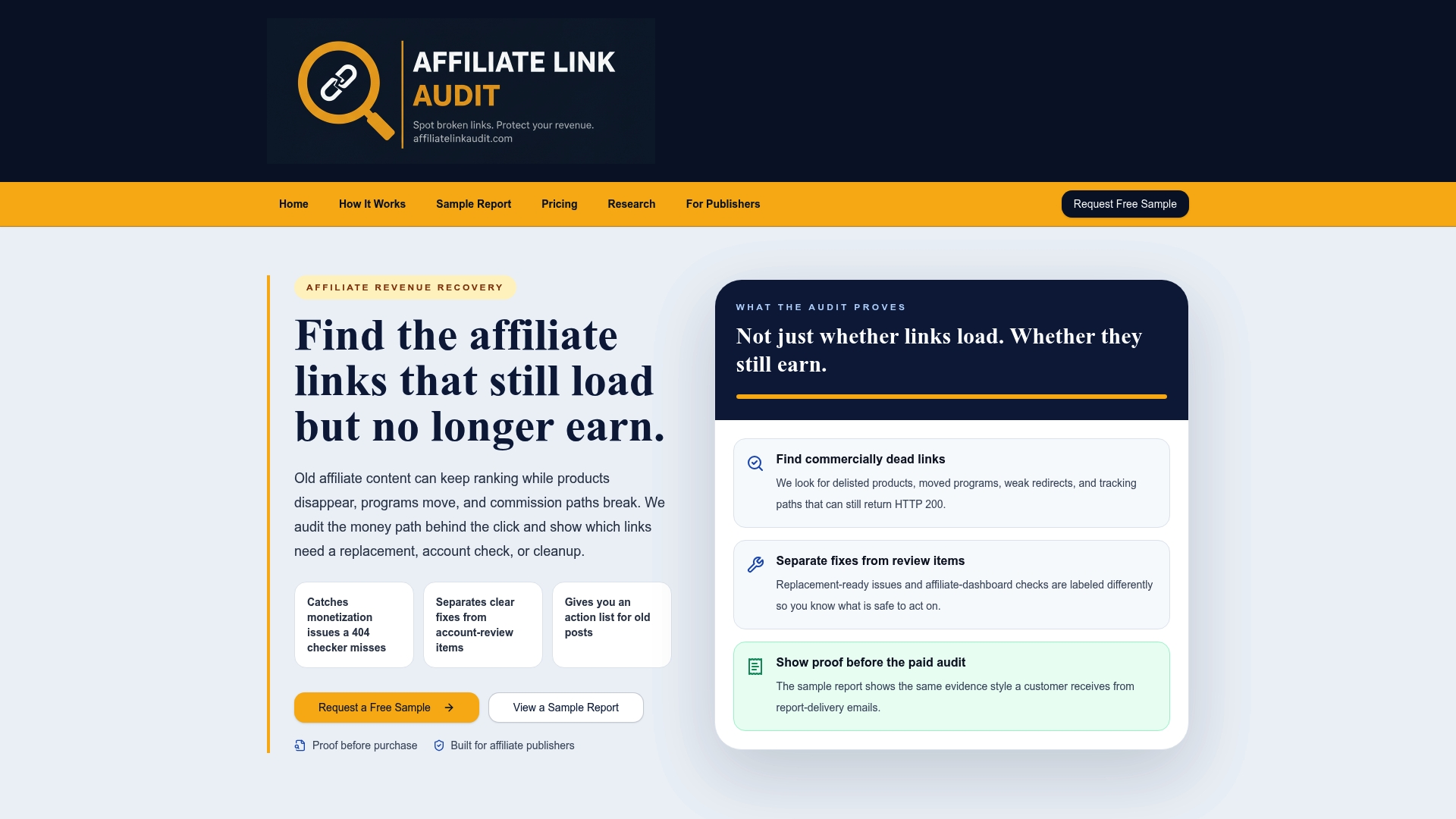
Every audit begins with a free sample ($0), so the evidence format is visible before purchase. The sample report shows how findings are classified and documented. The Full Audit costs $97 as a one-off payment. Publishers with large archives can review the audit for publishers, and aggregate patterns are summarized in the Affiliate Link Health Benchmark 2026.
Maintaining link health after the first pass
Repair without a maintenance routine returns the inventory to its prior state. A workable cadence includes:
- Scheduled scans for dead URLs and status changes, at least weekly where tooling allows.
- A monthly manual check of the highest-earning links, confirming product, destination and identifiers by hand.
- A monthly comparison of clicks against reported actions in each program's dashboard, allowing for reporting delays.
- Review of program emails, which is where notices of holds, removals and URL changes often appear first.
- Retesting in a private browser window after any change, so cached sessions and cookies do not mask the result.
- An inventory update recording each change and its date.
These practices reduce the time between a change in a merchant's setup and the publisher's awareness of it, which is the main variable in how long a defective link stays live.
FAQ
Why does my Impact link open the right page but show tracking problems?
A page can load while attribution is degraded. Impact.com states that when the {clickId} parameter is missing from the Partner Tracking Template, users still reach the site but the user journey and attribution are affected. Redirect rules and unaccepted parameters can have a similar effect.
How do I find out when an Impact tracking problem started?
Impact.com's documented method is to use the Performance by Day Report to identify the date the issue began. Then check what changed on the website around that date, such as theme, plugin or tag updates that could interfere with the UTT.
Do Rakuten and Awin links fail for the same reasons as Impact links?
Partly. All three can fail through altered link code, redirects and changed program status. Rakuten documents advertiser holds and removals, and Awin documents dirty destination URLs and fallback redirects when an advertiser's balance falls below $0.
Does a Healthy classification mean a link is earning commission?
No. Healthy means the destination and expected identifiers were present at inspection. Commission crediting can only be confirmed in the program's own reports for referrals, approvals, reversals and payments.
Sources
- Impact.com: Troubleshoot Broken Tracking Links
- Impact.com: Rakuten Advertising to impact.com Partner Migration FAQ
- Rakuten Advertising: Test Affiliate Links
- Rakuten Advertising: Broken Affiliate Link
- Rakuten Advertising: Automate Overview
- Awin: Troubleshooting common issues with Link Builder
- Awin: Link Status troubleshooting inactive links
- Awin: Understanding Link Status
- Awin: Tracking FAQs
Recommended
- AMP Affiliate Links Not Working? Run 6 Checks Before Fixing
- Affiliate Redirect Chains: How to Trace and Audit Them
- Affiliate Links That Stop Earning: Test, Classify, Prioritize
- Stop Revenue Leaks for Publishers: Prioritize Broken Affiliate Links
This article was produced with AI assistance and reviewed for accuracy. Findings language ("Broken," "Needs Attention," "Healthy") reflects Affiliate Link Audit's evidence-based classification system.