
Missing affiliate commissions fall into four categories: reporting lag, attribution lost after the click, sales that were never commissionable, and links that still load but no longer lead to an earning path. The first three are diagnosed in the network or program dashboard. The fourth sits in the content itself, and it is the one most often overlooked on older posts that still receive traffic. This article sets out a diagnostic order for separating them, with the evidence to collect at each stage.
TL;DR
- Allow for reporting lag first: network and program documentation cites windows from 24 to 48 hours up to roughly two weeks, depending on the platform.
- Compare clicks with conversions to locate the first missing signal. Fewer clicks points to the link or its placement; steady clicks with fewer sales points to attribution or eligibility.
- A link returning 200 OK can still be commercially unhealthy: an unavailable product, a redirect to a generic homepage, or a tracking path that may no longer earn.
- Classify each link as Broken, Needs Attention or Healthy, then work through the list in that order.
- Collect the order ID, order date and pre-discount subtotal before contacting a program about a specific missing transaction.
Table of Contents
- Step 1: Separate reporting delay from a genuinely missing sale
- Step 2: Identify which metric changed first
- Step 3: Check the conditions that stop a valid click from earning
- Step 4: Test whether the links themselves still lead to an earning path
- Step 5: Classify findings before repairing anything
- When a commission appears and then disappears
- Evidence to collect before contacting a program
- Promo: a link-level audit with a free sample
- Perspective
- FAQ
- Sources
Step 1: Separate reporting delay from a genuinely missing sale
Most "missing" commissions at the first check are not missing. Reporting runs on a chain: the shopper completes an order, the advertiser confirms it, and the network or program publishes it to the publisher dashboard. Each stage has its own latency.
Published windows differ by platform:
- Rakuten Advertising advises publishers to wait 24 to 48 hours before checking for a transaction, noting that advertiser confirmation may wait for card authorization or product shipment. If an order is still absent after seven days, its guidance is to file a transaction inquiry or contact the advertiser with the order number and transaction date.
- CreatorIQ states that a new purchase can take up to 48 hours to synchronize into the dashboard.
- Skimlinks reports that sales commonly take five to seven days to appear while merchant and network reporting catches up, and up to two weeks in extreme cases.
- Amazon Associates reports faster: its U.S. help pages state that the Ordered Items and Bounties reports update hourly, with most orders visible within three hours, while the Earnings Report is current through the previous day.
The practical rule: do not open a support case until the platform's own window has passed. Before that point, a missing sale is indistinguishable from a pending one. Also confirm the report settings, since Amazon's reports can be filtered to one Tracking ID or all Tracking IDs, and custom date ranges must be shorter than 90 days. A report filtered to the wrong Tracking ID or a truncated date range produces an apparent shortfall with no underlying problem.
Step 2: Identify which metric changed first
When the delay window has passed and earnings remain lower, the diagnosis depends on which signal weakened first. Compare equivalent date ranges, and where the platform supports it, equivalent tracking IDs, so that the comparison isolates one variable. Three patterns recur:
| Pattern | Most likely location of the fault |
|---|---|
| Clicks fall (on-site and in the network report) | The link, its placement, a redirect, or the page's traffic |
| Clicks steady, conversions fall | Attribution, advertiser integration, cookie persistence, or sale eligibility |
| Conversions steady, commission per sale falls | Reversals, excluded products, or changed commission rates |
A fourth case is a mismatch between the publisher's own click counts and the network's. Click definitions differ between analytics tools and networks, so a gap alone is not evidence of a fault. A gap that widens over time, however, is a signal worth tracing to a specific set of URLs. The client's guide on reconciling affiliate reporting discrepancies covers that comparison in more detail, and its diagnostic sequence for a commission drop applies the same logic in order.
Step 3: Check the conditions that stop a valid click from earning
A working link does not guarantee that a purchase is credited. Network documentation lists several conditions that sit outside the publisher's page.
Browser, device and privacy conditions. CreatorIQ names browser switching, coupon extensions, privacy settings or blockers and subsequent clicks as common reasons a sale is not attributed, and advises checking destination URLs for conflicting tracking information. Skimlinks adds failed installation, loss of last-referrer status, cleared cookies, unsupported customer geography, ad blockers and merchant cancellation to the list. The role of coupon extensions in particular is covered in the client's article on coupon extensions and attribution, and cookie failures in its triage method for cookies not being set.
Program eligibility. Rakuten Advertising notes that some advertiser programs pay only on selected products or actions, and that certain programs exclude gift-certificate purchases. Its non-commissionable report is designed to surface those sales. A conversion that appears in the advertiser's order data but not in the commission report may simply be ineligible.
Return-day windows. The same Rakuten page states that return-day windows range from zero to 999 days. With a zero-day window, only the click-through visit is commissionable, so a shopper who returns directly later produces no commission. A content type with long consideration cycles, such as comparison guides, is more exposed to this rule than an impulse-purchase post.
None of these conditions is visible from the publisher's page, which is why a link can function for the publisher and still fail to earn. Where the conditions are program terms, the remedy is to read the terms and adjust which products the content promotes.
Step 4: Test whether the links themselves still lead to an earning path
The conditions above apply to links that are working as designed. Older content introduces a different failure: the link was correct when published and has since degraded. Typical causes include discontinued products, retired merchant pages, changed program structures and altered tracking parameters.
A standard link checker reports HTTP status codes, and a 404 is easy to find. The harder cases return 200 OK and still do not serve the publisher:
- The product page loads, but the product is unavailable or discontinued.
- The link redirects to a generic merchant homepage rather than the product or category the anchor describes.
- The redirect chain completes, but the tracking path or affiliate ID no longer survives to the final URL.
For networks that use a standard link format, a basic structural test applies. Rakuten's guidance on checking a link is to confirm that it redirects correctly, begins with click.linksynergy.com and carries the encrypted ID parameter. The equivalent test for other programs is to confirm that the publisher's ID or tracking parameter is present on the final landing URL, which the client's guides on missing affiliate IDs and missing affiliate parameters describe test by test.
The second consideration is scale. A site with several hundred monetized anchors accumulated over years cannot be reviewed link by link at each publication cycle, and the links most likely to have degraded are on the oldest pages, where nobody is looking. The client's analysis of why a 200 OK status does not make an affiliate link healthy and its 2026 link health benchmark document the pattern in detail.
Step 5: Classify findings before repairing anything
A list of suspect links is not yet a work plan. Classification turns it into one, because the three conditions require different responses:
| Classification | Meaning | Typical response |
|---|---|---|
| Broken | Confirmed failure: dead page, error status, or a destination that clearly no longer matches the link's purpose | Replace or remove the link |
| Needs Attention | The link loads, but evidence suggests it may be commercially unhealthy (a homepage redirect, an unavailable product, unverifiable tracking) | Manual review by the publisher |
| Healthy | No issue detected in the checks performed | Leave in place, recheck periodically |
The distinction between Broken and Needs Attention matters because the second category requires judgment. A redirect to a homepage may be a temporary merchant error or a permanent retirement of the product; a tracking path that cannot be verified from outside may still work. Treating every uncertain link as broken removes links that earn, and treating them as healthy leaves non-earning links in place. The client's article on links that stop earning sets out how to test, classify and prioritize them, with the highest-traffic pages first.
This classification identifies links that are commercially unhealthy. It does not establish whether a given click would have been credited, and it does not quantify income lost. The publisher decides what to change.
When a commission appears and then disappears
A commission that shows as pending and later vanishes has usually been reversed or excluded after validation. The usual causes are returned or cancelled orders, rejected leads, purchases that fall outside the program's commissionable items, and changed commission rates. Skimlinks lists merchant cancellation among the reasons clicks do not become reported sales. Because the decision sits with the advertiser, the response is a transaction inquiry, not a content change. The evidence list below applies.
Evidence to collect before contacting a program
A support request for a specific missing sale is processed faster when it carries the data the advertiser can match. CreatorIQ's guidance specifies the order ID or number, the order date and time where available, and the subtotal before discounts, shipping and taxes, or the total where the subtotal is unavailable.
To this, add the page URL on which the click originated, the full affiliate link as published, and the date range of the clicks in question. Where the order is not known, as with an unexplained decline across a whole page, a support request is the wrong instrument. The link-level evidence in the preceding steps is the appropriate starting point.

Promo: a link-level audit with a free sample
For publishers whose older content still draws traffic but whose earnings have declined, Affiliate Link Audit provides manual and semi-automated audits that detect and prioritize broken, outdated and non-earning affiliate links. Each audit evaluates the commercial viability of links that still load, classifies findings as Broken, Needs Attention or Healthy, and delivers a prioritized action plan with suggested replacements, separating clear fixes from items that need manual review.
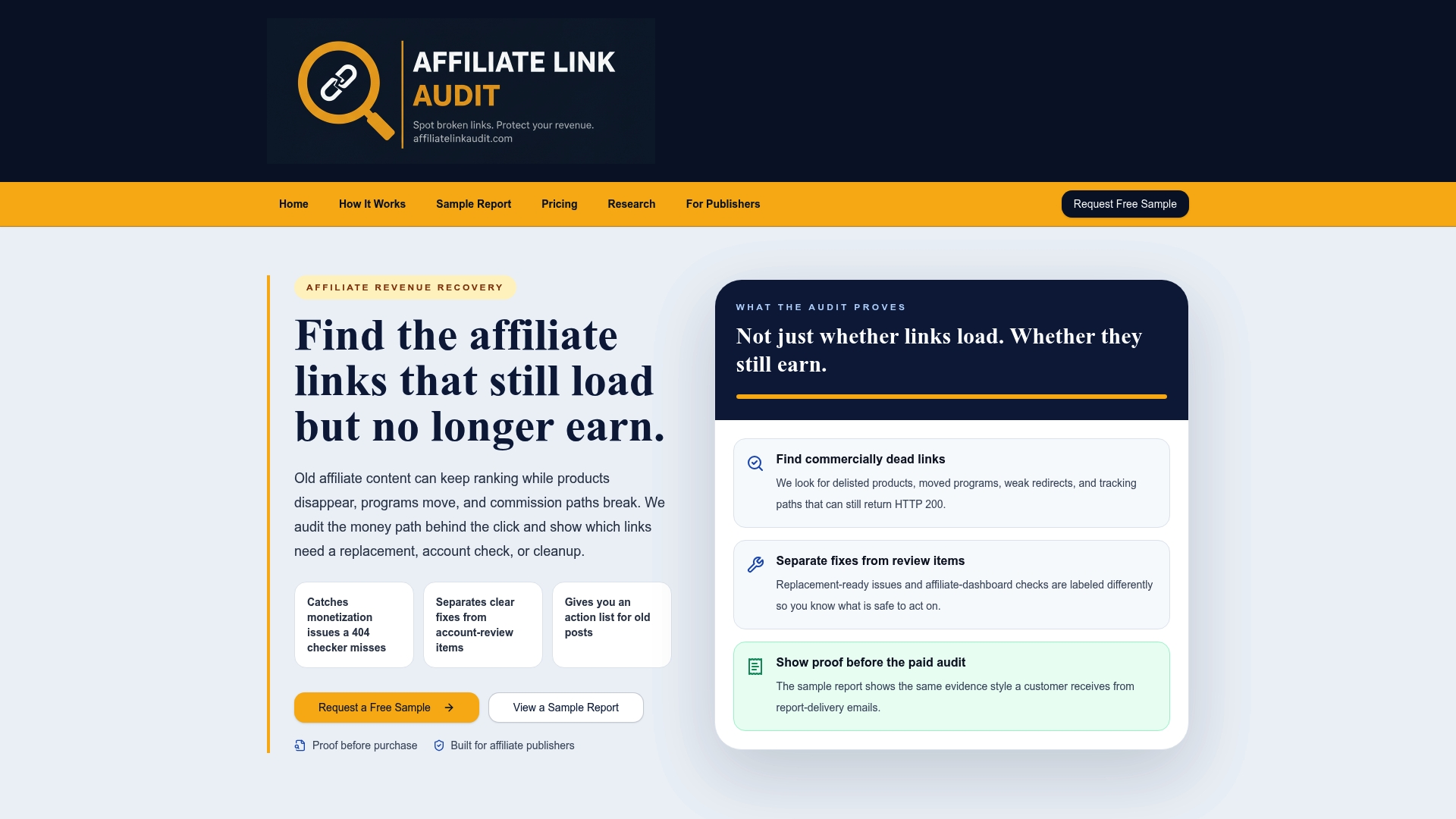
Every audit starts with a free sample report ($0), so the evidence is visible before the Full Audit ($97, one-off) is purchased. The sample report shows the format of the findings.
Perspective
Missing commissions are usually investigated from the dashboard downward: reports, payment terms, support tickets. That order suits reporting lag and eligibility disputes. It leaves out a population of links that no dashboard flags, because nothing has errored.
Our position is that the link inventory deserves the same scrutiny as the reports. A page can retain its rankings and traffic for years after the product it promotes has been discontinued or the merchant path has changed. The clicks continue; the commercial destination does not. Status-code checkers do not surface this, which is why we evaluate links that return 200 OK against whether they remain commercially viable, and why we separate confirmed Broken links from those that Need Attention.
We are deliberate about the limits of that work. We do not verify commission crediting, and we do not assert lost income. We identify the links that appear commercially unhealthy, supply the evidence, and leave the repair decision with the publisher. A prioritized list of what to examine first replaces guesswork about where to start.
Michael N.
FAQ
How long should I wait before treating a commission as missing?
Wait for the platform's own window. Rakuten advises 24 to 48 hours before checking and a transaction inquiry after seven days, CreatorIQ cites up to 48 hours, and Skimlinks cites five to seven days, up to two weeks in extreme cases. Amazon's reports update hourly, with most orders appearing within three hours.
Why do my clicks continue while sales drop?
Steady clicks with fewer conversions indicate a fault after the click: attribution, cookie persistence, advertiser integration, or product eligibility. It can also indicate that the link now lands on an unavailable product or a generic homepage. Checking the final landing URL of each affected link separates the second case from the first.
Can a link work and still not earn commission?
Yes. A link can load normally and still point to a discontinued product, redirect to a homepage, or lose its tracking parameter along the redirect path. Privacy settings, coupon extensions and program exclusions can also prevent attribution on a link that is technically intact.
What does an affiliate link audit tell me, and what does it not?
An audit identifies links that are Broken, that Need Attention, or that are Healthy, with the evidence behind each classification and a prioritized action plan. It does not confirm commission crediting, guarantee revenue recovery or quantify income lost, and it does not repair links: the publisher decides what to change.
Sources
- Find Sales or Orders Missing from Reports, Rakuten Advertising Publisher Help
- Where is my commission payout?, CreatorIQ Creator Support
- Why am I seeing clicks, but no sales?, Skimlinks Publishers
- Amazon Associates Central Help: reporting
Recommended
- Affiliate Commission Dropped? A Diagnostic Order for Publishers
- Affiliate Links That Stop Earning: Test, Classify, Prioritize
- Stop Losing Commissions: Evidence First Affiliate Link Testing for Publishers
- Stop Revenue Leaks for Publishers: Prioritize Broken Affiliate Links
This article was produced with AI assistance and reviewed for accuracy. Findings language ("Broken," "Needs Attention," "Healthy") reflects Affiliate Link Audit's evidence-based classification system.