
A merchant page change is any edit to the page, product, program or tracking path your affiliate link points to: a product goes out of stock, a landing page is redirected to a homepage, a program moves to another network or closes. The link still loads, so nothing looks wrong on your side, but the click no longer reaches the offer your content describes. The practical answer is to audit monetized links for commercial health, not only for status codes, and to sort the results into Broken, Needs Attention and Healthy so the repair order is clear. Affiliate Link Audit's Full Audit ($97, one-off) does this for existing content, and every audit starts with a free sample.
- ✓Identify broken or non-earning links
- ✓Check whether links still work as intended
- ✓Separate clear fixes from manual review
TL;DR
- Merchants change pages constantly, and a link that returns 200 OK can still point to an unavailable product, a generic homepage or a tracking path that may no longer earn.
- The changes that matter for affiliate revenue are availability, destination, program status, network and tracking path. Banners and wording tweaks do not.
- Networks and feeds publish some change signals, but they cover only what the merchant reports, not what your specific link now resolves to.
- Classify every finding as Broken, Needs Attention or Healthy, and fix the highest-traffic pages first.
- Older posts carry the most exposure, because they keep drawing qualified clicks long after the merchant side has moved on.
Table of Contents
- What counts as a merchant page change
- Why a 200 OK response does not settle the question
- The signals merchants and networks publish
- Which changes deserve attention first
- Why old content carries the most exposure
- A workable monitoring routine for publishers
- Separating real changes from noise
- What a link-level audit adds
- Request the audit
- Our view on merchant page changes
- FAQ
- Sources
What counts as a merchant page change
For an affiliate publisher, "merchant page change" covers more than a redesign. Five categories account for most of the damage to monetized anchors (the linked words or buttons in your content that carry an affiliate URL):
- Availability changes. The product is discontinued, out of stock for good, or replaced by a successor with a new URL.
- Destination changes. The product URL is redirected to a category page, a search page or the merchant homepage.
- Program changes. The merchant closes its affiliate program or pauses it, so links lose their monetized status.
- Network changes. The merchant moves its program to a different affiliate network, which can change the tracking path.
- Parameter and tracking changes. Redirect chains lengthen, secure and non-secure versions diverge, or sub-IDs and campaign parameters are dropped along the way.
Price, discount and promotion changes are a sixth category. They rarely break a link, but they make the text around it inaccurate: a post that quotes a price or a sale end date misleads readers once the merchant page moves on.
Why a 200 OK response does not settle the question
Most link checkers request a URL and report the HTTP status code. A 404 or 410 means the destination is gone, and those are the easy finds. The harder category is the soft failure: the server answers 200 OK, but the page shows an unavailable product or the redirect lands on a generic homepage. A status-code check marks that link as fine.
Affiliate Link Audit's guide to why 200 OK does not mean a link is healthy covers this distinction in detail, and the article on affiliate link rot explains how the same pattern accumulates across older content. The point for merchant page changes is that the change happens on the merchant's side, on no schedule you control, and the symptom on your side is silence: traffic continues, clicks continue, and the destination no longer matches the promise of the anchor.
The signals merchants and networks publish
Some merchant changes are announced, and publishers who use those channels get early warning for part of the problem.
Network notices. Skimlinks documents that, in most cases, it automatically detects when a merchant moves to a new supported network and reroutes traffic, so existing links keep earning without a URL change. The same Skimlinks notice on merchants changing networks states that program closures leave links unmonetized and that custom rates may need to be renegotiated. That is a useful reminder that the effect of a change depends on how each link is built: a link routed through a monetization layer behaves differently from a direct network deep link. Affiliate Link Audit's article on auditing links when a merchant switched networks covers the direct-link case.
Deal and offer feeds. FMTC's Deal Feed API documentation (March 2026) describes an incremental call that returns only deals added, modified or deleted since the last request. It recommends pulling incremental data every 30 minutes and full data every couple of hours, within a limit of 500 calls per day. Feeds like this track offers and coupons, which suits deal sites. They do not tell you where a specific link inside a 2021 review post now lands.
Product watch APIs. The Product Watch API on affiliate.com lets a developer set rules on four fields: availability, on_sale, sale_discount and final_price. Watches are checked every 6 hours, and when a watched product disappears from the database the watch is removed with a final notification showing the value "unavailable". Multiple rules must all match to trigger a notification, and completed watches do not resume until reactivated. This works for product-level price and stock monitoring when you have the engineering time to wire it into your content.
Each of these channels reports what the merchant or network chooses to expose. None evaluates the live path from your published anchor to the page a visitor sees, which is where the revenue risk shows up.
Which changes deserve attention first
Not every difference between two snapshots of a merchant page is a problem. A rotating banner, a reordered product grid or a stock counter changes daily and has no bearing on your link. The changes worth acting on fall into a clear order:
| Change on the merchant side | Typical effect on your link | Classification to expect |
|---|---|---|
| Product URL returns 404 or 410 | Visitor lands on an error page | Broken |
| Product page loads but shows unavailable | Click reaches a dead end that returns 200 OK | Needs Attention |
| Redirect to merchant homepage or generic category | Click reaches the merchant, not the product you described | Needs Attention |
| Program closed or paused | Link may no longer be monetized | Needs Attention |
| Merchant moved networks | Tracking path may have changed | Needs Attention |
| Price or promotion changed | Surrounding copy is inaccurate | Needs Attention (content) |
| Page loads, product available, tracking path intact | No evidence of an issue | Healthy |
The classification terms matter because they separate what the evidence confirms from what a person must judge. A 404 is confirmed. A redirect to a homepage is evidence, but whether the merchant intended a replacement product or abandoned the offer is a decision for the publisher. Affiliate Link Audit reports findings by verified issue type and does not claim to verify whether commissions are credited. It detects links that are commercially unhealthy and supplies the evidence; the publisher decides what to fix.
Why old content carries the most exposure
Merchant pages change on the merchant's schedule, while a published post changes only when someone edits it. A post written three years ago has had three years of merchant changes with no corresponding review. Search engines keep sending readers to it, and its anchors keep collecting clicks, so the post looks productive in analytics even as its destinations decay.
This is the situation the owner of a blog with older content usually faces: traffic holds, commissions drift, and there is no obvious event to blame. The diagnostic order in Affiliate Commission Dropped? A Diagnostic Order for Publishers places link health early in the sequence for that reason. Before concluding that traffic quality or seasonality explains a decline, confirm that the links on the pages that used to earn still lead where they should.
A workable monitoring routine for publishers
A routine for merchant page changes has four parts, whatever tools sit underneath it.
1. Keep one inventory of monetized anchors
List every affiliate link with its merchant, its network or program, the post it sits in and the date it was last reviewed. The same product often appears in several posts, so a single merchant change can require several edits. A central list turns that into one finding with a list of affected pages. For a worked approach to coordinating one change across many pages, see this overview of managing a product master list.
2. Rank pages by traffic and earning history
Start where a failed link costs the most: the pages with the highest sessions and the strongest past conversion. Affiliate Link Audit's article on starting with the top 10 pages applies this logic to retailer links. A full-site review is the goal, but a ranked list means the first repairs go to the pages that matter.
3. Check the destination, not only the status
For each link, record the final URL after redirects, the content of the landing page and whether the product or offer the anchor describes is present. A product-level check asks four questions: does the page load, does it show the intended product, is the product available, and does the redirect chain still carry the tracking path. Links that fail the first question are Broken. Links that load but fail the others are Needs Attention.

4. Set a review cadence by volatility
Offers that change weekly, such as seasonal promotions, need frequent checks. Stable evergreen product links need less. A reasonable pattern is a scheduled review of top pages each quarter, with additional checks after any merchant, network or program announcement.
Separating real changes from noise
Automated page-change alerts produce false positives when they react to anything that differs between snapshots: dates, cookie banners, rotating promotions, session counters. Filtering matters because an alert stream that fires daily on irrelevant changes soon gets ignored. The usual controls are to ignore timestamps, set a minimum percentage of changed content before alerting, and trigger only on specific words such as "unavailable", "discontinued" or "no longer" appearing on a page.
The same logic applies to redesigns, which break monitors that rely on page layout. This write-up on planning for a pricing page redesign shows why monitoring rules need to target the data you care about, not the position of elements on the page. For an affiliate publisher, that data is availability, destination and program status.

What a link-level audit adds
Change detection answers the question "did something change on this page?" An audit answers a different one: "what is each of my monetized links doing now, and which ones need a decision?" The two are complementary, but the second is the one tied to your revenue.
Affiliate Link Audit's service is built around that second question. Its manual and semi-automated audits evaluate whether links that still load are commercially viable, classify findings by verified issue type, and produce a prioritized action plan with suggested replacements. The plan separates clear fixes from items that need manual review. It identifies; it does not repair or rewrite anything on your site, and it does not claim to confirm commission crediting or lost income. The publisher keeps the decision on every item.
Two companion pieces help with what comes after the findings: Bulk Update Affiliate Links: A Safe Site-Wide Method for applying edits across many posts, and Publishers, Replace Dead Affiliate Programs for choosing a substitute when a program has closed. The non-earning links article describes how to test and classify links that load but may not convert.
Request the audit
If your older posts still draw traffic but the commission line no longer follows it, the fastest way to see where merchant changes have landed is to look at the evidence for your own links. Affiliate Link Audit offers a free sample report, so you can review the findings format before deciding. The Full Audit is $97, one-off, and delivers the prioritized list of what to fix first.
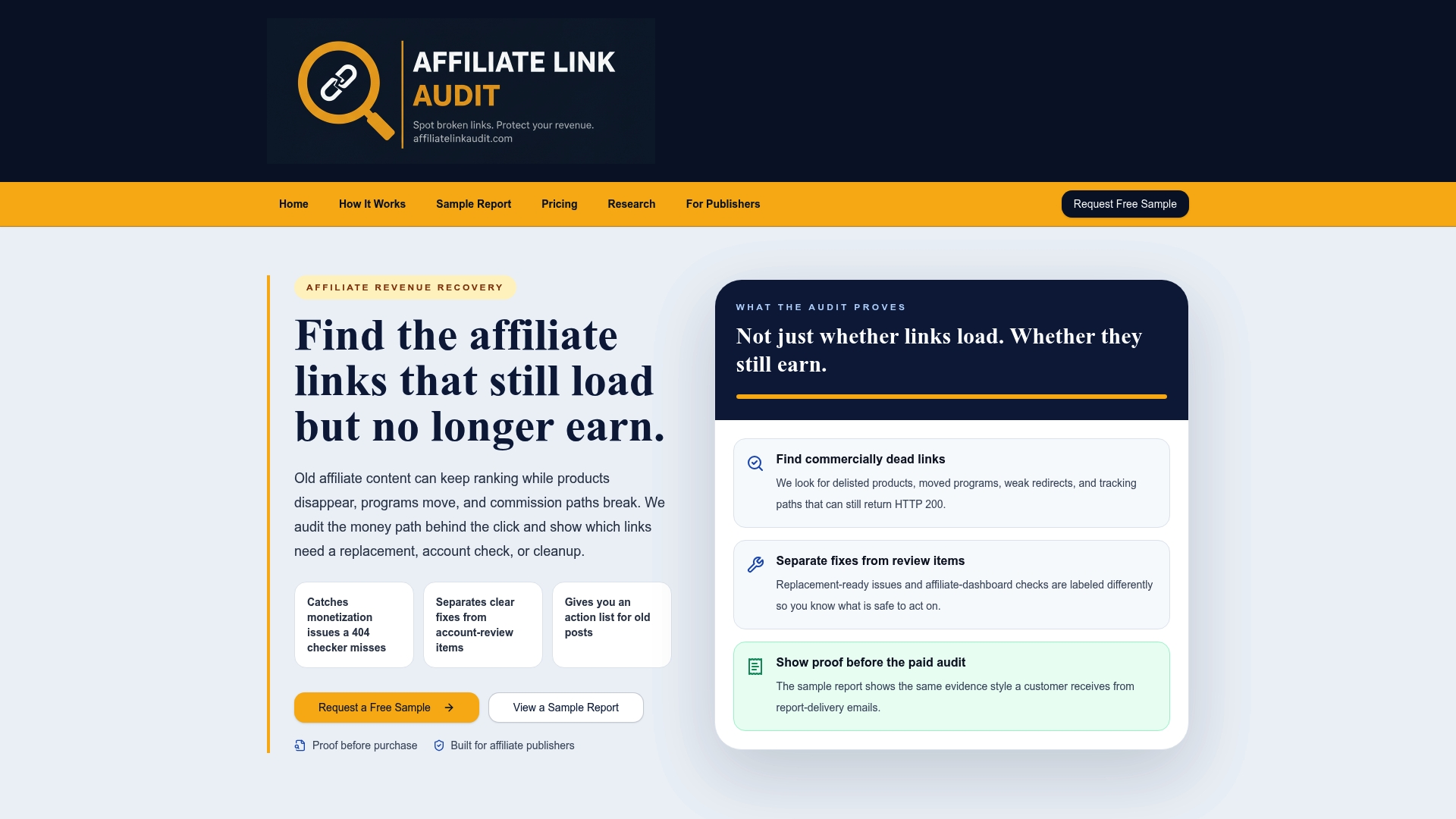
See the sample affiliate revenue audit report, or go straight to the Affiliate Link Audit for publishers page. The Affiliate Link Health Benchmark 2026 shows how link health looks across audited publisher domains.
Our view on merchant page changes
We treat a merchant page change as an evidence problem before it is a repair problem. The question a publisher needs answered is not whether a URL responds, but whether the anchor still leads to the product, offer and tracking path the content promises.
That is why our audits go past 404s. A link that returns 200 OK and lands on a homepage, or on an unavailable product, is a clear case that standard checkers pass over. We report it as Needs Attention, with the evidence, and we keep it separate from links that are confirmed Broken.
We do not claim to verify commission crediting or to quantify lost income, and we do not change links. The audit gives you a prioritized list and suggested replacements, and you decide what to fix. Starting from the free sample means you see the evidence format before committing to the full audit.
Michael N.
FAQ
How often do merchant pages change in ways that affect affiliate links?
There is no single rate, because it depends on the merchant and the product type. Fast-moving retail offers change often, while stable products change rarely. The safe approach is to review top-earning pages on a regular schedule and to re-check any page tied to a merchant that announces a network move or program change.
Will a network automatically keep my links working when a merchant moves networks?
Sometimes. Skimlinks documents that it typically reroutes traffic automatically when a merchant moves to another supported network, but program closures leave links unmonetized. Direct network links and links pasted from a merchant's own program behave differently, so check each link type separately.
Which merchant page changes can I ignore?
Rotating banners, reordered product grids, stock counters and minor wording edits rarely affect an affiliate link. Focus on availability, redirects to generic pages, program status, network changes and tracking-path changes, which are the ones that change what a click does.
What does the free sample report show?
It shows the evidence format of an audit before you buy the Full Audit. You can review how findings are classified as Broken, Needs Attention or Healthy and judge whether the full report suits your content.
Sources
- Notice of merchant changing networks, Skimlinks Publishers
- FMTC Deal Feed API FAQ
- Product Watch API: monitor price and availability
- Monitoring a Competitor's Pricing Page? Plan for the Day They Redesign It
- 6 Steps to Product Feeds Management for Practitioners
Recommended
- When a Merchant Switched Networks: Auditing Your Affiliate Links
- HTTP to HTTPS Affiliate Links: How to Update Them Safely
- Affiliate Links That Stop Earning: Test, Classify, Prioritize
- Bulk Update Affiliate Links: A Safe Site-Wide Method
This article was produced with AI assistance and reviewed for accuracy. Findings language ("Broken," "Needs Attention," "Healthy") reflects Affiliate Link Audit's evidence-based classification system.