
Affiliate link rot is the gradual failure of monetized links to deliver a working, commission-eligible path to purchase, whether through dead pages, stripped tracking, or discontinued products. It erodes revenue quietly because the page still loads and the reader rarely reports it. The immediate fix is a prioritized audit of your highest-traffic pages, since a small number of them typically carry most of the risk.
TL;DR:
- A 200 OK response does not prove a link can earn commission; verify the final destination, intact tracking parameters, matching product, and clickable purchase control.
- Start with your top 10 traffic or revenue pages, then rank confirmed failures by page traffic, conversion history, and severity rather than discovery order.
- Retest pages that rely on JavaScript or block bots with a headless browser before labeling them broken, because automated checks can produce false results.
- After documenting the screenshot, final URL, and redirect chain, replace the same SKU first, test the published link, and schedule a recheck.
- The FTC requires clear commission disclosures near the affiliate link, not in a footer or on a separate disclosure page.
- ✓Identify broken affiliate links
- ✓Evaluate links that still load
- ✓Separate clear fixes from manual reviews
- ✓Prioritize what to fix first
Table of Contents
- What Causes Affiliate Link Rot
- How to Detect Affiliate Link Rot: Tests, Tooling, and a Checklist
- Prioritizing Findings: A Revenue-Based Triage Workflow
- Practical Repair Checklist: Replace, Test, and Document
- How Affiliate Link Audit Approaches Evidence-First Audits
- Why Link Maintenance Belongs in Content Operations
- Get a Free Sample Audit From Affiliate Link Audit
- FAQ
- Sources
What Causes Affiliate Link Rot
Affiliate link rot rarely comes from a single failure mode. It accumulates from technical breakage, advertiser-side changes, and a category of soft failures that status-code checks miss entirely.
The most visible cause is the classic 404: a product page removed without a redirect, leaving the affiliate publisher domain's referral with nowhere to land. Close behind are redirects that strip deep links, sending a reader who clicked through to a specific product toward a generic homepage instead. Neither preserves the original purchase intent, and both suppress conversion even though the destination domain is alive.
A second category involves tracking itself. Merchants sometimes rewrite or drop the query parameters that carry commission credit, so the link resolves and the product loads, but the referral never registers. This is invisible to a human reader and often invisible to basic monitoring, since nothing about the page appears broken.
Advertiser-side changes compound the problem: merchants rename SKUs, retire campaigns, or restructure product catalogs without notice, orphaning links that pointed to a specific item. The result is frequently a "soft failure," where the page returns a normal 200 OK status but the add-to-cart button is gone, the product is marked unavailable, or the listing has been replaced by an unrelated item. Impact notes that because many affiliate links return this healthy-looking status code even when commercial function is gone, successful detection has to check for markers like an active "Add to cart" control or a matching SKU, not just whether the server responds.
A final, often-overlooked cause is false detection itself: bot-protection services, JavaScript-rendered product pages, and rate limiting can make a perfectly functional link appear broken to an automated checker, or make a truly dead link appear fine.
- 404s and removed product pages break the link outright.
- Redirects to homepages strip the specific product context the reader expected.
- Stripped or rewritten tracking parameters cause silent commission loss.
- Advertiser SKU changes and campaign expirations orphan previously working links.
- Soft failures return 200 OK while the purchase path itself is gone.
- Bot-protection and JavaScript-only rendering can produce false readings in either direction.
How to Detect Affiliate Link Rot: Tests, Tooling, and a Checklist
Detection works best as an escalating process: manual spot checks establish ground truth, then automated tooling extends coverage across the rest of the site.
Manual verification starts by visiting the link as a real user would, confirming the final landing page matches the product originally described, and checking that the purchase CTA is present and clickable. This step matters because status-code checks alone are insufficient: a 200 response tells you the server answered, not that the product, the price, or the add-to-cart button survived. Impact.com's analysis of publisher-scale link rot recommends checking commercial markers directly rather than relying on HTTP status alone, since scale makes manual-only auditing infeasible once a site has more than a handful of monetized pages.
Headless browser tools such as Puppeteer-based checkers address a specific blind spot: pages that render their actual content client-side, or that sit behind bot-protection layers that block simple HTTP requests. The Linkspector project documents this kind of fallback, where a headless browser renders the page fully before evaluation, reducing false negatives on JavaScript-heavy merchant sites and avoiding misleading results from bot-blocking that would otherwise read as a dead link.
- Confirm the final URL after all redirects, not the originally published link.
- Check the redirect chain for homepage dumps or category-page substitutions.
- Verify affiliate parameters are present and unaltered in the final URL.
- Confirm a visible, clickable product CTA (add to cart, buy now) on the landing page.
- Flag pages that return errors only under bot-protection or JavaScript rendering, and retest with a headless browser before marking them broken.
Automated link checkers and CI/CD-integrated scanners, some producing machine-readable JSON output for pipeline use, extend this checklist across hundreds or thousands of links on a schedule. They are efficient at flagging candidates but still generate false positives on JavaScript-rendered or bot-protected pages, which is why a manual or headless-browser pass remains part of a reliable workflow rather than a replacement for it.
Pro Tip: Scope your first audit pass to your top 10 traffic or revenue pages before scanning the entire archive; this surfaces the highest-value fixes fastest.
Prioritizing Findings: A Revenue-Based Triage Workflow

Not every broken link deserves the same urgency. A workflow that maps findings to traffic and historical conversion data turns a long list of issues into a short list of fixes that matter.
The starting point is mapping each affiliate link to the page's organic traffic and, where available, its historical conversion performance. A rotted link on a page that gets meaningful monthly visits carries far more revenue risk than the same issue on a page nobody reads. From there, every finding gets one of three labels: Broken, Needs Attention, or Healthy. A Broken link is a confirmed dead end, such as a 404 or a redirect to an unrelated homepage with no recoverable product match. A Needs Attention link loads without error but shows a commercial red flag, like a missing add-to-cart control, a stripped tracking parameter, or a product swap that changes what the reader is actually being sent to buy. A Healthy link resolves to the correct product with working tracking and an active purchase path.
Combining traffic, conversion likelihood, and issue severity into a simple prioritization matrix lets a team work the highest-impact rows first rather than fixing issues in whatever order they were discovered.
- High-traffic pages with Broken links go to the top of the queue regardless of how old the content is.
- Needs Attention findings on converting pages get a manual review pass before any code changes.
- Low-traffic pages with Broken links can wait, or be batched into a lower-priority cleanup pass.
- Healthy links need no action beyond inclusion in the next scheduled recheck.
Once a finding is confirmed, the decision is whether to replace the link with a comparable merchant or product, update the surrounding content to match what is actually available, or retire the recommendation entirely if no reasonable substitute exists. Recording each decision in an editorial log or ticketing system, with the date, the finding, and the action taken, keeps remediation auditable and prevents the same link from being flagged and re-investigated repeatedly.
Practical Repair Checklist: Replace, Test, and Document
Fixing a rotted link is straightforward once the finding is confirmed, but skipping the documentation step tends to create repeat work later.
Before changing anything, capture evidence: a screenshot of the broken or Needs Attention state, the final URL, and the full redirect chain. This record protects against disputes later and gives the next reviewer context if the page resurfaces as a problem.
- Capture evidence first: screenshot, final URL, and redirect chain, before editing the page.
- Work the replacement decision tree in order: same SKU first, then a comparable SKU from the same merchant, then a relevant category or landing page, and only remove the link entirely if none of those apply.
- Edit the link in the CMS and confirm the affiliate tracking parameters are present and correctly formatted in the new URL.
- Set a redirect only when the underlying content genuinely moved; avoid adding redirects as a default fix for a simple dead link.
- Run an end-to-end click test from the live page to confirm the CTA is visible and the tracking parameters survive the full path to checkout.
- Update the editorial log with the date, the reason for the change, and a scheduled recheck date.
Pro Tip: Always click through the live, published link after a fix, not the staging version; some CMS platforms alter tracking parameters on publish.
Documentation matters because link rot is not a one-time event. A link that is Healthy today can become Needs Attention after a merchant catalog update six months from now, and a dated log is the only reliable way to tell whether a recheck is overdue.
How Affiliate Link Audit Approaches Evidence-First Audits
An audit is only as useful as the evidence behind each finding, which is why we classify every link into one of three categories: Broken, Needs Attention, or Healthy. Broken links are confirmed dead ends. Needs Attention links load but show a commercial red flag, such as a missing purchase path or a tracking parameter that no longer appears intact. Healthy links need no action. We identify and classify; the decision on what to fix, and in what order, stays with the publisher.
Every engagement starts with a free sample report covering a subset of pages, so a publisher can review the evidence format and classification logic before committing to a full-site audit. A completed audit delivers a prioritized fix list, suggested replacement links where a reasonable substitute exists, and notes on which findings carry the highest revenue risk based on traffic and page placement.
- Classification uses three fixed labels: Broken, Needs Attention, Healthy.
- A free sample report precedes any full audit purchase.
- A full audit returns a prioritized list with suggested replacements, not a raw link dump.
- We provide evidence for each finding; the publisher makes the final repair decision.
For ongoing maintenance, a weekly quick scan of top pages combined with a quarterly full audit catches most new rot before it compounds, with an unscheduled audit triggered whenever a major merchant changes its catalog structure.
Why Link Maintenance Belongs in Content Operations
Link hygiene is routinely treated as a one-time cleanup task rather than a recurring part of content maintenance, which is backward given how often advertiser catalogs change underneath published content. A page written two years ago is not a static asset: the links inside it are a live dependency on someone else's inventory decisions.
A reasonable cadence is a weekly quick check on top-traffic pages and a quarterly deep audit across the rest of the archive, timed to catch catalog changes before they compound into months of lost commission. Disclosure is part of the same maintenance habit: the FTC's Endorsement Guides require that a material connection, such as earning a commission, be disclosed clearly and placed near the link itself, not buried in a footer. A publisher auditing links for function has a natural opportunity to confirm disclosures are still visible at the same time.
— Michael N.
Get a Free Sample Audit From Affiliate Link Audit
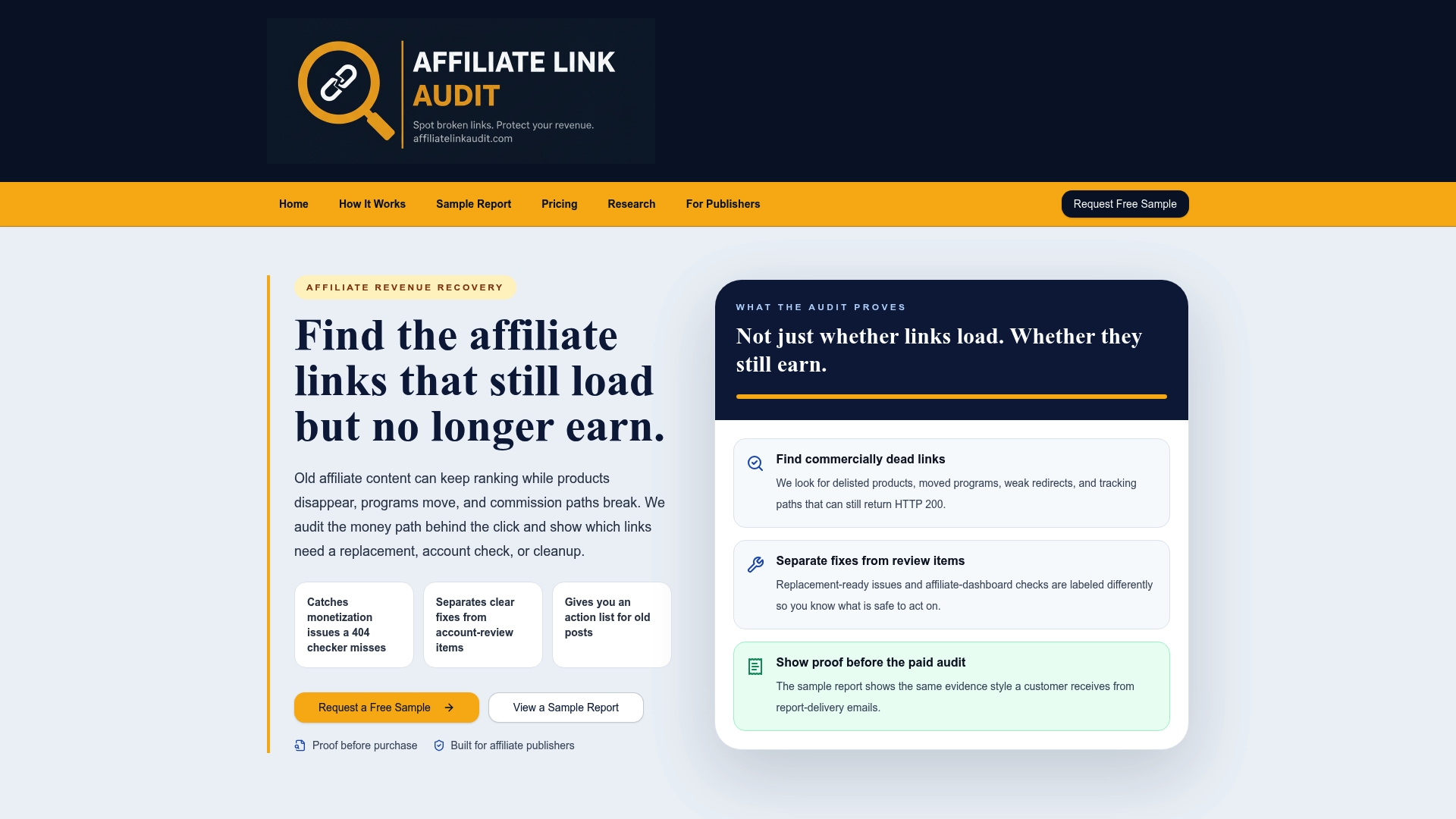
We built our Full Audit to replace guesswork with evidence: every finding is classified as Broken, Needs Attention, or Healthy, with a prioritized fix list and suggested replacements attached. A publisher reviews the evidence and decides what to act on; we identify the problem, we don't push a fix through automatically.
- The Free Sample covers a subset of pages at no cost, so you can review our evidence format before buying anything.
- The Full Audit is a paid service that provides a prioritized, revenue-ranked fix list for your full site.
- Every finding includes supporting evidence, so your team can verify a Broken or Needs Attention label before acting on it.
If your top pages are older than a year, start with the sample report and see what an evidence-first audit actually surfaces on your own content.
FAQ
Why do affiliate links break or stop earning over time?
Affiliate links break for technical reasons like removed product pages and homepage redirects, and for commercial reasons like stripped tracking parameters or discontinued SKUs. A link can also fail silently, loading normally while no longer paying commission, which is why checking HTTP status alone misses most real-world cases.
What type of links hold up best for long-term SEO and revenue?
Links that point to a specific, stable product page with intact tracking parameters and an active purchase path tend to hold up best, since they survive merchant catalog changes better than links to seasonal or frequently discontinued items. Regularly auditing and replacing links to volatile SKUs protects both the user experience and the earning potential of older content.
What happens to readers and revenue when an affiliate link breaks?
A broken affiliate link sends a reader to a dead page or an unrelated homepage, which typically ends the purchase intent that brought them there. Industry analysis estimates link rot costs publishers at least $160 million in lost commissions annually, with 15 to 25 percent of affiliate links older than 12 months affected.
How can publishers prevent affiliate link rot from spreading across a site?
Preventing link rot comes down to a recurring audit schedule rather than a one-time fix: weekly checks on top-traffic pages and a quarterly deep audit across the rest of the archive. Classifying each finding as Broken, Needs Attention, or Healthy keeps the fix list prioritized instead of overwhelming, and rechecking after merchant catalog changes catches new rot before it compounds.
Do affiliate disclosures need to appear near the link itself?
Yes. The FTC's Endorsement Guides require that a material connection, such as earning a commission on a link, be disclosed clearly and placed near the endorsement itself, not in a footer or a separate disclosure page.
Sources
Recommended
- Stop Revenue Leaks for Publishers: Prioritize Broken Affiliate Links
- Stop Losing Commissions: Audit Cloaked Affiliate Links for Publishers
- Audit Affiliate Links Weekly to Stop Hidden Commission Losses for Publishers
- Stop Losing Commissions: Evidence First Affiliate Link Testing for Publishers
This article was produced with AI assistance and reviewed for accuracy. Findings language ("Broken," "Needs Attention," "Healthy") reflects Affiliate Link Audit's evidence-based classification system.