
Cloaked affiliate links are safe and effective when they redirect through a clean, branded URL and still respect every disclosure and platform rule attached to the destination. The practice fails only when publishers treat it as a way to hide the affiliate relationship rather than manage it. Follow three non-negotiables: apply rel="sponsored" (or rel="nofollow") to the anchor, place a visible FTC disclosure near the link, and honor each merchant's terms of service, including Amazon's ban on obscuring its destination. Done right, cloaking can improve click-through rates, simplify bulk updates, and add a layer of protection against casual link theft.
TL;DR:
- Cloaking works best when using a clear, branded URL, applying
rel="sponsored"and a visible disclosure near the link, and adhering to merchant rules like Amazon’s prohibitions.- Using a 307 redirect for cloaked links is recommended to avoid passing search engine authority to the merchant’s domain, with server-side redirects favored over iframes and JavaScript methods for reliability.
- Regularly auditing cloaked links for functionality, tracking accuracy, and product relevance is essential, as broken or misrouted links can silently impact earnings without obvious errors.
- Tools need to match your site size and complexity; plugins like Pretty Links, server rules, or SaaS services like Linkly are suitable depending on technical comfort and scale, always with click logging enabled.
- Continual management and scheduled reviews prevent cloaked links from becoming liabilities due to changes in merchant destinations, affiliate programs, or product availability.
Table of Contents
- What Cloaked Affiliate Links Are (and When to Skip Them)
- How Affiliate Link Cloaking Works Under the Hood
- Practical Methods: Plugins, Server Rules, and SaaS Tools
- Staying Compliant: Google, the FTC, and Amazon
- Setting Up Cloaked Links: A Step-by-Step Checklist
- Testing, Monitoring, and Keeping Links Healthy
- Choosing Tools: What to Look for by Publisher Size
- Why Unmanaged Cloaked Links Become a Liability
- Get a Clear Picture of Your Cloaked Link Health
- Sources
- FAQ
What Cloaked Affiliate Links Are (and When to Skip Them)
A cloaked affiliate link replaces a long, parameter-heavy URL with a short, branded one, typically something like yoursite.com/go/product-name, which then redirects to the actual merchant page carrying your tracking ID. That's different from a generic URL shortener: a shortener exists purely to save characters, while affiliate link cloaking exists to control branding, simplify link maintenance across hundreds of posts, and make it harder for a reader to strip your tracking code out of a shared link.
Cloaking earns its keep in a few specific situations:
- Trust and readability:
/go/best-blenderreads better in a newsletter than a 200-character Amazon URL loaded with tags. - Maintenance at scale: change the merchant destination once in your redirect tool, and every post referencing that link updates automatically.
- Basic commission protection: a branded slug is less tempting to edit or bypass than an obviously trackable URL.
Skip cloaking on space-constrained platforms with their own link-wrapping systems, and always defer to a merchant's explicit prohibition on masked URLs. Transparency should win whenever a platform's own rules demand it.
How Affiliate Link Cloaking Works Under the Hood
Cloaking is fundamentally a redirect. A visitor clicks your short URL, your server (or a plugin, or a SaaS tool) receives that request, and it responds with an HTTP status code telling the browser where to go next. The visitor never sees this exchange; it happens in milliseconds before the merchant page loads.
The status code matters more than most publishers realize:
- 301 (permanent redirect): search engines treat this as a durable change and pass link equity toward the destination. That's the wrong signal for a monetized link you might swap out next quarter.
- 302 (temporary redirect): signals impermanence but has ambiguous SEO handling depending on the crawler.
- 307 (temporary redirect, HTTP/1.1): the closest modern equivalent to 302, and the safer default because it explicitly tells search engines the destination isn't permanent, which matters since Google Search Central's guidance on qualifying outbound links already expects paid links to carry no ranking value.
Many affiliate cloaking guides converge on 307 as the safer default specifically to avoid passing authority to a merchant domain you don't control.
Avoid iframe masking and pure JavaScript redirects. Iframes frequently fail outright because merchants set X-Frame-Options headers that block framing entirely, and JS-only redirects break for anyone running an ad blocker or browsing with scripts disabled. Server-side redirects don't have that failure mode.
Practical Methods: Plugins, Server Rules, and SaaS Tools
Three implementation paths cover almost every publisher, and the right one depends on your technical comfort and site scale.
- WordPress plugins like Pretty Links and ThirstyAffiliates handle redirect creation, category organization, and click logging inside your dashboard. Both support a site-wide
rel="sponsored"toggle and a default redirect type, so set 307 as your default and let the plugin apply it automatically. ThirstyAffiliates in particular offers an Amazon "smart uncloaking" feature that detects Amazon's stricter linking rules and adjusts the link format to stay compliant rather than risk a masked URL Amazon would flag. - Server-side redirects via
.htaccess(Apache) or an NGINX rewrite block skip the plugin layer entirely. A simple.htaccessrule (Redirect 307 /go/product https://merchant.com/product?tag=yourid) scales cleanly across thousands of links without adding plugin overhead, though it demands more comfort editing server config. - SaaS cloakers such as Linkly, ClickMagick, and Voluum add geo-routing, split testing, and export-ready click analytics that plugins typically don't match. They're worth the subscription once you're running affiliate campaigns across multiple domains or need conversion data outside WordPress.
Pro Tip: Avoid JavaScript-based cloaking scripts sold as "lightweight" alternatives. They save a few minutes of setup but fail silently for any visitor with an ad blocker, which is a growing share of your traffic.
Staying Compliant: Google, the FTC, and Amazon
Three sets of rules govern cloaked links, and ignoring any one of them creates real exposure, whether that's a search penalty, a regulatory letter, or a terminated affiliate account.
- Google expects every affiliate link to have
rel="sponsored"orrel="nofollow"attributes to avoid penalties related to thin affiliation. - The FTC requires clear and conspicuous disclosures near affiliate links, visible without clicks.
- Amazon prohibits cloaking that hides the destination from Amazon's tracking systems.
Disclosures should be visible without extra clicks and use plain language like "ad" or "paid link" placed close to the affiliate mention, rather than being far away or hidden behind tooltips.
That standard comes straight from the FTC's Endorsement Guides, and it applies whether the link sits in a blog post, an email, or a YouTube description. Creators publishing video content should review platform-specific monetization and disclosure guidance since description-box placement rules shift as platforms update their monetization policies.
Amazon's own Associates Operating Agreement bars any cloaking method that prevents Amazon from identifying the traffic source, which is why plugin defaults matter more for Amazon links than for most other programs.
Setting Up Cloaked Links: A Step-by-Step Checklist
Configure this once and most of it runs on autopilot for every future post.
- Choose a consistent slug prefix like
/go/or/recommends/and stick to it. Avoid cryptic strings like/x7f2q/that hint at nothing and look suspicious to a wary reader. - Set your redirect default to 307 in your plugin or server config, and enable automatic
rel="sponsored"application on every cloaked anchor. - Add a short disclosure near each affiliate link, plus a site-wide disclosure page linked from your footer or About page for redundancy.
- Exclude your redirect folder from indexing by adding it to
robots.txtwhen the folder serves no purpose to search crawlers, following the same slug-organization pattern many affiliate cloaking guides recommend. - Test every redirect on desktop and mobile before publishing, since some merchant destinations render differently or trigger app-open prompts on mobile that desktop testing won't catch.
Testing, Monitoring, and Keeping Links Healthy
A cloaked link that worked at publication can quietly stop earning within months, and nothing in your dashboard will announce that unless you check.

Set an audit cadence: review your top-performing links weekly, since those carry the most revenue exposure, and run a site-wide pass monthly or quarterly depending on how much content you publish. Each check should confirm the redirect chain resolves cleanly, the affiliate parameter is still attached at the final destination, the merchant landing page still matches the product you're recommending, and click volume roughly tracks with any commission data you can see.
Classify what you find into three categories:
- Broken: the link dead-ends or redirects to a generic homepage instead of the product page.
- Needs Attention: the page returns a normal 200 OK status but something looks off, a missing tracking parameter, an unexpected redirect chain, or a product swapped for something unrelated.
- Healthy: destination and tracking both verify correctly.
Anything landing in "Needs Attention" usually calls for a manual review or a message to the merchant's affiliate team rather than a guess. The Affiliate Link Health Benchmark 2026 documents how often links that return a normal status code are still commercially dead, which is exactly the gap a simple uptime check will never catch.
Choosing Tools: What to Look for by Publisher Size
Match the tool to your site's actual complexity, not to whatever gets recommended loudest.
- Plugin essentials: a global
rel="sponsored"toggle, a configurable default redirect type, link categorization for reporting, built-in click logs, and Amazon smart-uncloaking support if Amazon is a meaningful revenue source. - SaaS essentials: an API for bulk link management, geo-based redirect rules if you serve international traffic, and click-data export that plays nicely with your existing analytics stack.
- Suggested defaults across either path: 307 redirects to protect site authority, automatic
rel="sponsored"application on every cloaked anchor, and click logging turned on from day one, since retroactive data is impossible to recover.
Why Unmanaged Cloaked Links Become a Liability
Every cloaked link you publish is a small piece of infrastructure, and infrastructure accumulates debt when nobody maintains it. A redirect configured correctly in 2023 can point at a discontinued product, a changed URL structure, or a merchant that quietly restructured its affiliate program, and the link will keep resolving to something without ever throwing an error.
That's the uncomfortable part: broken commercial intent looks identical to a working link in a quick glance. Centralized redirect management helps, but it only helps if someone actually reviews what's flowing through it. Treating cloaking as a governed process, with scheduled checks and documented evidence for each finding, is what separates a maintained content library from one slowly leaking commissions nobody notices until the traffic report shows a gap nobody can explain.
— Michael N.
Get a Clear Picture of Your Cloaked Link Health
Most link checkers stop at 404s, which misses the more common problem: a cloaked link that loads fine but no longer earns anything, because the product was discontinued, the redirect now dumps visitors on a generic homepage, or the tracking parameter silently dropped somewhere along the chain. Affiliate Link Audit goes further, evaluating whether links that still return a normal status are actually functioning as intended.
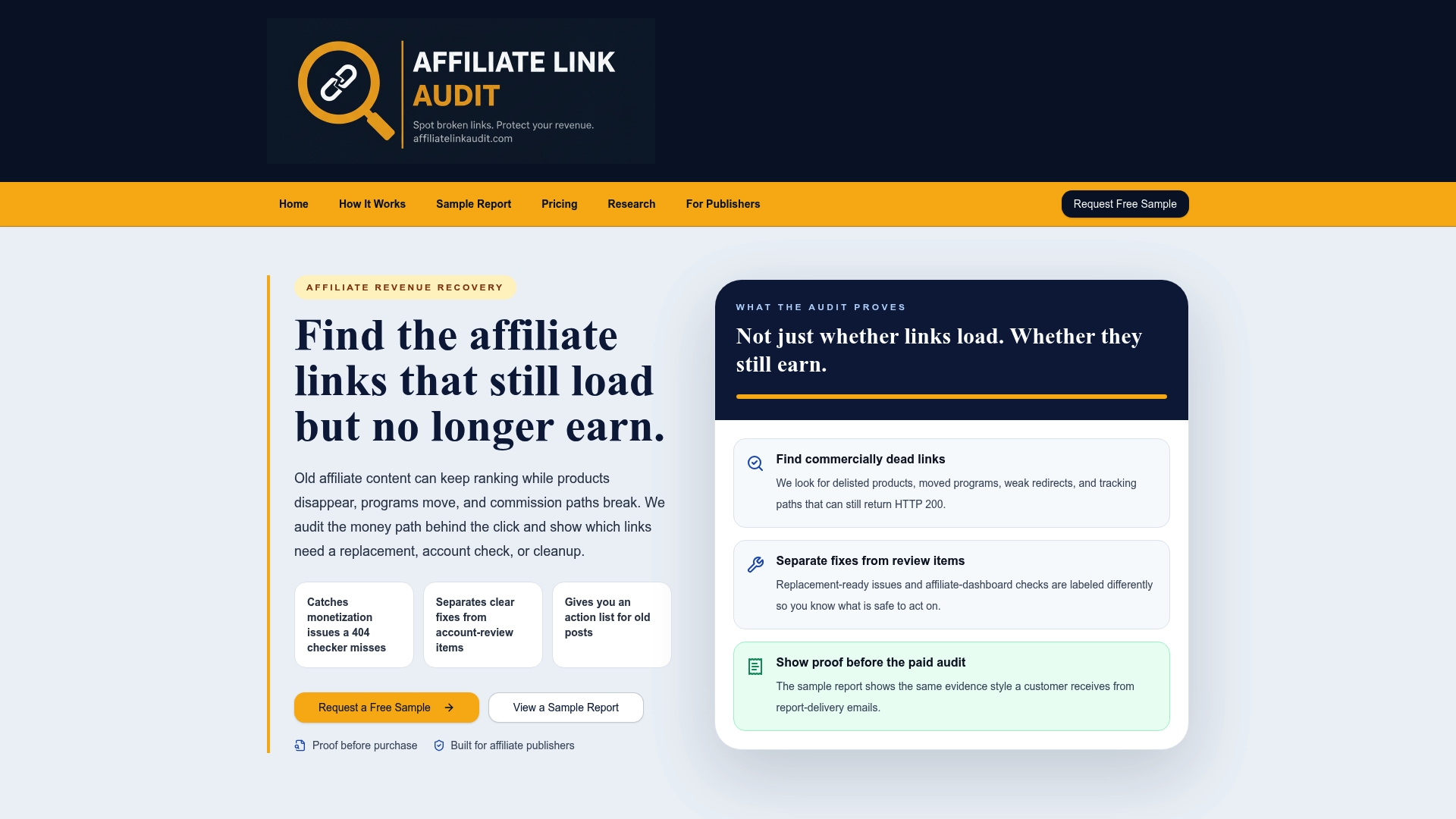
Every audit sorts findings into three plain categories, Broken, Needs Attention, and Healthy, and separates the clear fixes from the ones that need a manual look before you touch them. We don't verify actual commission crediting or promise recovered revenue, and we don't automatically repair anything; we surface the evidence and hand you a prioritized action plan, and you decide what to fix first. Start with the free sample report to see exactly what the findings look like, then move to the Full Audit for current pricing when you're ready to cover your full content library. Publishers running larger sites can see how the process scales on the audits for publishers page.
Sources
- Google Search Central: Qualify outbound links
- FTC Endorsement Guides: What people are asking
- Amazon Associates participation/operating agreement
FAQ
What Is the Difference Between Cloaking and a URL Shortener?
A URL shortener exists purely to compress a long link into fewer characters, with no ownership over branding or maintenance. Cloaked affiliate links redirect through a branded, self-hosted URL you control, which lets you update the destination, apply rel="sponsored", and track clicks without touching every post where the link appears.
Do People Actually Make Money With Affiliate Links?
Yes, though earnings depend heavily on traffic quality, niche, and how well links are maintained over time. A link that converted well at launch can quietly stop earning if the product goes out of stock or the redirect breaks, which is exactly why ongoing link health monitoring matters as much as the initial placement.
How Do I Get Affiliate Links to Cloak?
You join an affiliate program (Amazon Associates and niche-specific merchant programs are common starting points), generate your unique tracking link from that program's dashboard, then run it through a plugin like Pretty Links or ThirstyAffiliates, a server-side redirect, or a SaaS tool like Linkly to create the branded, cloaked version.
Which Affiliate Programs Pay the Most?
Payout varies widely by vertical, with software, finance, and high-ticket physical goods programs often paying higher commissions than mass-market retail programs like Amazon. The more relevant question for most publishers isn't which program pays the most per sale, but which links are actually converting, since a high-commission link that's broken or misrouted earns nothing at all.
What Does an Affiliate Link Audit Cost?
A Full Audit from Affiliate Link Audit costs $97 one-off, and a Free Sample report is available at no cost so you can review the findings format before committing to the full service.
Recommended
This article was produced with AI assistance and reviewed for accuracy. Findings language ("Broken," "Needs Attention," "Healthy") reflects Affiliate Link Audit's evidence-based classification system.