
Run an inventory of every Amazon link on your site, classify each one as Broken, Needs Attention, or Healthy, and prioritize fixes by traffic and revenue. A link returning a normal 200 OK does not guarantee it still earns: you have to inspect the final URL for your Associates tag and the correct ASIN. Once you've identified the problem, update the ASIN, swap in a suitable replacement, or remove the link entirely, then verify the fix held.
TL;DR:
- Prioritize fixing high-traffic and revenue-generating pages first, especially those with high click volume and conversion rates, to maximize earnings.
- Always verify the final destination URL after redirects to ensure the correct ASIN, tag parameter, and that the link leads to an active product page, not a homepage or unrelated page.
- Use comprehensive tools or audits to classify links as broken, needs attention, or healthy, and distinguish between URL issues and attribution or timing problems.
- Maintain routine link checks during content updates or traffic drops, and keep detailed logs of URL changes for ongoing reference and compliance.
- Avoid using unsupported URL shorteners, cloaking, or hiding tags when updating links to prevent policy violations and ensure accurate attribution.
- ✓Broken affiliate links identified
- ✓Non-earning links evaluated
- ✓Clear fixes separated from manual review
- ✓Prioritized action plan
Table of Contents
- How to find every Amazon link on your site
- How to check link health and attribution
- How to prioritize and triage fixes
- Concrete methods to fix outdated Amazon links safely
- Verify fixes and set up ongoing monitoring to catch future link rot
- What a professional affiliate link audit looks for
- Keep link health in your ops workflow
- How Affiliate Link Audit helps
- Sources
- FAQ
How to find every Amazon link on your site
Before classifying anything, you need a complete inventory. Partial lists produce partial fixes, and the links you miss are often the oldest ones still drawing traffic.
- Export link lists directly from your CMS. WordPress sites can query the
wp_postmetaandwp_poststables foramazon.comoramzn.tostrings, while static-site generators usually allow a grep across the content directory for the same patterns. - Crawl the site with a sitemap-first approach using a tool like Screaming Frog or Sitebulb, configured to flag outbound links to Amazon domains, including shortened
amzn.toforms. - Pull destination URLs, ASINs, and tag parameters into a single spreadsheet or CSV, one row per link, so you have a working ledger rather than scattered notes.
- Check comment sections, forums, or other user-generated content areas separately, since these links rarely appear in a standard CMS export and are frequently missed.
A full crawl is ideal, but not always realistic on a short timeline. When resources are limited, sample by traffic: pull your top pages by sessions from your analytics platform and audit those first, since a handful of high-traffic posts often carry a disproportionate share of click volume. Lower-traffic archive pages can wait for a later pass without much revenue consequence.
The end result of this stage should be one spreadsheet listing the source page, the destination URL as published, the ASIN you can extract from that URL, and whatever tag parameter is visible. That ledger becomes the input for the next stage: health checks.
How to check link health and attribution
A link that loads is not the same as a link that earns. This distinction is the core of any serious audit, and it is where most DIY checks fall short, because a quick glance at HTTP status codes will miss a redirect to a generic homepage or a tag parameter that silently dropped off the URL.
Start with the tools Amazon provides. According to Amazon Associates Central, publishers can use the Link Checker or inspect a link's final URL to confirm whether it is actually tagging to their Associates account, since the Store ID or Tracking ID most often appears as a &tag= parameter. Associates Central also notes that the Link Checker does not validate links generated inside Associates Central the same way it validates self-created links, so manual inspection remains necessary for anything you built by hand.
A workable check sequence looks like this:
- Open each link's final URL after all redirects resolve, not the shortened or original version.
- Confirm the
tag=parameter matches your Associates ID exactly, character for character. - Confirm the ASIN in the URL still matches the product you intended to recommend.
- Flag anything that redirects to a homepage, a category page, or an unrelated product as suspect.
A link returning 200 OK can still be commercially dead: a product page that loads but has been swapped for an unrelated item, or a redirect that lands on Amazon's homepage, passes a basic status check while failing the only test that matters, whether it can earn a commission.
Classify each link using three labels: Broken (the URL no longer resolves, or resolves to a dead or removed listing with no tag present), Needs Attention (the page loads but shows a mismatched ASIN, a homepage or category redirect, or an unverifiable tag), and Healthy (final URL confirmed, tag present, ASIN correct).
One distinction trips up a lot of publishers: Amazon's attribution window for qualifying purchases is 24 hours after a shopper arrives through your link, and carted items can generally remain eligible for longer, often until the cart expires. That window governs whether a given click can earn a commission on that visit. It says nothing about whether the link itself still works a month or a year later. Treat attribution rules and link health as two separate questions, because conflating them leads publishers to assume an old link is fine simply because Amazon's attribution policy exists.
How to prioritize and triage fixes
Not every broken link deserves the same urgency. A dead link on a post that gets a handful of visits a month can wait; one embedded in your highest-traffic buying guide cannot.
- Pull your analytics and rank pages by sessions, then overlay outbound click data on Amazon links where your link management or affiliate tooling tracks it.
- Where revenue data is available by page, layer it on top of traffic and click numbers, since a page with moderate traffic but high conversion can outrank a high-traffic page that rarely converts.
- Score each page High, Medium, or Low using traffic, click volume, and editorial weight, factoring in whether the page is a cornerstone piece you actively promote or an old post that gets occasional search traffic.
- Decide which fixes can be handled in bulk, such as a straightforward ASIN swap applied across several near-identical product mentions, versus which require manual review because the redirect behavior or tag status is ambiguous.
- Schedule remediation in windows rather than tackling everything at once: a focused pass on High-priority pages this week, Medium-priority pages over the following month.
Bulk fixes, like swapping an ASIN across a templated product box, tend to take minutes per instance. Manual-review cases, where the redirect destination is unclear or the tag can't be confirmed, take longer and often require opening the live page, checking the markup, and testing the link in an incognito browser.
Pro Tip: Tackle your top 10 pages by traffic first, even if the total broken-link count there is small; the revenue concentration usually justifies the order.
Concrete methods to fix outdated Amazon links safely
Fixing a link is straightforward in principle: update the ASIN, point to a better destination, or remove it. Doing it without breaking a policy rule or losing attribution takes a bit more care.
When a product still exists under a new ASIN, Amazon's guidance on removed items explains that items disappear from the catalog or get replaced by newer editions, and the fix is usually to search by title words or manufacturer name to locate the current listing. Update the link to the new product detail page and confirm your tag carried over, since rebuilding a link manually sometimes drops the parameter.
When no direct replacement exists, link to a vetted alternative product or, where appropriate, an Amazon search or category result, using only approved Special Link formats rather than a hand-built shortcut.
A few rules are not optional:
- Never cloak a link or use a redirect method that hides or strips the referring site information. Amazon's participation requirements explicitly prohibit obscuring the URL or user agent so Amazon cannot determine the referring site, and Special Links must carry the correct tag while pointing to the actual product detail page.
- Avoid unsupported URL shorteners for Special Links, since some shortening services interfere with tag passthrough or violate the formatting requirement outright.
- Treat any solution that strips or hides the tag as a policy risk, not a convenience, even when it appears to simplify link management.
Updating a link is also a reasonable moment to check the disclosure near it. Amazon's disclosure guidance calls for a clear, conspicuous link-level disclosure along with the standard statement that the site earns from qualifying purchases, placed near the link or review rather than buried in a footer.
Pro Tip: When updating links in bulk, work from a staging copy of the content first, keep a change log of old URL, new URL, and date, and back up the original database or export before running any find-and-replace across the site.

If your site serves multiple countries, note that OneLink defaults to redirecting international shoppers using a "close match" setting at the tracking ID level, which means a single replacement URL can behave differently depending on the shopper's marketplace. Record the marketplace, ASIN, and match setting for any link where that distinction matters, so your audit trail stays accurate.
Verify fixes and set up ongoing monitoring to catch future link rot
A fix that isn't verified is just a guess that looks finished.
- Test each updated link live, in a fresh browser session, and confirm the tag parameter still appears in the final URL after every redirect resolves.
- Set up a recurring scan, whether a scheduled crawl or a periodic manual spot check, and pair it with an analytics alert for sudden drops in clicks or earnings on pages with Amazon links, since a sharp drop often signals a link just went bad.
- Adopt a cadence that matches traffic value: a quarterly re-audit for high-traffic, revenue-driving pages, and a biannual pass for long-tail content that rarely changes.
- Keep a record of every fix, including the original URL, the replacement, the date, and the reason, both for compliance purposes and so a future editor isn't left guessing why a link looks the way it does.
This record-keeping habit matters more than it seems at first. Six months after a fix, nobody remembers why a particular ASIN was swapped, and a dated log turns a mystery into a two-minute lookup.
What a professional affiliate link audit looks for
A professional audit runs the same fundamental checks described above, applied systematically and at scale. Affiliate Link Audit inspects beyond simple 404 detection, looking specifically for ASIN changes, homepage or category redirects, missing or incorrect tag parameters, and tracking paths that can't be confirmed through a basic check.
- Every finding gets classified as Broken, Needs Attention, or Healthy, with supporting evidence attached rather than a bare label.
- The deliverable includes a prioritized repair list, suggested replacements where a clear substitute exists, and a split between clear fixes and items flagged for manual review.
- Publishers use that output to schedule remediation in order of impact, working from the prioritized list rather than scanning link by link.
The audit identifies and classifies. It does not verify actual commission crediting, guarantee revenue recovery, or confirm lost income, and it does not automatically repair anything. The publisher reviews the evidence and decides what to fix, which keeps the process transparent rather than treating it as a black box.
Keep link health in your ops workflow

Link health is revenue hygiene, not a one-time cleanup project. A site with a few years of published content accumulates broken and degraded links continuously, as products get discontinued, ASINs change, and Amazon reorganizes category pages. Treating an audit as a single event means the same decay starts again the day after you finish.
The more durable approach folds link checks into routines you already run: when you refresh an old post, check its Amazon links while you're in there. When you notice a traffic or revenue dip on a key page, check the links before assuming it's a content or SEO problem. Reserve a paid, full-scale audit for when the backlog is too large to review manually, when you need independent verification before a bigger content push, or when you simply don't have the time to do the inspection work yourself.
— Michael N.
How Affiliate Link Audit helps
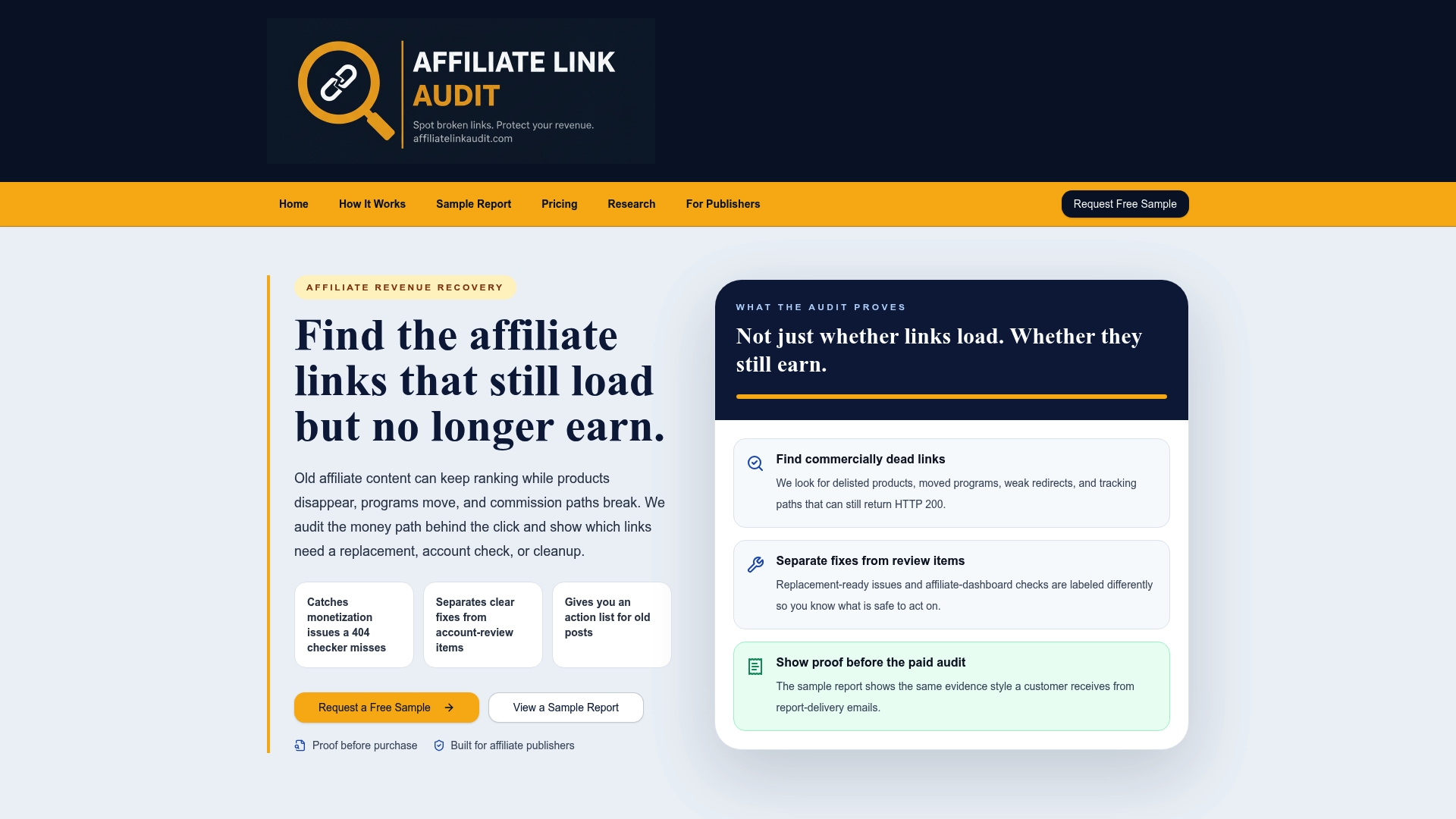
Reviewing every Amazon link on a large site by hand takes hours that most publishers would rather spend on new content. Affiliate Link Audit exists to take that inspection work off your plate and hand back a prioritized list instead of a pile of raw data.
- The Free Sample report shows the evidence and classification format on a portion of your site before you commit to anything.
- The Full Audit covers the complete inventory, classification, and prioritized repair plan across your site.
- Deliverables separate clear fixes (straightforward ASIN swaps or tag corrections) from items that need manual review, so you know exactly where judgment calls remain.
A Full Audit makes the most sense when your link count has grown past what a spreadsheet review can handle comfortably, when you want independent evidence before committing editorial time to fixes, or when a deadline means you can't spare the hours a manual pass would take. Start with the free sample report to see the classification approach applied to your own content, or go straight to the Full Audit if you already know the backlog is bigger than a DIY pass can cover.
FAQ
Why are Amazon links not working?
Amazon links usually stop working because the product was removed or replaced by a newer ASIN, the link's tag parameter dropped out during a copy-paste or site migration, or a redirect now lands on a generic homepage instead of the intended product. A link can also load fine while no longer carrying your tag, which looks identical to a working link until you inspect the final URL.
Do Amazon Associate links expire?
Amazon's links themselves don't carry an expiration date, but the attribution window for a given click lasts 24 hours after a shopper arrives through your link, with carted items generally remaining eligible until the cart expires. That attribution rule is separate from whether the link's destination still works months or years later.
How to find links on Amazon?
Within your own content, export links from your CMS or crawl your site with a tool like Screaming Frog to surface every Amazon URL, then check each one's final destination and tag using Amazon's Link Checker guidance. For a product that's gone missing from Amazon's catalog, search by title keywords or manufacturer name to locate its current listing.
What does an Amazon link look like?
A standard Amazon affiliate link points to a product detail page and includes a tag parameter, typically appearing as &tag= followed by your Associates ID, as described in Amazon's own guidance. Shortened forms like amzn.to links redirect to the same kind of destination, so the tag check still has to happen on the final, resolved URL.
Recommended
This article was produced with AI assistance and reviewed for accuracy. Findings language ("Broken," "Needs Attention," "Healthy") reflects Affiliate Link Audit's evidence-based classification system.