
Orphan affiliate content is any monetized page, usually a review, comparison or buying guide, that no other page on your site links to. Finding these pages is a crawl-and-subtraction exercise. Deciding what to do with them is a different problem, because the right action depends on whether the affiliate links on the page still point to something a reader can buy. Relinking a page whose merchant links lead to discontinued products only routes more readers into a dead end. Audit link health first, then relink, refresh, merge or prune.
TL;DR
- An orphan page has no internal links pointing to it. Links from the homepage, category pages or navigation may not be enough to remove the label, depending on the definition used.
- Orphans are found by gap analysis: URLs from the sitemap, analytics and Search Console that a homepage crawl never reached.
- Traffic is an observation, not proof of earnings. Check search data, outbound clicks, network commission status and link health as separate lines of evidence.
- Classify each orphan before acting: relink, refresh, merge with a 301 redirect, or retire.
- Affiliate Link Audit classifies the links on your pages as Broken, Needs Attention or Healthy, so the keep-or-prune decision rests on evidence.
Table of Contents
- What counts as orphan affiliate content
- Why orphaned review pages cost you clicks
- How to find orphan affiliate pages
- Evaluate before you touch anything
- The link-health line most audits skip
- Decide: relink, refresh, merge or retire
- Perspective
- Get the evidence on your old pages
- FAQ
- Sources
What counts as orphan affiliate content
An orphan page is a URL on your site that receives no links from other pages on the same site. Definitions differ at the edges. Yoast describes orphaned content as content without links from other posts or pages, and notes that links from the homepage, sitemap or category and tag pages do not necessarily prevent a page from being considered orphaned if it lacks contextual text links. Search Engine Land uses a stricter test, zero internal links from anywhere, and adds that a page linked only from other orphan pages is effectively an orphan too.
For an affiliate publisher the practical definition is simpler: a monetized page that readers cannot reach through your own site architecture. Typical causes, per the same guide, are weak internal linking, migrations without redirects, and deleted pages that held the only links to other content.
Three neighboring problems are often confused with orphaning:
- Dead-end links. The page is well linked internally, but its affiliate links no longer lead to a purchasable product. This is a link-health issue, covered in our guide to prioritizing broken affiliate links.
- Seasonal decline. A holiday gift roundup viewed in March looks dead because demand left, not because the page is orphaned.
- Intentional isolation. Paid-traffic landing pages and email opt-in pages may deliberately sit outside site navigation.
A page can be all three at once: unlinked, seasonal and carrying expired merchant paths. That is why a single metric rarely settles the decision.
Why orphaned review pages cost you clicks
Search Engine Land states that orphan pages can be hard for both users and search engines to find, which can affect rankings, traffic and resources. Even indexed orphans may rank poorly, because internal links pass relevance and authority signals that an unlinked page never receives. Similarweb makes a similar point: without internal links, search engines may never discover or index a page, and indexed orphans typically rank poorly because internal links distribute link equity across a site.
On an affiliate site the effect compounds. High-value commercial pages, such as product reviews and comparisons, are the ones most often buried, while informational how-to content frequently fails to link to the monetized pages it should funnel readers toward, as WPLink's affiliate internal-linking guide observes. Connecting informational articles and topic hubs to commercial pages with relevant anchors is the repair. NSYGHT's overview of internal linking strategy covers how to keep every page within reach.
The revenue consequence needs care. Fewer discovered pages means fewer qualified visits. It does not, by itself, tell you how much commission was lost. No crawl or audit can confirm that figure, and this article does not attempt to.

How to find orphan affiliate pages
A standard homepage crawl cannot find an orphan, by definition: the crawler follows links, and an orphan has none pointing to it. Detection is therefore a gap analysis between two sets of URLs, those your crawl reached and those other sources know about. Screaming Frog's orphan-page tutorial describes the same mechanic: the crawl is combined with XML sitemaps and the Google Analytics and Search Console APIs, and each orphan is labeled by the source that revealed it.

The manual workflow
Laylar's guide lays out a workflow that works with any crawler:
- Crawl from the homepage and record every URL reached through links.
- Collect known URLs from XML sitemaps, your CMS, the analytics landing-pages report for the last 12 months, and Search Console's Performance (Pages) and Page indexing reports. Server logs are an optional extra source.
- Normalize the URLs: consistent protocol, trailing slashes, and no tracking parameters.
- Subtract. Any URL in the collected lists but absent from the crawl is an orphan.
- Flag near-orphans, pages with only one internal link, since they are one deletion away from the same problem.
The source of each orphan carries meaning. An orphan that appears in analytics or Search Console still attracts visitors. One that appears only in a sitemap may be a page that only a stale sitemap remembers. Run the subtraction in reverse as well, to find linked pages missing from the sitemap. Google does not guarantee that submitting a sitemap leads to crawling or indexing, so a sitemap entry is not a substitute for an internal link.
Limits of the data
Search Console's not-indexed reports show example lists capped at 1,000 rows, per Neurounit's summary of Google's documentation, so large sites will not see every URL there. A cross-check in the crawler helps: URLs with a blank crawl depth were never reached by a link.
Evaluate before you touch anything
Once you have a list of orphans, the instinct is to relink all of them. That wastes effort on pages that should be retired and may send readers to pages that cannot convert. Build an evidence line for each page first.
Affiliate Orchard's measurement guide recommends treating four stages as separate evidence: search visibility (impressions, clicks, click-through rate), outbound link clicks, approved commissions as shown in the provider report (pending, approved or reversed), and cash received. It also warns that an exported zero in Search Console can mean the data was unavailable rather than a measured zero, and that repeated outbound clicks are events, not unique customers.
To tie traffic to commissions, Mobidea's affiliate SEO guide suggests adding a unique sub ID to each page's affiliate links, so network reports show which pages convert. Analytics shows clicks, but only the network shows commissions.
A practical scoring grid for each orphan:
| Evidence line | Source | What it tells you |
|---|---|---|
| Organic impressions and clicks | Search Console | Whether the page still matches a real query |
| Outbound affiliate clicks | Analytics events | Whether readers act on the monetized anchors |
| Commission status by sub ID | Network report | Whether those clicks ever produced approved results |
| Backlinks | Link index or Search Console | Whether equity would be lost on removal |
| Affiliate link health | Link audit | Whether the destination can still be bought from |
| Seasonality | Year-over-year traffic | Whether a dip is demand rather than orphaning |
The last row matters. Goho Money's orphan-page audit cautions against confusing low traffic with orphan status: a gift roundup in March may look dead simply because demand has vanished.
The link-health line most audits skip
A crawler reports that an affiliate URL returns 200 OK and moves on. That status code only says the server answered. It does not say the product is still sold, that the link has not been redirected to a generic homepage, or that the tracking path is still intact. Older review pages, the ones most likely to be orphaned, are the most exposed to this decay.
For this reason the evaluation table above includes a link-health row. Why a 200 OK does not mean an affiliate link is healthy explains the distinction in detail. The three classifications used in an audit are:
- Broken: the link fails outright or the destination is confirmed unavailable.
- Needs Attention: the link loads, but shows signals of commercial unhealth, such as a redirect to a generic homepage, an unavailable product or a tracking path that cannot be verified. These need manual review.
- Healthy: the link loads and the destination matches the intent of the anchor.
This classification identifies evidence. It does not confirm whether a commission was credited, and it does not repair anything: the publisher decides what to fix. A page with strong impressions and mostly Broken links belongs in the refresh queue. A page with no traffic, no backlinks and no Healthy links belongs in the retirement queue. Our notes on auditing old blog posts cover the same triage for content that predates your current process.
Decide: relink, refresh, merge or retire
After the evidence is in, each orphan falls into one of four actions. The decision logic below combines Search Engine Land's guidance with the frameworks in the research.
Relink
When an orphan is valuable to users or can be made useful, add internal links to it, ideally from relevant, high-traffic pages, and include it in the XML sitemap. Search Engine Land advises making any needed updates before adding the links. Laylar's action table suggests links from two or three relevant pages plus the right hub page. Use descriptive anchors that name the destination, not generic phrases.
Refresh
Refresh when the page's question is still relevant but the details are stale: discontinued models, outdated prices, expired offers. Update on the same URL, so existing equity stays in place. Fix the Broken and Needs Attention links before relinking, so new internal traffic lands on working destinations. If the page has little beyond an affiliate button, it needs original evidence and useful context, or it should be merged or retired, since thin affiliate pages inflate the index without serving readers.
Merge and redirect
When several pages answer the same question, keep the strongest and redirect the others. Derivatex's pruning rules choose the survivor by referring domains first, then conversions, then clicks, and then 301 the retired URLs. The redirect target must be a genuinely equivalent page. Ampere's content-audit guide, summarizing Google's documentation, notes that redirecting many old URLs to an irrelevant page such as the homepage is treated as a soft 404, that chains should be kept short, and that redirects should stay in place for at least a year.
Retire
Retire a page when its promise is obsolete and no close substitute exists. The Funnel Philosopher recommends first removing the page from internal navigation, redirecting only to a genuinely relevant replacement, and otherwise returning a not-found or gone response. Before removing it, check inbound links, email sequences and any shortened affiliate links that still point to it. Laylar's table reserves 404 or 410 for pages with no purpose, no traffic and no links.
A compact version of the decision:
| Situation | Action |
|---|---|
| Valuable, unique, links Healthy | Relink from 2 to 3 relevant pages and the hub |
| Query still valid, links Broken or Needs Attention | Refresh on the same URL, then relink |
| Overlaps another page on the same intent | Merge, 301 to the survivor |
| Backlinks but no unique content | 301 to the closest equivalent page |
| No traffic, links or purpose | Retire with 404 or 410 |
| Paid landing page or opt-in page | Leave isolated, noindex if it duplicates content |
Perspective
Orphan detection and link-health evaluation answer different questions, and publishers usually run only the first one. A crawl subtracts one URL list from another and returns a set of pages without internal links. That set says nothing about whether the monetized anchors on those pages lead anywhere useful.
Our audits are built around that second question. Most link checkers stop at 404 responses. We look for links that return a normal 200 OK yet are commercially unhealthy: unavailable products, redirects to generic homepages, and tracking paths that may no longer earn commission. Findings are classified as Broken, Needs Attention or Healthy, and the confirmed Broken items are separated from those requiring manual review. The result is a prioritized list with suggested replacements, so the keep, refresh or prune decision has evidence behind it.
We identify; we do not repair, and we do not claim to confirm commission crediting or lost income. The publisher decides what to fix. For orphaned content, that division of labor is useful: the orphan list tells you which pages are unreachable, the audit tells you which of them deserve to be reached.
Michael N.
Get the evidence on your old pages
If your orphan list includes older reviews and roundups, the Full Audit is priced at $97 one-off. It evaluates the affiliate links on your pages, classifies findings as Broken, Needs Attention or Healthy, and returns a prioritized action plan that separates clear fixes from items needing manual review.
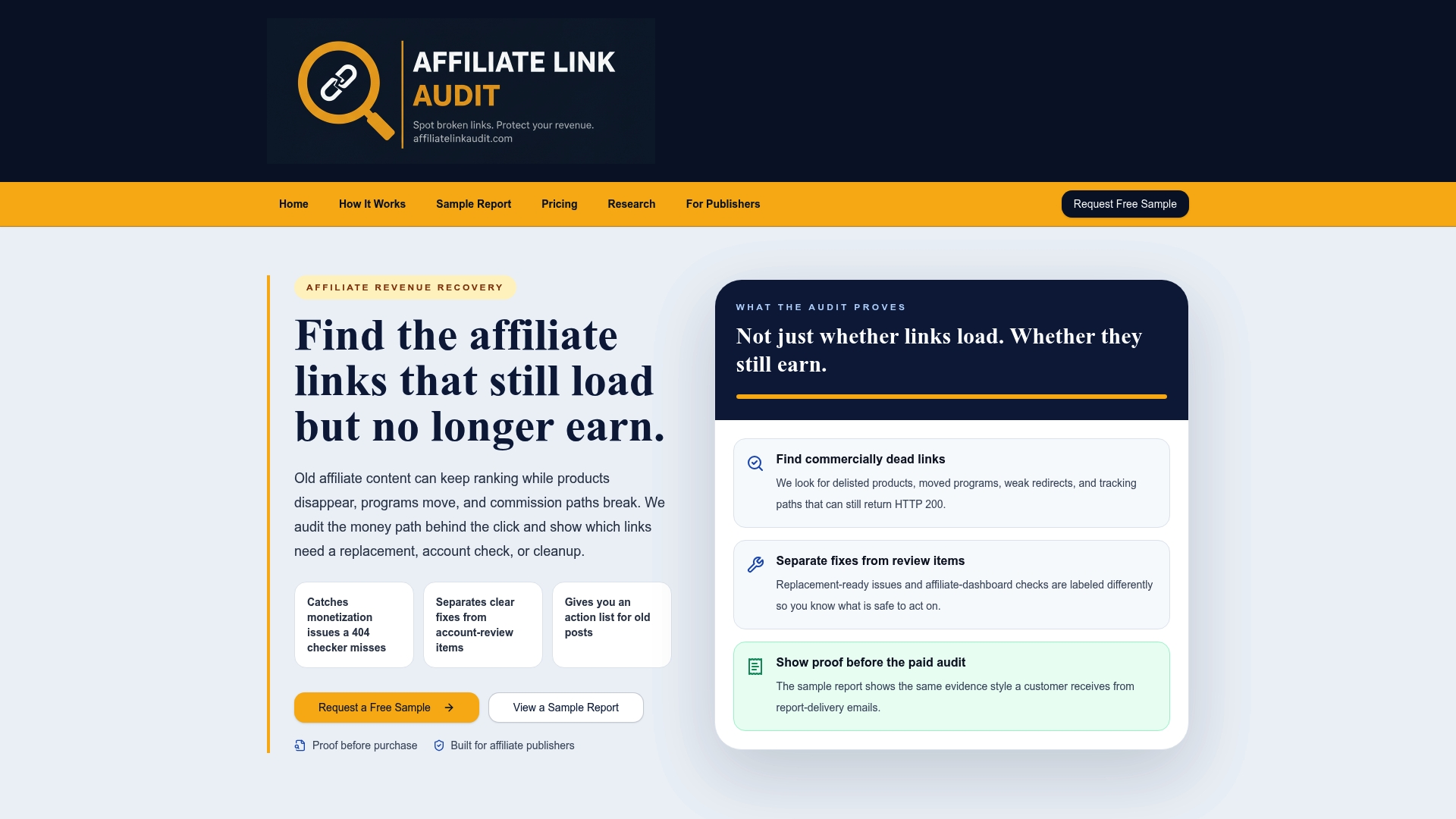
Every audit starts with a free sample report, so you can see the evidence before you commit. You can view a sample audit report, read how the audit works for publishers, or go straight to the Full Audit.
FAQ
Is an orphan page the same as a page with no traffic?
No. An orphan page lacks internal links, while a low-traffic page may be well linked but out of season or mismatched with search intent. An orphan can even draw steady visits from search or old backlinks. Check Search Console and year-over-year data before labeling a page.
Should I delete every orphan affiliate page?
No. Deletion is the last option. Pages with a valid query, traffic or backlinks are better relinked, refreshed or merged with a 301 redirect to an equivalent page. Retire only pages with no purpose, traffic or links, and redirect to a relevant replacement, never the homepage.
How often should I look for orphans?
Run the check after any migration, redesign or large deletion, since those are the common causes of orphaning. Otherwise a quarterly pass fits most publishing schedules. Include a link-health review of the monetized anchors whenever you plan to relink older pages.
Can a link audit tell me whether I lost commissions?
No. An audit shows which links are Broken, Need Attention or are Healthy, with the evidence behind each classification. It does not verify commission crediting or quantify lost income. Network reports remain the record of approved commissions.
Sources
- What is orphaned content? (Yoast)
- What are orphan pages? (Search Engine Land)
- What Are Orphan Pages & How Do They Impact SEO? (Similarweb)
- Internal Linking for Affiliate Sites: Complete Guide (WPLink)
- How To Find Orphan Pages (Screaming Frog)
- How to Find Orphan Pages on Your Website (Laylar)
- How to Find All Pages on a Website: 9 Methods (Neurounit)
- Measure Affiliate Website Performance: Clicks to Payouts (Affiliate Orchard)
- SEO for Affiliate Marketers (Mobidea)
- Affiliate Orphan Page Audit for 2026 (Goho Money)
- SaaS Content Pruning: 6 Rules to Keep, Merge or Delete (Derivatex)
- How to do a content audit (Ampere)
- Affiliate Content Update: Refresh, Consolidate Or Retire (The Funnel Philosopher)
- Internal Linking Strategy: Keep Every Page Within Reach (NSYGHT)
Recommended
- Affiliate Program Closed: What Publishers Should Do Next
- Stop Revenue Leaks for Publishers: Prioritize Broken Affiliate Links
- Publishers, Replace Dead Affiliate Programs: 3 Labels, Intent First
- Affiliate Links That Stop Earning: Test, Classify, Prioritize
This article was produced with AI assistance and reviewed for accuracy. Findings language ("Broken," "Needs Attention," "Healthy") reflects Affiliate Link Audit's evidence-based classification system.