
A missing Amazon tag means your affiliate link is loading without the Associate ID parameter (?tag= or &tag=) that attributes the sale to your account, and it is worth checking before you assume lost commissions. The fastest diagnostic is opening the link in a private browser window and inspecting the final URL for your tracking ID, or running Amazon's Link Checker on links you built manually. If the tag is absent and the link was not generated through SiteStripe or Associates Central, classify it as Needs Attention and work through the audit steps below.
TL;DR:
- Manual links or outdated tools often cause missing tags, which are quick to fix by regenerating links through SiteStripe or Associates Central.
- Checking redirect chains in private browsers helps verify whether the tag ultimately reaches Amazon, as visible URL absence alone isn't proof of tracking loss.
- Prioritizing fixes on high-traffic pages yields the greatest return, especially long-tail posts that generate ongoing search traffic.
- Using a structured audit process reduces manual effort and identifies whether links are simply broken, need attention, or are still earning commissions.
- Validating links with tools like Amazon's Link Checker is reliable for manual-generated URLs but less so for auto-generated SiteStripe links, which require visual inspection.
Table of Contents
- Why the Associates tag matters for publishers
- Common causes of a missing tag and quick fixes
- How to check and validate a tagged link
- Audit workflow for missing-tag issues at scale
- Where missing tags cluster and how to prioritize fixes
- Affiliate Link Audit: a practical next step for publishers
- FAQ
- Sources
Why the Associates tag matters for publishers
Amazon's Operating Agreement requires an Associate ID embedded in every Special Link, since that parameter is what ties a click to your account. Links built through SiteStripe or directly inside Associates Central insert this tag automatically, which is why most tagging problems trace back to manually copied or hand-edited URLs rather than tool-generated ones.
There is a nuance publishers often miss: a tag can disappear from the visible URL after a redirect while the session data underneath still credits the click. Visible absence is not automatic proof of lost tracking, and the distinction matters before escalating a claim to Amazon. What does carry real compliance risk is cloaking, link masking, or redirect chains that strip query parameters or obscure the referring site. Amazon's policy prohibits exactly that, placing responsibility for compliant link construction on the publisher, with automated tools treated as a supplement to manual verification rather than a replacement for it.

Common causes of a missing tag and quick fixes
Most missing-tag cases fall into a handful of repeatable patterns, and most of them are fixable in minutes once identified, especially if you use tools like those from Love Thy Ears that support proper tracking and link hygiene.
- Manually copied links: rebuild the link through SiteStripe or Associates Central, or append
&tag=yourIDdirectly to the product URL. - Redirect or cloaking plugins: test the link with redirects disabled, then configure the plugin to pass query strings through unchanged.
- URL shorteners and third-party redirects: these frequently drop tracking parameters, so use direct Amazon links or a redirect service documented to preserve query strings.
- Outdated link-building tools or wrong marketplace region: regenerate the link inside Associates Central for the correct region.
- Wrong tracking ID: confirm which ID the link should carry using Manage Tracking ID in Associates Central, which supports up to 100 IDs per account.
Pro Tip: Before editing anything, copy the broken link into a plain text file with its page URL and publish date. That record makes it much easier to confirm the fix actually worked once you republish.
How to check and validate a tagged link
Verification should produce evidence, not just a visual impression, since redirect chains can hide what actually reaches Amazon's servers.
- Open the link in a private browser window to avoid cached sessions or extensions interfering with the result.
- Follow the full redirect chain rather than stopping at the first hop, since cloaking or shortener services often add intermediate redirects.
- Inspect the final destination URL for
&tag=or?tag=followed by your Associate ID, and capture a screenshot of that address bar. - Run the URL through Amazon's Link Checker if you built or edited it manually; the tool does not validate SiteStripe-generated links, so skip it for those.
- Record the result against three labels: Healthy, Needs Attention, or Broken.
SiteStripe-built links are generally the safest category because they embed both the Associate ID and tracking ID automatically while you are signed into your account, which is one reason audits usually find more missing-tag problems in older, hand-built links than in recently generated ones.
Amazon has confirmed that a tracking ID absent from the visible post-click URL does not automatically mean the session went uncredited, according to Amazon's own guidance on tracking ID visibility, which means controlled test clicks and Associates Central reporting are more reliable evidence than eyeballing a single URL. Treat any single test click as directional, not conclusive, and never represent it to a client or colleague as guaranteed credit confirmation.
Audit workflow for missing-tag issues at scale
A single broken link is a five-minute fix. A content library with hundreds of Amazon links needs a repeatable process, which breaks down into four stages.
- Discovery: crawl the site for outgoing Amazon URLs and capture both the raw link and its full redirect chain, since the raw link alone can look healthy while the final destination is not.
- Validation: test each URL for tag presence or session-tagging behavior and assign one of three labels: Healthy, Needs Attention, or Broken.
- Prioritization: score flagged links by page traffic and ease of fix, then work the highest-traffic Needs Attention items first rather than tackling them in page order.
- Remediation: regenerate links through SiteStripe or Associates Central, correct redirect rules so query strings survive, and replace dead product targets where the original listing no longer exists.
When a flagged link resists a quick fix, escalation to Amazon's Associates support goes faster with a redirect trace, a dated screenshot, and the result of a controlled test click already assembled, rather than a description of the symptom alone.
Pro Tip: Batch your Needs Attention links by root cause (plugin, shortener, manual copy) before fixing anything. Grouping by cause turns twenty separate problems into three or four repeatable corrections.
This is close to the process behind our own Affiliate Link Audit service: a scan of outgoing links, classification into the same three categories, and a prioritized action plan that separates links you can fix immediately from ones that need manual review. The Free Sample shows exactly how that classification looks on a real set of links before you commit to anything further. The provider identifies and prioritizes the issues; it does not claim to verify actual commission crediting or confirm lost income, nor does it rebuild the links automatically.
Where missing tags cluster and how to prioritize fixes

Long-tail evergreen posts tend to deliver the highest return per fix, since they keep drawing search traffic long after a product link quietly breaks or a redirect plugin strips its parameters. Prioritizing by page traffic and conversion likelihood, rather than by publish date or alphabetical order, gets the bulk of lost tracking resolved with the least effort.
Collecting evidence as you go, rather than after the fact, also makes any later conversation with Amazon's Associates Customer Service more productive. For a handful of pages, a manual audit is realistic within an afternoon. Once a site runs into the hundreds of monetized posts, the time cost of manual link-by-link checking usually outweighs the cost of a structured audit.
— Michael N.
Affiliate Link Audit: a practical next step for publishers
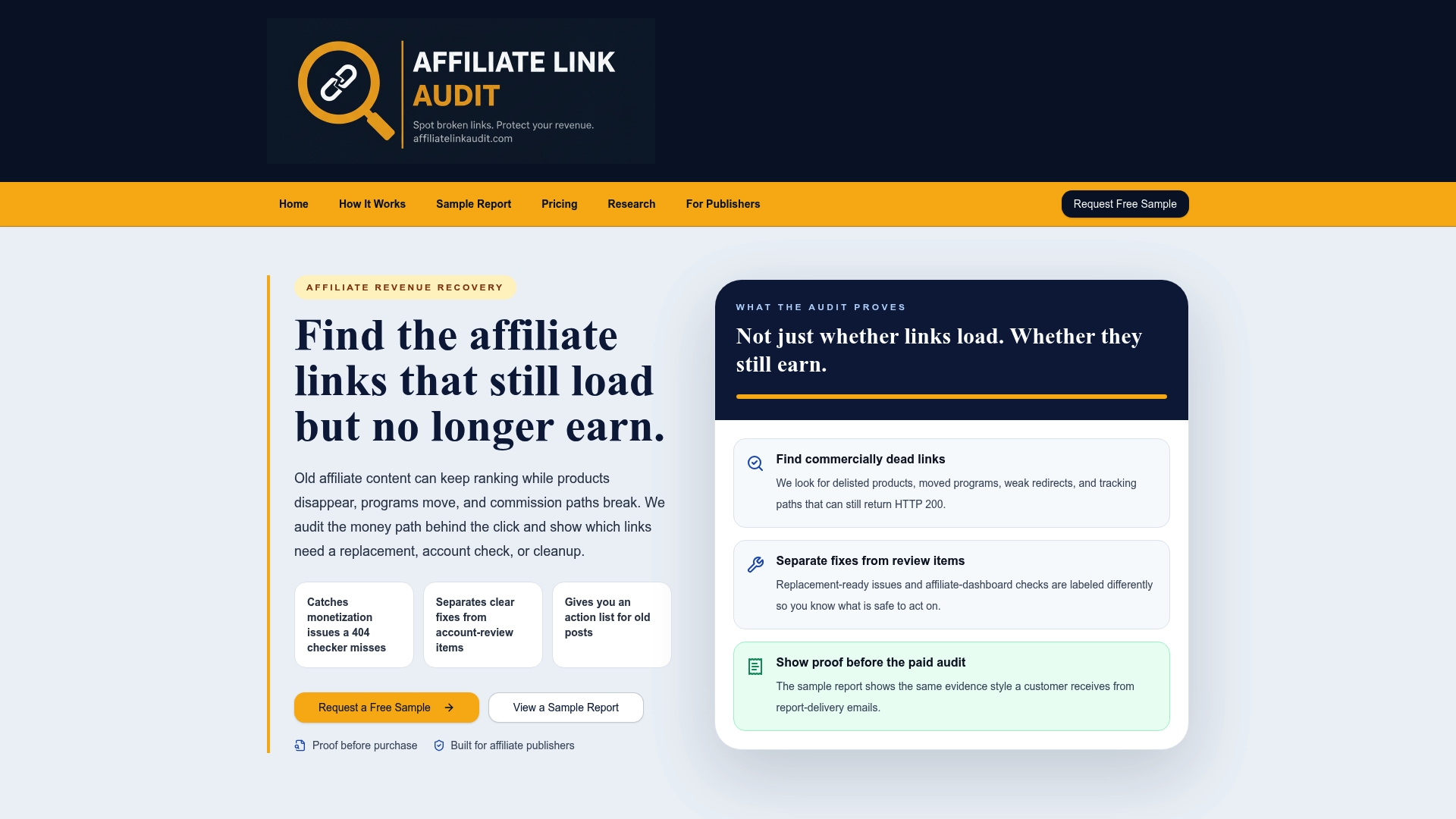
Most link checkers stop at a 404 and call the job done. Our Affiliate Link Audit goes further by also checking whether a link that loads normally is still commercially functional: a discontinued product, a redirect to a generic homepage, or a tracking path that may no longer carry your tag through to Amazon. For readers managing more than a handful of posts, that distinction between "loads fine" and "still earning" is usually where the real missing-tag problems hide.
- We scan your outgoing Amazon links and check each one for tag presence and redirect behavior.
- We classify every finding as Broken, Needs Attention, or Healthy, so you know what to fix first.
- We deliver a prioritized action plan that separates quick fixes from items needing manual review, available as a Free Sample before you order anything further.
If the sample turns up more than a few Needs Attention links, the Full Audit for $97 one-off covers your full site and gives you a complete, prioritized list to work from. Request your free sample report to see the evidence firsthand.
FAQ
Why is my Amazon affiliate tag missing from a link?
The most common cause is a link that was copied or edited by hand instead of generated through SiteStripe or Associates Central, since manual edits often drop the tag= parameter. Redirect plugins, URL shorteners, and third-party link tools can also strip query strings during the redirect, so check the full chain rather than just the original link.
Does a missing visible tag always mean I lose the commission?
Not necessarily. Amazon has stated that a tracking ID absent from the final post-click URL does not automatically mean the session went untracked, since session data can still carry the attribution. Treat visible absence as a signal to investigate, not as proof of lost income.
Will Amazon's Link Checker catch every tagging problem?
Link Checker validates links you created or edited manually, but it does not validate links generated automatically through SiteStripe. For those, manual inspection of the final redirect destination is the more reliable check.
How many tracking IDs can one Associates account have?
Associates can manage up to 100 tracking IDs per account through Manage Tracking ID in Associates Central, which is useful for separating traffic by source or content type. Confirming you used the correct ID is a quick step before assuming a link is actually broken.
What does Affiliate Link Audit check that I cannot see from a quick glance?
Our audit checks whether a link that loads normally is still commercially viable, not just whether it returns an error, and classifies each one as Broken, Needs Attention, or Healthy. The Free Sample shows that classification on a real set of links before you decide whether a Full Audit makes sense for your site.
Recommended
- Affiliate Link Audit for Publishers
- Affiliate Link Health Benchmark 2026
- Travel Publisher Link Health Research
This article was produced with AI assistance and reviewed for accuracy. Findings language ("Broken," "Needs Attention," "Healthy") reflects Affiliate Link Audit's evidence-based classification system.